
這是歷史版本頁面 — 看 Artec Studio 最新版本
Artec Studio 只能配 Artec 掃描器用嗎
 Artec Studio 13.2.3.59 (64-bit)
資料更新 2019-05-14
閱讀約 6 分鐘
買了 Artec 的 3D 掃描器,掃完一堆資料,接下來才是噩夢的開始。點雲、網格、雜訊、對齊、融合,每一步都在考驗耐心。你只是想趕快把掃下來的物件變成能用的 3D 模型,但手上的原始資料亂成一團,不知道該用什麼工具整理,也不知道哪個環節出了錯。
一般人會想,3D 模型不就丟進 Blender 或 Meshmixer 整理就好?但掃描器產生的點雲和照片建模出來的網格結構完全不同,通用軟體讀不進去,就算讀得進去,處理上萬個點的資料也動不動就卡死。這類工具切入點是:吃下掃描器的原始資料,用專門的演算法把雜訊清掉、把多張掃描對齊、補洞、轉成一般軟體能用的格式——而不是從零開始建模。
01Artec Studio 到底是做什麼用的?
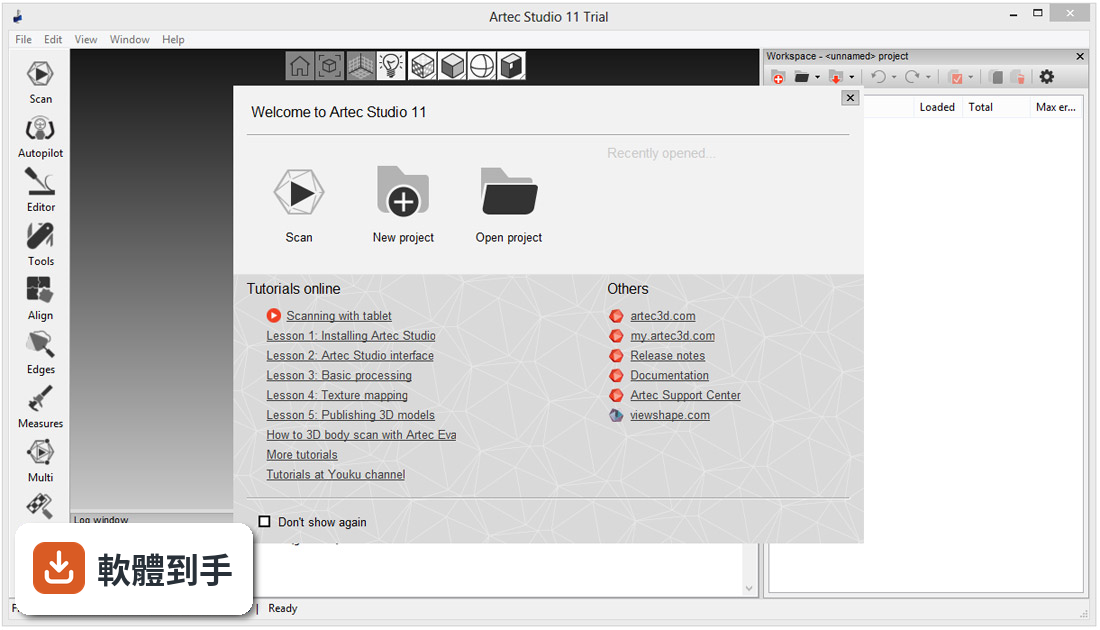
它是 Artec 3D 出的專業 3D 掃描資料處理軟體,主要吃 Artec 自家掃描器(如 Leo、Eva、Space Spider)抓下來的點雲和掃描資料,進行即時重建、後處理和精密建模。工作流程包含匯入掃描資料、建立 3D 模型、細修模型、分析與匯出,最後可以轉成 STL、OBJ、STEP 等格式,供 3D 列印或 CAD 軟體使用。
02沒有 Artec 的掃描器,能用這套軟體嗎?
官方問答直接說明:不行,它主要是針對 Artec 3D 掃描器最佳化。雖然支援的硬體清單裡也包含 Medit D700 等少數非 Artec 機型,但如果你手邊是其他品牌的掃描器,這套軟體基本上不適合你,需要找其他通用型掃描處理軟體。
03掃描完的資料,能輸出成哪些格式?
網格格式支援 OBJ、PLY、WRL、STL、AOP、ASC、USD、USDZ、E57、XYZRGB 等;點雲格式支援 PTX、BTX、XYZ;CAD 格式支援 STEP、IGES、X_T。另外還有 CSV、DXF、XML 給測量數據用。基本上 3D 列印、CAD 設計、逆向工程常見的格式都有涵蓋。
04掃描的資料可以直接丟進 CAD 軟體嗎?
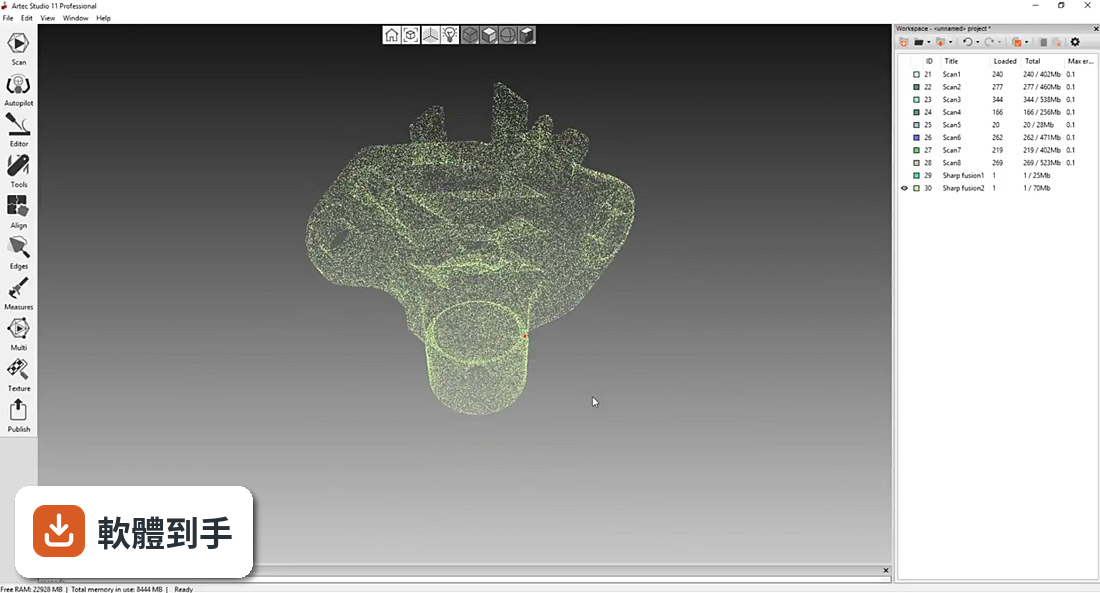
可以,它有直接匯出到 CAD 平台的功能,官方列出的整合對象包含 SOLIDWORKS 和 Geomagic Design X。另外內建逆向工程工具,可以把掃描網格轉成 CAD 可用的曲面或實體格式,不需要另外買中介軟體。但要注意,匯出到其他 CAD 軟體時,格式轉換的品質還是要自己確認。
05新手完全沒用過 3D 掃描軟體,會很難上手嗎?
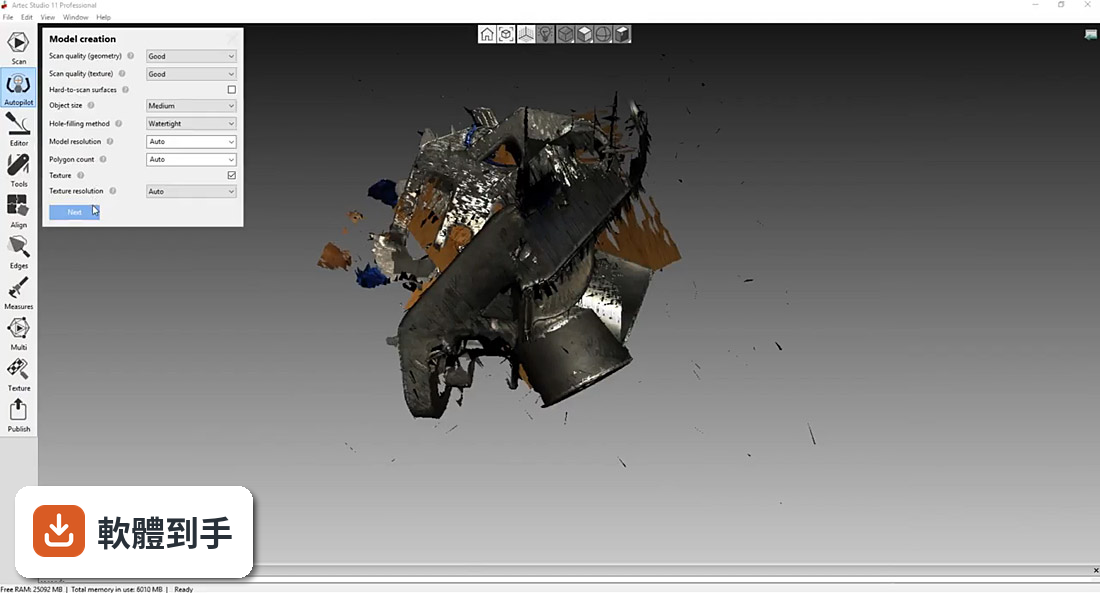
它有一個 Autopilot 模式,會一步步引導你完成掃描和處理流程,適合初學者。但官方也說,進階功能需要時間熟悉。如果你只是偶爾掃一次,用 Autopilot 就能跑完基本流程;如果要處理複雜物件或做逆向工程,就得花時間摸熟手動模式。
06電腦配備不夠好,跑得動嗎?
官方建議的系統需求偏高:Windows 10/11 64 位元、第 13 或 14 代 Intel Core i7/i9、32 GB 以上記憶體、NVIDIA GeForce RTX 系列顯示卡(建議 RTX 4070 8 GB)、SSD 且至少 100 GB 可用空間。如果你的電腦低於這個規格,跑大型掃描資料可能會很吃力,建議先確認硬體再考慮。
07介面只有英文,英文不好會不會卡關?
這套軟體的介面語系只有英文,沒有中文。Autopilot 模式有引導提示,但提示本身也是英文。如果你對 3D 掃描術語不熟,又不習慣英文介面,學習成本會明顯拉高。這點在決定前要自己衡量。
08這套軟體適合什麼樣的人用?
主要對象是工程師、設計師和工業專業人員,用在製造業、醫療、文化遺產保存等領域。如果你的工作需要頻繁處理 Artec 掃描器抓下來的資料,而且後續要接 CAD 或 3D 列印流程,這套軟體的功能會對得上。如果你是偶爾掃一次、只需要簡單處理,功能可能過剩。
09它跟 FreeCAD 或 AutoCAD 比起來,哪個比較多人用?
在收錄的評分資料中,FreeCAD 有 128 人評分、Autodesk AutoCAD 有 690 人評分,而 Artec Studio 只有 4 人評分。評分人數差距很大,代表實際使用者的樣本數少很多。不過 Artec Studio 定位是掃描資料處理,FreeCAD 和 AutoCAD 是 CAD 建模軟體,用途不完全重疊,不能直接比誰好誰壞。
10這套軟體有試用版嗎?試用有什麼限制?
有,官方提供 30 天免費試用,功能全開,可以從官方網站下載。試用期滿後要付費:終身授權 3,000 歐元(含 Artec Studio 19 的更新,未來大版本不包含),或年訂閱 1,200 歐元(每年更新)。如果你只是短期處理一批資料,訂閱一年可能比買終身授權划算。
11它是不是很久沒更新了?會不會被放生?
收錄的版本紀錄顯示,從 2016 年到 2025 年持續有版本釋出,但近 24 個月只更新了 1 次,更新頻率不算高。不過官方功能說明裡有提到 AI 增強、HD 模式、光學對齊等新功能,看起來還在持續開發。如果你很在意更新頻率,這點需要自己斟酌。
12我主要是做 3D 列印,這套軟體適合嗎?
適合,前提是你用的是 Artec 掃描器。它可以輸出 STL、OBJ、PLY 等 3D 列印常用的網格格式,而且內建修補、平滑、除錯功能,能產生乾淨、可列印的模型。但如果你只是要偶爾掃個小物件來列印,沒有 Artec 掃描器,這套軟體對你來說就沒有意義。
下載與官方連結
ArtecStudioTrial-v13.2.3.59-x64-d7ed324.exe · 358 MB · 連結指向軟體原廠
版本紀錄
- 2025-11-29 Artec Studio 20.0.5.21 4.7 GB
- 2023-09-18 Artec Studio 18.0.3.416
- 2023-09-18 Select Version
再看 5 筆
- 2023-04-10 Artec Studio 17.1.2.15
- 2022-04-16 Artec Studio 16.0.8.2
- 2021-11-06 Artec Studio 16.0.5.114
- 2021-02-02 Artec Studio 15.1.1.38 (64-bit)
- 2020-10-14 Artec Studio 15.1.0.1391 (64-bit)
這一版改了什麼
What's new in this version:
New:
The best just got much better:
- Each year, Artec 3D overhauls the performance and features of the Artec Studio software, developing new and exciting tools, as well as streamlining the existing ones. The latest version of the Artec Studio software is the pinnacle of high-tech 3D scanning solutions. With broadened functionality, Artec Studio 13 is a high-powered professional tool suite that is faster and more intuitive to use than ever.
Huge data sets? Full steam ahead:
- With the power of Artec Studio 13, users can now produce, edit and process even large and highly detailed 3D data with ease. Object size is no barrier, nor is resolution. Even a 500 million polygonal 3D scan of a factory floor poses no difficulty for the software. Scan big objects or areas with Ray, Leo or Eva and even add intricate detail from Space Spider for maximum resolution — Artec Studio 13 is powerful enough for it all.
Full support of Artec Ray and Artec Leo:
- All tools in Artec Studio 13 have been reworked and boosted to support the big data sets from our brand new beasts, Artec Leo and Artec Ray.
- Also new to Artec Studio is the UI for Ray with a large variety of tools for long-distance laser scanning. For example, you can create a quick 2D preview of the surrounding area, easily select the section to be 3D scanned and accurately estimate the scanning time. Artec Studio also supports checkerboard targets and spheres for metrology-grade 3D scanning.
Global Registration 250% more powerful:
- An essential step in 3D data processing, Global Registration is now more effective than ever. The upgraded tool can successfully assemble up to 250% more object types even when scanning conditions were subpar.
Absolute Control. Expanded functionality:
X-Ray vision:
- Artec Studio 13 brings to you a brand new solution for checking your raw scans. X-Ray mode highlights areas with high point density and makes the data semi-transparent. This is a great new tool that makes it even easier to work with complex geometry and check for possible holes or misalignments.
Full DXF export functionality for CAD:
- Now you can easily make DXF sections of any 3D model in Artec Studio and export even non-closed contours to CAD software such as Design X or SOLIDWORKS.
Customized settings for global registration:
- Users now have full control over the speed and quality of global registration. Want your 3D model ready in record time? Or are you trying to register a set of tricky scans with little geometry or textural features? Now you can control the speed/quality balance by specifying the number of key frames, the feature type and the feature search radius to exactly fit your needs.
Point cloud import/export:
- You can now import BTX files into Artec Studio 13, as well as save and export Artec Ray data as PTX and BTX point cloud data in one click. Ideal for easy use with software such as Geomagic Design X.
Speed. Now your workflow is faster than ever:
Global Registration up to double the speed:
- In Artec Studio 12 we made Global Registration up to 20X faster than Artec Studio 11. In Artec Studio 13 we have made processing even faster again — the new Global Registration works at up to double the speed of the previous version, letting you move directly onto the next processing step.
Fine registration up to 50% faster:
- Finish off registering your scan frames with this lightening quick updated algorithm, so you can seamlessly move onto the next processing stage, wasting no time.
Smooth, sleek rotation of even huge 3D data sets:
- Working with large 3D models is no problem for Artec Studio 13. Thanks to the newly optimized 3D rendering core, you can rotate your model with ease. Check, edit and notate your 3D data to your heart’s content.
Dazzling visuals:
Striking data visualization:
- Artec Studio 13 brings you brand new visuals to make all the details on your 3D models really stand out. The balance between dark and bright surfaces has also been boosted, so the geometry of your 3D model will now display to maximum effect from every angle, regardless of the colour of the surface. And the curves on 3D models have been sharpened for best visual effects as well.
Bright, vibrant colors:
- The texture captured in Artec Studio 13 has been significantly improved, leaving your 3D models looking better than ever!
Ease of use:
3D Radar mode:
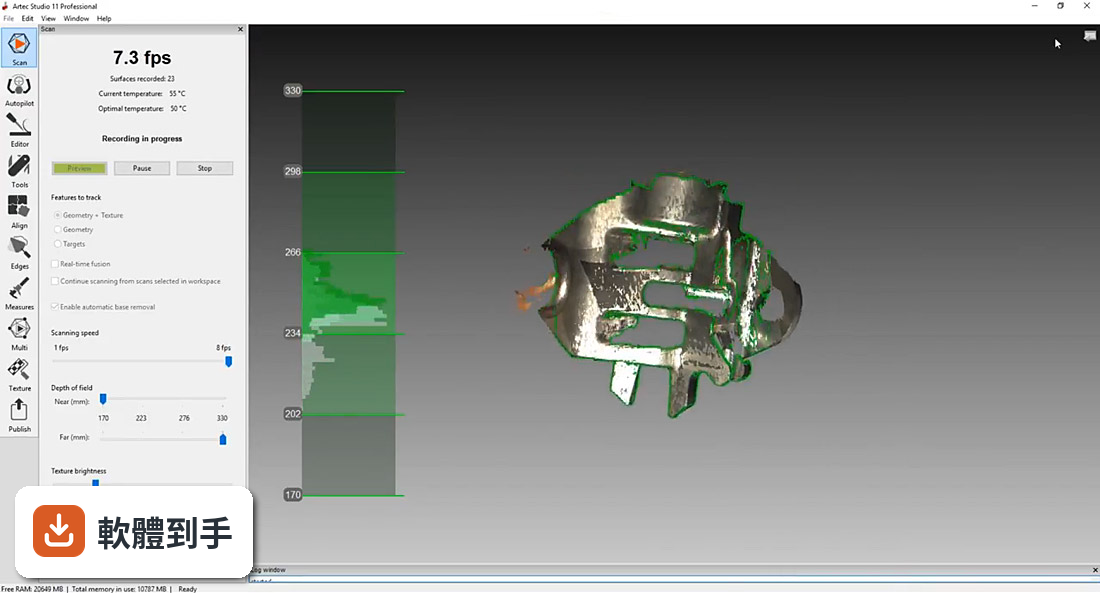
- The latest version of Artec Studio features 3D Radar mode, a new distance prompt for easy 3D scanning with Eva, Space Spider or older Artec 3D scanners. Artec Studio helps you to hold your scanner at the optimal distance from the object by visualizing the real-time 3D data capture in green. If you hold the scanner too close, the color will turn yellow, and then red if you go even closer. Moving the scanner too far away will turn the color blue. A very helpful scanning tool for both new and experienced users to get the very best results from their Artec scanner.
Optimized raw data texture for effective data checking:
- The visual quality of the raw textured data display in Artec Studio 13 has been improved to make it easier to work with textured scans. The color of the raw data has been optimized so you can now clearly see the quality of the data capture even before fusion.
Boosted Global Registration:
- Not only has Global Registration become up to 100% faster, it has also become even more powerful! Now thanks to this improved algorithm, even tricky objects are a simple to process.
Smart 3D rendering:
- Artec Studio will automatically detect your computer specs. If your device is a little lacking in power, smart 3D rendering will go easy on your RAM. As you rotate your 3D model, Artec Studio will render the data as a point cloud. As soon as you stop rotating, the model will be shown as the full polygonal mesh again. As a result, even on tablets, rotating high-quality 3D models is fluid and fast.
Frame registration inspection made easy:
- Inspecting frame registration has become a simple matter of a few seconds, leading to better results, as well as a faster workflow. Thanks to the reworked Max Error mode, you no longer need to inspect scans manually, since frames that may need additional attention are automatically highlighted for you.
Simple, effective UI:
- The Artec Studio UI is now even more simple to work with. At the click of a button, switch from a clean, basics only layout, to a full function, all advanced tools included interface. And for those who are used to using a 3D navigation tool, we have added this feature as well, making interacting with your 3D model even easier.
Mirror your object in one click:
- Ideal for applications such as orthopedics, now you scan an object and mirror the 3D model to get an exact inverted replica.
Smooth, improved editing of 3D data:
- Editing 3D data in Artec Studio has become even more straightforward. The eraser, defeature and lasso tools are significantly faster and smoother to control. And now you can inverse select data too, making it much easier to delete unneeded data. In addition we have also added a new rotation tool for intuitive plane control.