
這是歷史版本頁面 — 看 Audacity 最新版本
免費又開源的 Audacity,剪聲音、去雜訊、轉檔夠用嗎
 Audacity 1.3.14 Beta
資料更新 2011-12-13
閱讀約 5 分鐘
你手上有一段錄音,可能是訪談、Podcast、上課側錄,或是一段想剪成鈴聲的音樂。你想把中間的空白剪掉、把雜訊弄小聲、轉成 MP3 傳給別人,但打開手機內建錄音程式,發現它只能錄不能剪;上網找線上工具,又怕上傳檔案有隱私問題,而且一次只能處理一小段。你只是想快速把聲音弄乾淨,卻發現每個步驟都卡卡的。
一般人遇到這種狀況,通常會先試手機或電腦裡現成的播放軟體,但它們只能播放,不能編輯。接著可能去找免費軟體,卻發現很多號稱免費的其實試用期一過就鎖功能,或是在輸出時偷偷加上浮水印。這類工具的切入點,是讓你在自己的電腦上完成錄音、剪輯、降噪、轉檔整個流程,不必上傳檔案、不必付費解鎖,而且操作過程可以隨時反悔,不用怕剪壞。
01Audacity 到底能拿來做什麼?
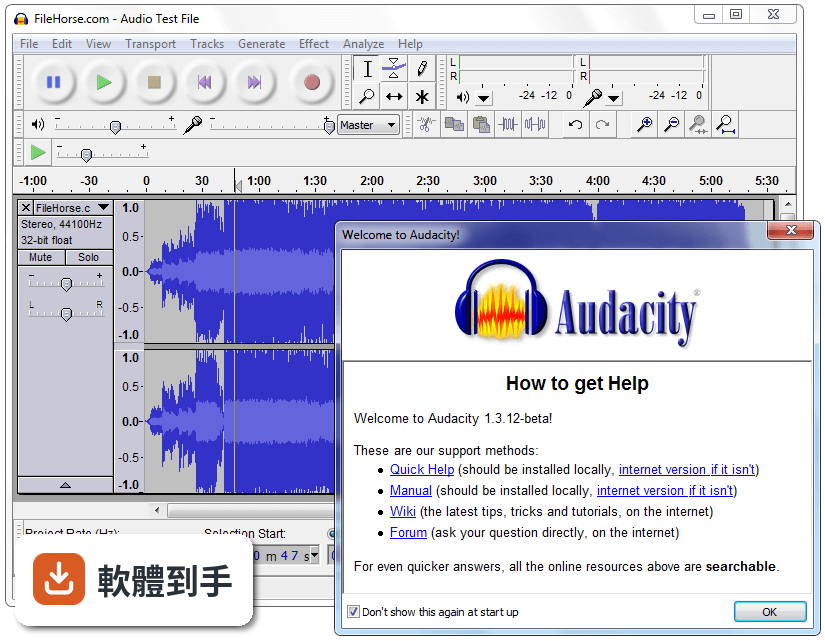
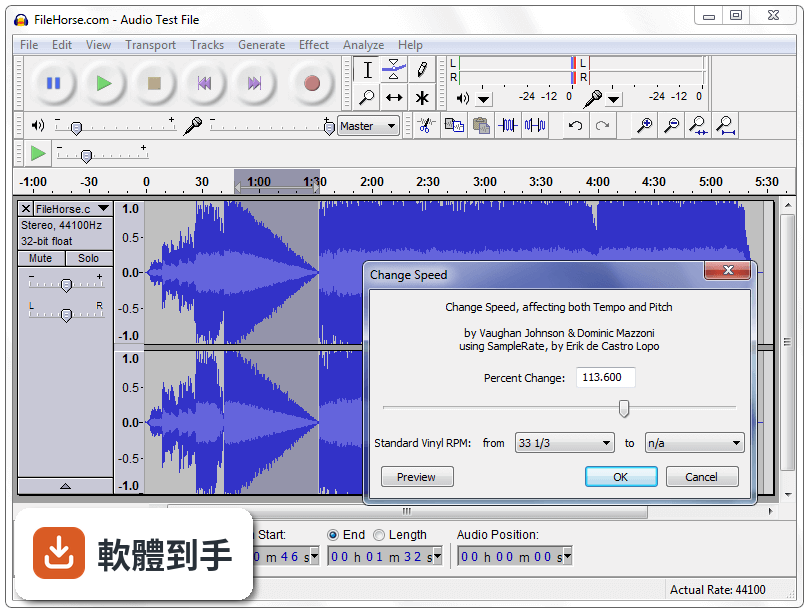
它能錄音、剪輯、混音、轉檔。你可以接麥克風錄人聲,把錄好的音檔剪掉不要的段落,疊上背景音樂,加上淡入淡出,最後輸出成 MP3 或 WAV。也內建降噪、變速、變調、等化器這類效果,處理 Podcast 或簡單音樂剪輯都夠用。
02這套軟體可以剪掉錄音中間的空白或咳嗽聲嗎?
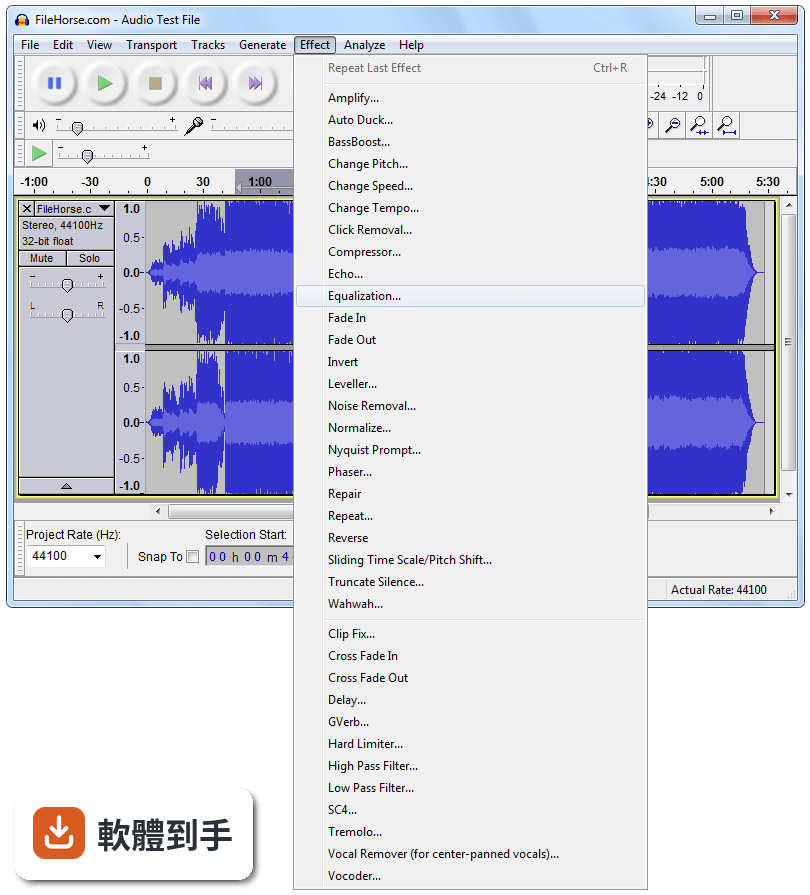
可以。用選取工具框選要刪除的段落,按 Delete 就能移除。剪錯了也能用復原功能一步步退回,沒有次數限制。如果要處理的空白很多,可以先用「效果」選單裡的「截取靜音」自動偵測並刪除,再手動檢查一遍。
03它能不能把錄音裡的背景雜訊弄掉?
可以,做法是先選取一段只有雜訊、沒有人聲的部分,到「效果」選單選「降噪」,點「取得雜訊特徵」,再全選整個音軌套用降噪。效果好不好取決於雜訊的型態和原本錄音的品質,太嚴重的雜訊只能減輕,無法完全消除。
04這套軟體支援哪些音檔格式?
內建支援 WAV、AIFF、MP3、OGG、FLAC。要匯入或匯出更多格式(例如 M4A),需要另外安裝 FFmpeg 程式庫;要匯出 MP3 則需要 LAME 編碼器。這些都是免費的,但安裝步驟要自己上網找教學。
05它可以同時編輯多條音軌嗎?
可以。你可以開多條音軌,把不同錄音或音樂分別放在不同軌道,個別調整音量,再一起播放或混音輸出。這對做 Podcast 訪談、把背景音樂和人聲疊在一起,或簡單的音樂編曲都夠用。
06這套軟體適合完全沒用過剪輯軟體的人嗎?
介面是英文的,而且按鈕和選單很多,第一次打開會覺得眼花撩亂。但基本操作不難:紅色圓鈕是錄音、空格鍵是播放、用滑鼠框選範圍就能剪下或刪除。官方網站有完整說明文件,YouTube 上也有大量教學影片,願意花一兩個小時學就能上手。
07我主要是錄 Podcast,這套軟體夠用嗎?
夠用。錄音、剪掉廢話、降噪、加上開頭音樂、調整音量大小、輸出成 MP3,這些 Podcast 的基本流程它都做得到。多人遠端訪談的錄音,只要每個人各自錄好音檔,再丟進來對齊和混音也行。但如果你需要自動移除「嗯」「啊」這類語助詞,它沒有這個功能。
08它可以用在商業用途嗎?例如幫客戶剪廣告配音。
可以。它是開源軟體,授權允許商業使用,不需要付費也不用標註來源。你接案剪出來的成品可以自由交給客戶,不會有版權問題。但要注意,如果你用了某些第三方效果插件,要另外確認那些插件的授權。
09這套軟體有沒有什麼明顯做不到的事?
它不支援 MIDI 編輯,只能匯入 MIDI 檔來播放,不能編輯音符。它也不是完整的音樂製作工作站,沒有內建虛擬樂器、沒有自動對拍校正,編曲功能很陽春。如果你要做的是專業音樂製作,它會不夠用。
10它的介面只有英文,對看不懂英文的人是不是很難用?
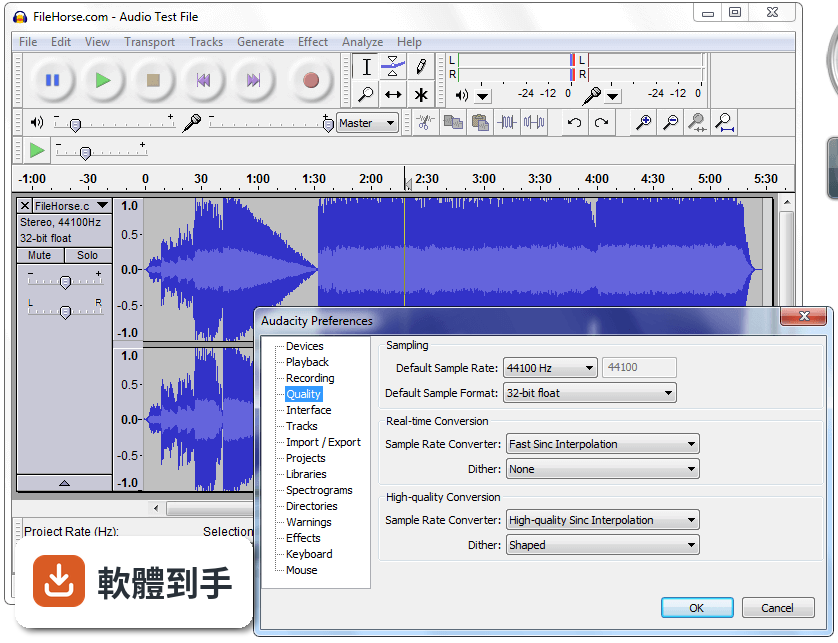
介面確實只有英文,沒有官方中文介面。不過核心操作詞彙不多,錄音、播放、剪下、貼上、匯出這些字,查一次就能記住。網路上有中文教學文章和影片,可以跟著做。如果你完全無法接受英文介面,可以考慮其他有中文的免費軟體。
11這套軟體和 WavePad、mp3DirectCut 這些免費軟體比起來,差在哪?
udacity 的功能比 mp3DirectCut 完整很多,後者主要做無損剪輯,不能降噪也不能加效果。WavePad 也有剪輯和效果功能,但免費版有功能限制,進階功能要付費。Audacity 是完整功能免費,而且更新頻率高,使用者評分人數也遠多於其他幾套,代表實際使用的人比較多。
12我電腦很舊,跑得動這套軟體嗎?
官方支援 Windows 7 到 Windows 11 的 64 位元系統。處理一般長度的錄音剪輯,舊電腦跑起來沒問題。但如果編輯的檔案很大、音軌很多,或是套用即時效果,會比較吃資源。官方說明有提到新版在大型專案上效能有改善,但實際跑不跑得動,還是要看你電腦的記憶體和處理器。
下載與官方連結
audacity-win-unicode-1.3.14.exe · 18.38 MB · 連結指向軟體原廠
版本紀錄
- 2026-11-02 Audacity 4.0.2 47.5 MB
- 2026-10-01 Audacity 4.0.1 47.5 MB
- 2026-09-04 Audacity 4.0.0 47.2 MB
再看 5 筆
- 2026-09-02 Audacity 3.7.9 19 MB
- 2026-06-12 Audacity 3.7.8 19.5 MB
- 2025-12-12 Audacity 3.7.7 17.7 MB
- 2025-12-05 Audacity 3.7.6 17.7 MB
- 2025-08-06 Audacity 3.7.5 17.2 MB
這一版改了什麼
What's new in this version:
# Bug fixes
* Interface:
- Excessive delay occurred when typing into labels in long projects.
- Last digit of TimeText controls could not be manipulated in some formats.
- (Windows, OS X) Play and Record shortcuts did not work after clicking in Device Toolbar.
- (OS X, Linux) Crash occurred if Toolbars were reset during playback or recording.
* Imports and Exports:
- MP2 files were not importable without FFmpeg library or an import rule.
- Files that could only be imported using FFmpeg imported as noise with no error message if FFmpeg was not available.
- Files containing PCM audio but an incorrect extension (such as MP3) caused a freeze.
* Effects and Analysis:
- An empty command could be added to a Chain which then displayed a Nyquist error message when run.
- Plot Spectrum didn't preserve signal level if multiple tracks were analyzed.
* Other bug fixes:
- Audacity has been provisionally fixed so that it can no longer create block files longer than the sample format or project format allows, and can no longer delete these, which led to data loss. Any overlong blocks found are preserved but "orphaned", so will appear as silence.
- Orphan block files were wrongly reported if cutting or copying to the clipboard then reopening the project in the same session.
- Fixed some crashes and incorrect movement of audio when dragging tracks.
- (Windows) Data loss is now prevented when encountering a corrupted .aup file created in ANSI builds.
- (Linux) Restore building if USE_PORTMIXER is not defined.
# Changes and Improvements:
* Normalize: Faster processing and improved interface. Left-right balance in unsplit stereo tracks is now preserved by default, with a checkbox option provided to process stereo channels independently.
* Spectrograms now allow window sizes up to 32768 and frequencies up to half the sample rate (the maximum possible).
* Mix and Render now preserves clip length by not rendering white space between time zero and first audio, and preserves audio before time zero. To retain silence before the audio starts, generate silence after render.
* Grouped some Edit Menu items into "Remove Audio" and "Clip Boundaries".
* CleanSpeech Mode removed from Interface Preferences (it still runs if it was enabled in a previous Audacity but can only be turned off there).
* (OS X) Added support for AudioUnit MusicEffects (but no MIDI support).
* (Linux) Set the per-user files directory per the program name set in configure.
* (Linux) Changed the default location of the Audacity temporary directory to be in /var/tmp not /tmp, so preserving the directory between reboots.