
這是歷史版本頁面 — 看 FlashFXP 最新版本
FlashFXP 3.6.0 Build 1240
 FlashFXP 3.6.0 Build 1240
資料更新 2008-02-28
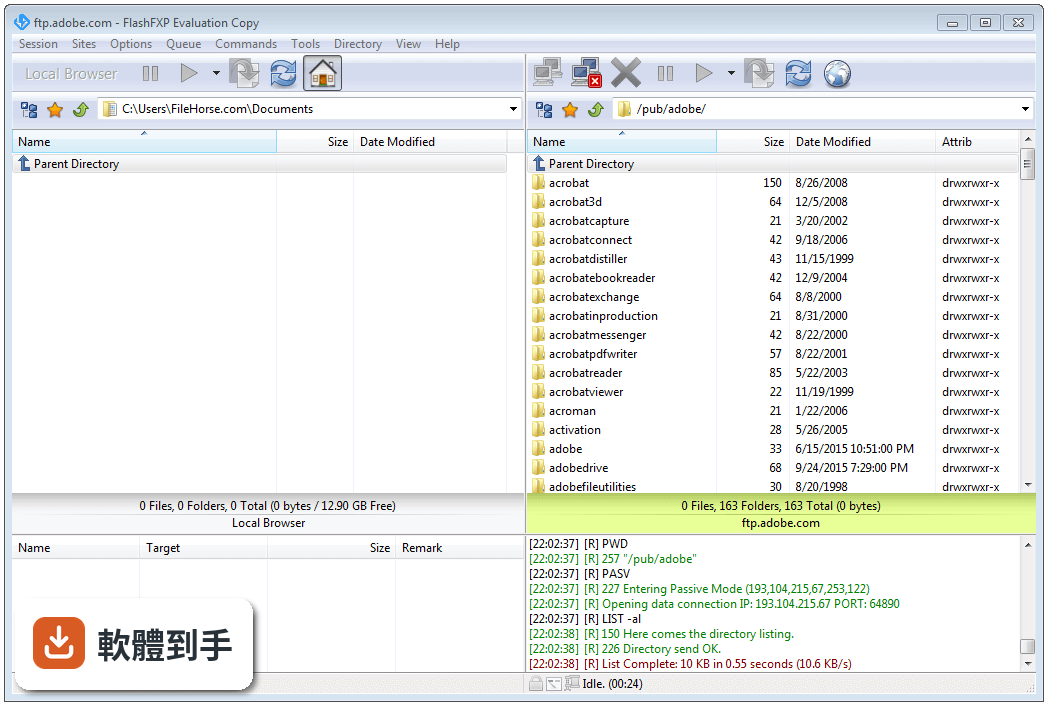
下載與官方連結
FlashFXP_36_Setup.exe · 4.32 MB · 連結指向軟體原廠
版本紀錄
- 2026-08-27 FileZilla 3.71.1 (64-bit) 12.14 MB
- 2026-08-21 FileZilla 3.71.0 (64-bit) 12.14 MB
- 2026-06-06 FileZilla 3.70.6 (64-bit) 12.14 MB
再看 5 筆
- 2026-05-08 FileZilla 3.70.5 (64-bit) 12.12 MB
- 2026-04-20 FileZilla 3.70.4 (64-bit) 12.1 MB
- 2026-02-14 FileZilla 3.69.6 (64-bit) 12.15 MB
- 2025-11-12 FileZilla 3.69.5 (64-bit) 12.14 MB
- 2025-08-01 FileZilla 3.69.3 (64-bit) 11.88 MB
這一版改了什麼
What's new in this version:
- Added 'Activate Synchronize Browsing on Connect' per-site option
- Added -approvessl command line param, this is used for automation to always accept the SSL certifcate. Use with care
- Added support for MLSD (machine formatted directory lists)
- Added support for UTF8 (iso-8859-1/Latin-1)
- Added parsing of host:port when pasting into the host field of the proxy dialog
- Added drag/drop support between the local browser and external applications
- Added Queue Parent of Selected to the right-click menu in the FTP Search Dialog
- Added move to the right-click menu in the FTP File Search Dialog
- Added new option "Only search within folders matching data range" to the Date tab of the FTP Search dialog
- Added Details tab to the About box to display information reguarding your FlashFXP installation
- On Windows XP and newer operating systems the file listing now uses a logical sort when alpha sorting. Sorting in FlashFXP should now match the Operating System's behavior
- Double clicking on the SSL lock icon on the status bar will now show the SSL cert dialog
- Improved offline browsing mode
- Improved user/pass ftp site prompt
- Improved synchronized browsing support