
這是歷史版本頁面 — 看 FlashFXP 最新版本
FlashFXP 4.1.5 Build 1667
 FlashFXP 4.1.5 Build 1667
資料更新 2011-11-08
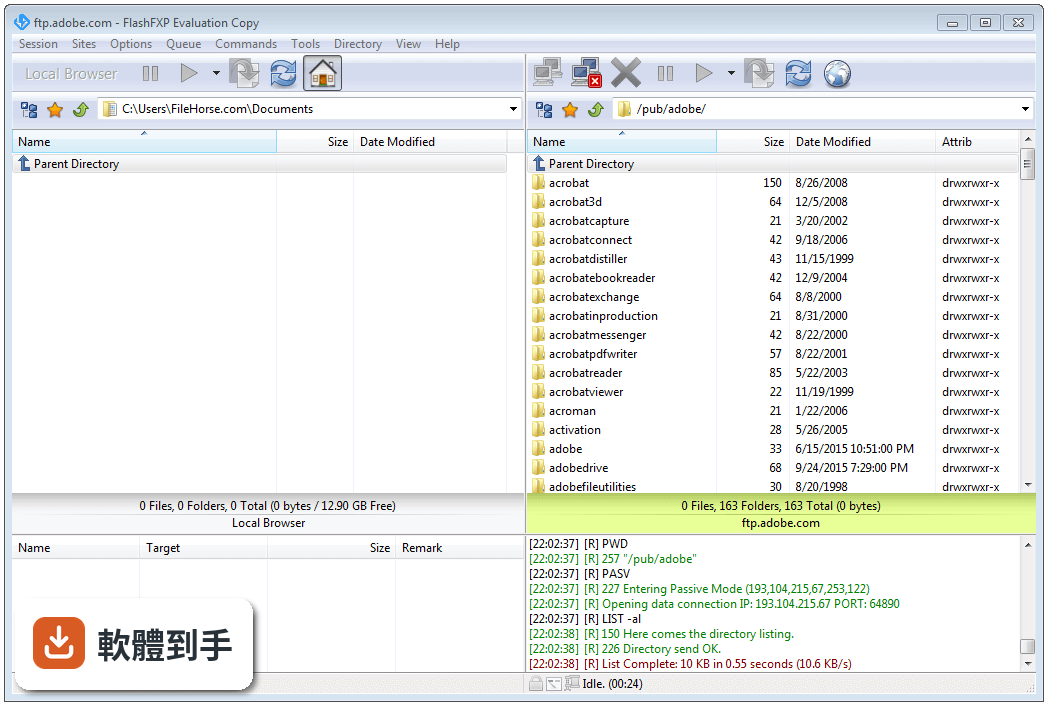
下載與官方連結
FlashFXP41_1667_Setup.exe · 3.3 MB · 連結指向軟體原廠
版本紀錄
- 2026-08-27 FileZilla 3.71.1 (64-bit) 12.14 MB
- 2026-08-21 FileZilla 3.71.0 (64-bit) 12.14 MB
- 2026-06-06 FileZilla 3.70.6 (64-bit) 12.14 MB
再看 5 筆
- 2026-05-08 FileZilla 3.70.5 (64-bit) 12.12 MB
- 2026-04-20 FileZilla 3.70.4 (64-bit) 12.1 MB
- 2026-02-14 FileZilla 3.69.6 (64-bit) 12.15 MB
- 2025-11-12 FileZilla 3.69.5 (64-bit) 12.14 MB
- 2025-08-01 FileZilla 3.69.3 (64-bit) 11.88 MB
這一版改了什麼
What's new in this version:
- Fixed an issue that resulted a false positive error "Change Folder Failure: (5: Access is denied)" during upload. The IO result wasn't cleared before testing for failure.
- Fixed an issue where switching between MLSD and LIST (or stat -al) didn't correctly clear the remote folder cache.
- Added a work-around specifically for XeXMenu FTPD 0.1 to address an issue when navigating into empty folders.
- Fixed an issue where the oldest site in the quick connect history was removed when the history limit was reached, instead of removing the site with the oldest last connection time.
- Fixed an issue where FlashFXP was throttling the rate at which commands were sent to the server, this was most noticeable during recursive deletes and when transferring many small files.
- Fixed changing the per-site preserve file date/time settings in the file transfer rules dialog didn't take immediate effect.
- Fixed proxy/connection failure when connecting to an sftp server, resulting in an error message 'SSH Error: The packet is too large.'
- Fixed a connection failure that occurred under the following conditions, connect to a ftp+ssl server and then disconnect before the ssl handshake completes, now connecting to a non-ssl ftp server, after about 30 seconds the connection attempt would fail.
- Fixed an access violation that occurred when performing an en-queued operation (rename, exec custom command, move, delete).
- Fixed reported progress percentage during an en-queued delete operation, the progress would jump between the correct value and 100%, and the progress bar wasn't shown on the status-bar.
- Fixed an issue where several toolbar buttons would enabled/disabled while transferring a queue under multiple different conditions.
- Added additional support to handle servers that report the remote path as "//path/to/my/home", the tree navigation wasn't allowing "//" as a valid root.