
這是歷史版本頁面 — 看 GeoGebra 最新版本
數學圖形畫不出來?GeoGebra 能做什麼
 GeoGebra 4.4.17.0
資料更新 2014-03-09
閱讀約 5 分鐘
數學課或備課時,想在電腦上畫個函式圖、做個幾何圖形,手邊卻沒有順手的工具。拿小畫家畫線不精準,用 Excel 畫圖又覺得彆扭,最後只能用手機拍照傳到電腦,或直接在紙上草草畫過。這種時候,你會需要一套能同時處理代數、幾何、統計的軟體,讓圖形跟著數字即時變動。
一般人習慣先開 Excel 或 PowerPoint 拉形狀,但這些工具不是為了數學設計的,輸入方程式、拉動引數、觀察圖形變化這些事,做起來都很卡。這類數學軟體的切入點,是把「輸入算式」和「畫出圖形」綁在一起——你打一條方程式,圖就出來了;你拖動一個點,相關的圖形全部跟著更新,不用自己重新算、重新畫。
01GeoGebra 到底能拿來做什麼?
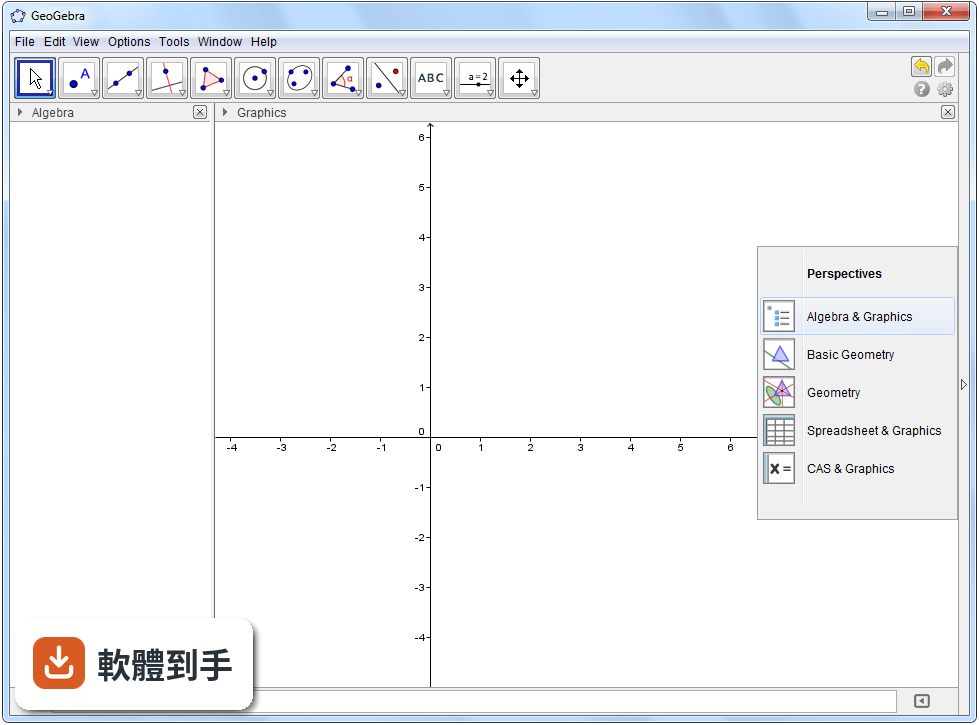
它把幾何作圖、函式繪圖、試算表、符號運算、3D 繪圖和統計工具整合在一個介面裡。你可以輸入 y = x^2 立刻看到拋物線,也可以用滑鼠拉點、畫圓、做三角形,還能開試算表輸入資料直接生成圖表。對需要視覺化數學概念的人來說,等於一套工具涵蓋多種需求。
02我想畫函式圖,但以前用 Excel 畫出來都怪怪的,這套軟體會比較好嗎?
在代數區輸入方程式,圖形會即時顯示在繪圖區,不需要像 Excel 那樣先產生資料表再插入圖表。它支援滑桿引數,例如輸入 y = ax^2 加上滑桿,拉動 a 的值就能看到圖形動態變化,這對理解係數對圖形的影響很有幫助。
03除了函式圖,它能畫立體圖形嗎?
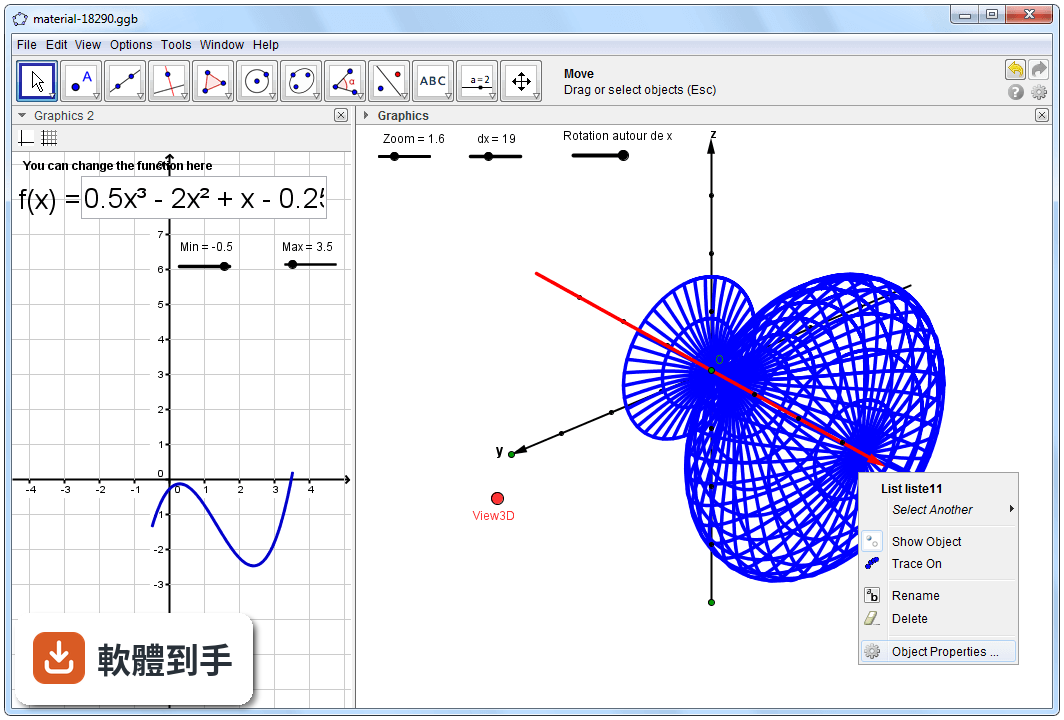
可以。它有獨立的 3D 繪圖區,可以輸入空間中的方程式或直接建立 3D 形狀,例如球面、平面、曲面。旋轉視角、觀察截面這些操作都做得到,適合拿來理解空間概念或展示立體幾何題目。
04聽說它有 CAS 功能,那是什麼?一般學生用得到嗎?
CAS 是電腦代數系統,能做符號運算,例如化簡多項式、解方程式、展開因式,不是隻算數字。如果你需要處理帶有未知數的式子,或想驗證手算的化簡步驟,這個功能就派得上用場。不過如果只做數字計算,用內建的科學計算機模式就夠了。
05它能不能處理統計和機率的東西?
可以。試算表區可以輸入資料,然後生成圖表分析趨勢;另外也有統計與機率工具,能做資料分析、機率計算和統計圖形視覺化。對高中或大學的統計課程來說,這套涵蓋的範圍算是完整。
06我是高中數學老師,想把上課用的圖形做成教材,這套軟體適合嗎?
適合。你可以建立動態模型,例如拖動三角形頂點觀察角度變化,然後把成果匯出成圖片、PDF 或互動式 HTML 檔案,放進簡報或學習單。它也有內建教材庫和線上社群,可以找到別人做好的範例直接修改使用。
07我是大學生,主要在解微積分和線性代數的題目,用這套會不會不夠深入?
它支援微積分、3D 繪圖和符號運算,對大學階段的數學課程來說,涵蓋範圍算廣。不過如果你需要的是像 Wolfram Alpha 那種直接輸入題目就給出完整解題步驟的引擎,這套軟體比較偏向「自己動手操作」的工具,兩者的使用方式不同。
08它的介面是英文的,我英文不好,會不會很難上手?
介面確實是英文,沒有中文語系。不過工具列和選單的結構算直覺,常用功能的位置不難記。官方網站有大量教學資源和範例檔案,跟著做一遍就能熟悉基本操作。如果你完全無法接受英文介面,這點要列入考量。
09我只需要偶爾算個簡單方程式,用手機算一算就好,還有需要裝這套嗎?
如果只是偶爾算數字、解一元一次方程式,手機內建計算機或免費的科學計算機 App 就夠了。這套軟體的價值在於視覺化和動態操作,例如畫圖、拉引數、做幾何構造,這些是簡單計算工具做不到的。用不到這些功能的話,安裝它只是佔空間。
10它需要付費嗎?還是要連網路才能用?
這套軟體完全免費且開放原始碼,下載安裝後可以離線使用,不需要付任何費用。不過雲端同步和線上分享功能需要網路連線才能運作。如果你想把作品存到雲端或分享給別人,就要在有網路的環境下操作。
11我電腦比較舊,跑得動嗎?
官方列出的最低需求是 Windows 7 以上、1 GHz 處理器、512 MB 記憶體、200 MB 硬碟空間,算是相當輕量。建議需求是 2 GHz 處理器和 2 GB 記憶體,3D 繪圖若有獨立顯示卡會更順暢。一般文書機等級的電腦應該都能順利執行。
12這套軟體還有在更新嗎?會不會裝了之後沒人維護?
根據軟體庫的紀錄,它持續有在更新,近期仍有新版本釋出,不是放著不管的專案。由於是開放原始碼軟體,背後有機構和社群持續維護。如果你在意長期支援,這點可以放心。
下載與官方連結
GeoGebra-Windows-Installer-4-4-17-0.exe · 39.9 MB · 連結指向軟體原廠
版本紀錄
- 2026-11-03 GeoGebra 6.0.934.0 128 MB
- 2026-10-13 GeoGebra 6.0.933.1 128 MB
- 2026-10-13 GeoGebra 6.0.932.1 128 MB
再看 5 筆
- 2026-10-06 GeoGebra 6.0.931.2 128 MB
- 2026-09-17 GeoGebra 6.0.930.2 128 MB
- 2026-08-25 GeoGebra 6.0.929.3 128 MB
- 2026-07-27 GeoGebra 6.0.927.1 128 MB
- 2024-02-20 GeoGebra 6.0.826.0
這一版改了什麼
What's new in this version:
General Features:
- new Sign In option to stay signed-in to GeoGebraTube
- new CAS Engine (Giac) which is much faster and resolves many problems from GeoGebra 4.2
- the CAS View supports exact versions of some of the geometry commands, and there is now some support for parametric curves
- PSTricks and PGF/Tikz export enhanced with fixes & more objects supported
- HTML worksheet export now uploads to GeoGebraTube (Ctrl-Shift-M to get new automatic Java/HTML5 export to the clipboard)
- Ctrl-Shift-B to copy the "ggbBase64 string" to the clipboard
- (a,1) draggable
- autocreation of sliders from the Input Bar (eg y = a x + b)
- variables highlighted in the Input Bar and CAS
- Text Tool: Quotes " replaced with “ or ”.
- defaults changed: Checkboxes, Sliders and Buttons now larger
- angles over 360° are allowed now
- angle default can be set to 0° - 180°
- Can now set angle properties for lists of angles
- automatically updates to latest version (Windows)
- OSX automatic updates offered through Mac App Store
- pressed in spreadsheet: don't go down one cell if the cell below is fixed
- Colored objects now supported in TableText[]
- More filling styles
- BarCharts: can now set the color of each bar Better GeoGebraTube Integration:
- "Sign in" button so that you can stay signed-in to GeoGebraTube
- File -> Open from GeoGebraTube so that you can access and edit your materials and other public materials easily
- Uploaded material can now be classified as Public (all the users can find and view it), Shared (only users who have received a specific URL-link can view the material, that will not appear in search results of other users), and Private (other users cannot view the material, that will not appear also in search results) Chrome App & HTML5 Improvements:
- works offline
- Spreadsheet View and Algebra View work on GeoGebraTube
- Graphics 2 works, and you can rearrange views by dragging the title bar
- Navigation Bar works
- CAS View works
- Construction Protocol works
- Object Properties mostly working (will be updated)
- Enhanced Text Tool New Commands:
- Intersect[ , ]
- finds multiple intersections using a computer algebra method
- Intersect[ , , , ]
- finds one intersection using an iterative method starting at the given parameters
- IFactor[ ]
- Factor over the irrationals, eg IFactor[x^2+x-1]
- RunClickScript[ ]
- RunUpdateScript[ ]
- NSolveODE [ , , , ]
- RandomUniform[ , , ] Updated Commands:
- Colored objects now supported in the TableText command and you can now control individual lines in the table
- ClosestPoint and Distance commands now use closest point (rather than vertical point) for functions. This works best for polynomials; for other functions the numerical algorithm is less stable.
- SetCoords command now works for Sliders, Buttons, Checkboxes, Input Boxes, Images. If "Absolute Screen Position" is selected then x,y are in screen pixels.
- SelectObjects[] now cancels any drag that is in progress (useful in scripts). New CAS Commands:
- CIFactor[ ]
- CIFactor[ , ]
- factor over the complex irrationals, eg CIFactor[x^2+x+1]
- IFactor[ ]
- IFactor[ , ]
- Factor over the irrationals, eg IFactor[x^2+x-1]
- Polynomial[ ]
- Expands the function and writes it as a polynomial in x (grouping the coefficients)
- Polynomial[ , ]
- Expands the function and writes it as a polynomial in the variable (grouping the coefficients) New JavaScript commands:
- String evalCommandCAS(String)
- Returns an answer as if the String had been typed into the CAS View.