
這是歷史版本頁面 — 看 GIMP 最新版本
不想花錢買 Photoshop?GIMP 能取代它嗎
 GIMP 2.10.34
資料更新 2023-02-28
閱讀約 6 分鐘
你手上有一張照片要修,或是一張海報要做,打開電腦才發現,大家口中的 Photoshop 一個月要付好幾百塊訂閱費。你只是想裁切、調色、去個背,偶爾加點文字,不是每天靠它吃飯,實在不想為了這件事每個月乖乖掏錢。於是你開始找免費的替代方案,下載了幾個軟體,卻發現不是功能太陽春,就是介面卡卡的,連開個檔案都要摸索半天。
免費的影像編輯軟體其實不少,但多數不是功能太簡陋,就是只支援特定格式,真正要拿來做點像樣的作品時,往往卡在關鍵功能上。這類工具的切入點,是提供接近專業等級的編輯能力,同時不跟你收費——但代價是介面比較複雜、學習曲線比較陡,而且很多操作邏輯跟你想像的不太一樣。你需要的是一套功能夠完整、能應付日常修圖需求的軟體,而不是只能裁圖加濾鏡的玩具。
01GIMP 到底是什麼?跟 Photoshop 差在哪?
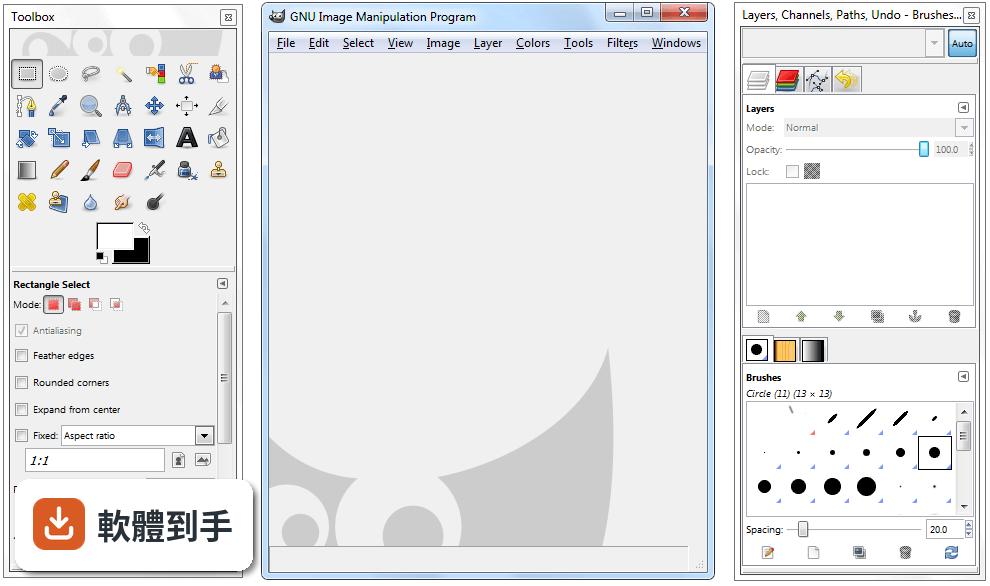
GIMP 是一套開放原始碼的影像編輯軟體,官方定位是 Photoshop 的免費替代品,提供照片修圖、影像合成、圖形創作等功能。它跟 Photoshop 最大的差別在於授權型式——GIMP 完全免費,而 Photoshop 需要付費訂閱。功能面上,GIMP 涵蓋了圖層、遮罩、色階調整、濾鏡等常見編輯工具,但操作介面和部分進階功能與 Photoshop 不同,需要時間適應。
02這套軟體能開 Photoshop 的 PSD 檔嗎?
可以,但有限制。GIMP 支援開啟 PSD 檔案,不過官方說明指出,相容性僅限於較簡單的專案,如果檔案裡含有 Photoshop 特有的進階調整圖層或特效,可能無法完整呈現。建議開啟後仔細檢查圖層和效果是否正確,必要時直接跟對方要原始檔或轉存成通用格式,會比較保險。
03它可以用來畫畫嗎?還是只能修照片?
可以畫圖,但主力不是這個。GIMP 提供多種筆刷和鉛筆工具,可以自訂筆觸效果,也有基本的路徑工具,適合數位繪畫的入門使用。不過它本質上是點陣圖編輯軟體,向量功能有限,如果你主要需求是畫插畫或設計向量圖形,官方建議搭配 Inkscape 一起使用,會比單靠 GIMP 順手。
04除了修圖,它還能做什麼?
它支援多種檔案格式的讀取和匯出,包括 JPEG、PNG、GIF、PSD、TIFF、WebP 等,所以也能拿來做影像格式轉換。另外,GIMP 內建腳本和程式演算法框架,支援 C、C++、Perl、Python、Scheme 等多種程式語言,可以寫腳本批次處理大量圖片,例如一次調整上百張照片的尺寸或色彩。
05介面看起來很複雜,有辦法簡化嗎?
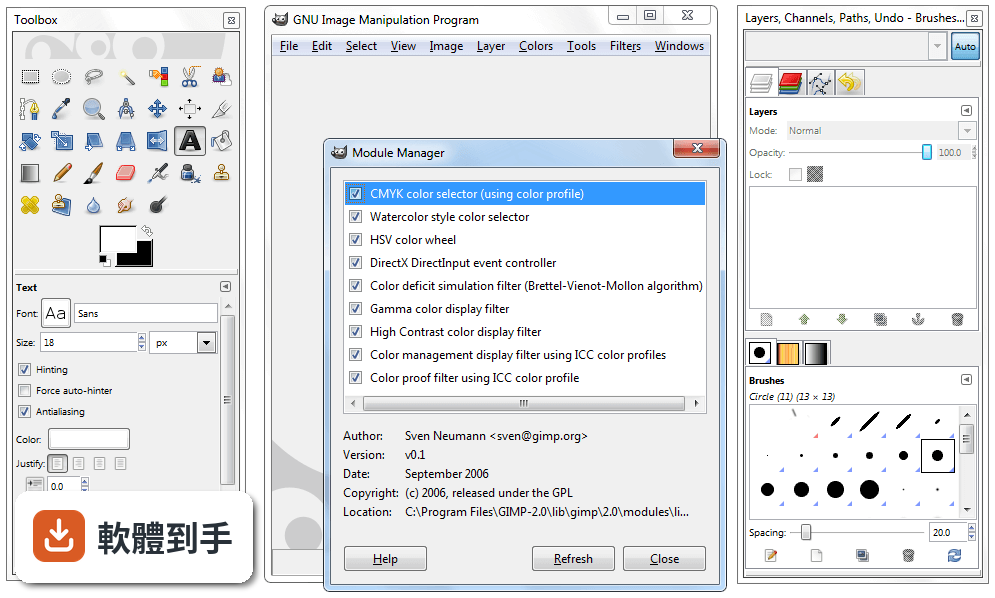
可以。GIMP 的介面支援自訂,你可以依自己的工作習慣調整面板位置和工具列,也提供單視窗模式,把原本分散的浮動視窗整合成一個統一介面,減少雜亂感。初次啟動時會初始化資源和載入外掛,之後開啟速度會比較快。如果還是覺得複雜,可以先從左側工具列的基礎功能開始摸索。
06新手完全沒用過專業修圖軟體,適合直接學這套嗎?
可以學,但要有心理準備。GIMP 的功能完整,相對地介面也比一般免費軟體複雜,官方自己也承認初次使用會覺得有點嚇人。不過一旦熟悉了工具位置、圖層面板和可停靠對話框之後,操作效率會明顯提升。網路上有官方文件和大量社群教學影片可以參考,學習資源不算少,只是需要花時間投入。
07專業設計師或攝影師拿它來工作,夠用嗎?
官方說法是可以的,尤其適合需要免費且功能多元的影像編輯器的個人或組織。它有良好的色彩管理能力,能確保數位和印刷媒體的顏色呈現正確,也能跟 Scribus、Inkscape 等其他免費軟體搭配,組成完整的桌面出版工作流程。但如果你需要的是業界標準的特定功能,付費軟體可能還是比較符合需求。
08我只需要偶爾裁圖、調亮度,有更簡單的選擇嗎?
如果你的需求真的很基本,GIMP 可能超出你的需要。資料中提到的 Paint.NET 就是更簡潔的免費編輯器,適合基礎編輯需求,而且有 316 人評分,比 GIMP 的 254 人多一些。另外,Windows 內建的小畫家或線上編輯工具也能應付簡單裁切和調整,不一定要安裝功能這麼完整的軟體。
09介面只有英文,看不懂怎麼辦?
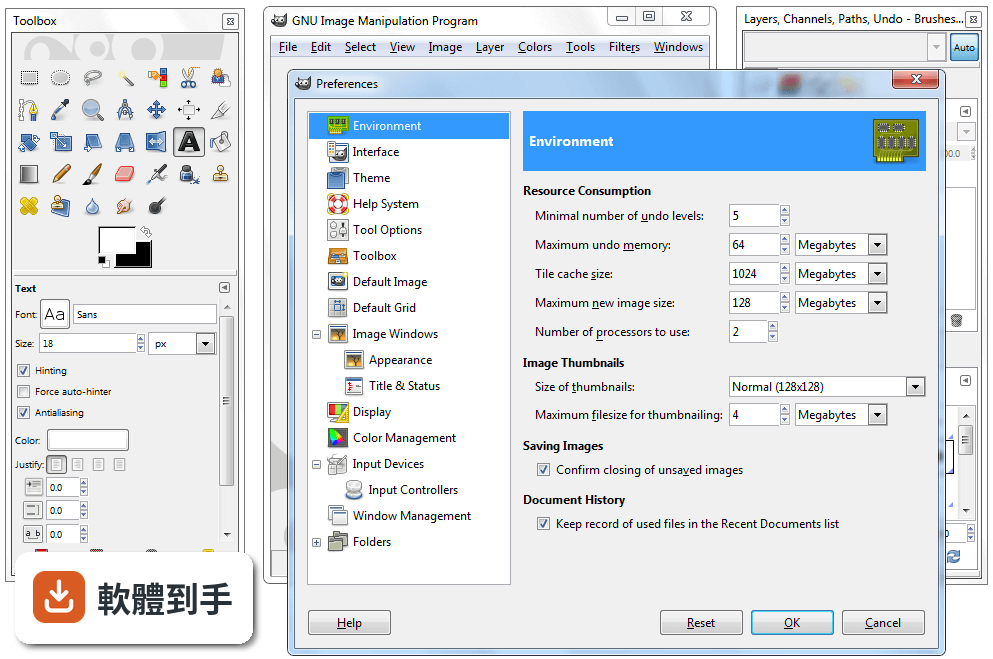
這確實是個門檻。GIMP 的介面語系是英文,沒有內建繁體中文選項,對不熟悉英文介面的人來說,操作上會比較吃力。你可以考慮安裝中文語系檔或尋找社群提供的中文化方法,但這需要額外設定。如果英文介面讓你卻步,可以參考其他有中文介面的免費編輯軟體,或先從英文介面的基礎功能開始學起。
10這套軟體安全嗎?下載會不會中毒?
官方說明指出,從官方網站或 FileHorse 下載是安全的,但務必確認使用的是最新版本,並從可信賴的來源取得,以避免漏洞風險。GIMP 是開放原始碼軟體,程式碼公開可檢視,理論上安全性有一定保障,但任何軟體都有潛在風險,下載後建議先用防毒軟體掃描,並定期更新版本。
11它跟 Photoshop 比起來,有什麼明顯的弱點?
主要有三點。第一,PSD 相容性有限,複雜的 Photoshop 檔案可能無法完整呈現。第二,向量功能薄弱,官方建議需要大量向量繪圖時改用 Inkscape。第三,介面只有英文,對中文使用者不友善。另外,Photoshop 有龐大的外掛生態系和業界標準地位,這點 GIMP 短期內難以追上。
12我該直接選 Photoshop 嗎?還是先用 GIMP 就好?
取決於你的預算和需求。如果你只是偶爾修圖、不想付月費,GIMP 是功能完整的免費選擇,值得花時間學習。如果你需要與他人協作、交換 PSD 檔案,或仰賴 Photoshop 的特定外掛和功能,那付費訂閱可能比較實際。資料中也提到,需要特定業界標準功能的人,可能還是會偏好付費方案。
下載與官方連結
gimp-2.10.34-setup.exe · 連結指向軟體原廠
版本紀錄
- 2026-09-11 GIMP 3.2.6 181.54 MB
- 2026-04-20 GIMP 3.2.4 179.42 MB
- 2026-03-29 GIMP 3.2.2 177.54 MB
再看 5 筆
- 2026-03-15 GIMP 3.2.0 293.63 MB
- 2026-01-25 GIMP 3.0.8 289.61 MB
- 2025-10-06 GIMP 3.0.6 296.06 MB
- 2025-05-19 GIMP 3.0.4 286.27 MB
- 2025-03-25 GIMP 3.0.2 374.46 MB
這一版改了什麼
What's new in this version:
Core:
- Check for updates now works on macOS (backported from 2.99.14)
- Update help IDs for better integration with the documentation website
- Symmetry dockable contents is now shown, yet deactivated, when no images are opened, improving discoverability (backported from 2.99.14)
- DBus fully disabled on macOS (in some case, it could even freeze GIMP process when dbus is present yet not responding). Open With feature (e.g. from file browsers) still work fine as it uses a different code path on macOS. Other features using dbus (opening files or running batch commands from a separate GIMP process) won't work, but they probably never did on macOS anyway.
- "Canvas Size" dialog took too much vertical space and now better uses the horizontal space by moving the preview and offset fiels to the right side, and the "Center" button just below (backported from 2.99.8).
- Template selector (backported from 2.99.6) in resize dialog
- Color scale preferences (0..255/0..100 and LCh/HSV settings in Colors selection dialogs) are now remembered across sessions
- Eye icon header added to the item tree views to make it more obvious where to click for item visibility and links (backported from 2.99.10)
- Revert color proofing behavior changed in 2.10.32 which resulted in inconsistent past workflows
- "Lock path strokes" tooltip for the dockable icon was renamed "Lock path"
Plug-ins:
- DDS: make GUI translatable
- File-raw: added high bit depth precision export (partial backport from 2.99.12)
TIFF:
- Various bug fixes
- Better check for invalid resolutions on import
- Do not generated warnings for incorrect RichTIFFIPTC tags produced by Adobe products (only output a message to stderr, for not completely ignoring these)
- Loading "reduced" image or not is now an option. We use a heuristic for the default value of said option (trying to guess if it's a thumbnail by using common usage), but final decision is now up to one knowing the image you load (backported from 2.99.14)
- Default TIFF export format is "normal" TIFF, not BigTIFF (making it default was definitely an error in 2.10.32)
PSD:
- Various bug fixes
- Useless physical unit conversion removed
- Backported improvement (2.99.10) for importing layers with clipping set (leading to color bleeding)
- Backported improvements (2.99.10) for importing clipping layers
- Paths are now exported (backported from 2.99.14)
- WebP: more informative error messages in some cases
- Flame: various bug fixes
JPEG-XL:
- Metadata import backported from 2.99.14 - (requires libjxl 0.7.0)
- Partial backport (2.99.8) of JPEG-XL export; export is always in 8bit lossless
- HEIF: various bug fixes
- Dicom: various bug fixes
help:
- Support in GIO for macOS platform)
- Animation-play: fixed on macOS
PDF:
- Import: new option "Fill transparent areas with white" to fill the background in white (ON by default as most office PDF writers seem to rely on readers filling the background with white), allowing importing transparent PDF files
- Export: new option "Fill transparent areas with background color" allowing to decide whether to export a PDF with transparent background
TGA:
- Added a workaround to load wrongful TGA files exported by Krita (which they fixed on their side too now, see Krita bug 464484)
ICO and CUR:
- Magics detection for these formats has been removed (now using only using filename extension) because it was interfering with the detection of certain types of TGA images (which are likely more common than ICO and CUR files, and extension for these should be reliable enough)
Libgimpbase:
- GimpMetadata API (in particular the gimp_metadata_set_from_*() functions) are now much less memory-hungry (backported from the main dev branch) when using GExiv 0.12.2 or over. With some huge metadata, it could cause long freeze or even crashes of plug-ins.
Libgimpwidgets:
- Color-picking with X11 is now the default when compiled with X11, even if a color-picking portal also exists, because it is always right, whereas portals return color in display space without the space information itself (i.e. without profiles)
- New dedicated GimpPickButton implementation for Windows (backported from 2.99.14)
Libgimp:
New wrapper functions around GEGL ops, which also map to items in our Color menu:
- Gimp_drawable_shadows_highlights()
Build:
- Bumping minimum GEGL to version 0.4.38
- Bumping minimum libjxl to version 0.7.0
- New GIMP_RELEASE macro to tell if code is a release or in-between release(different from GIMP_UNSTABLE which was telling if we are in a stable or Development branch)
- Our stable CI now uses Debian stable where Python2 is still present