
這是歷史版本頁面 — 看 Internet Explorer (XP) 最新版本
舊電腦開網頁卡住?Internet Explorer 還能做什麼
 Internet Explorer (XP) 1 (XP)
資料更新 2008-03-06
閱讀約 6 分鐘
你手上可能還有一台老舊的 Windows 7 電腦,平時不太敢亂裝東西,但偶爾就是需要開個網頁查資料、看影片,或是開某個只有舊瀏覽器才打得開的網站。每次打開瀏覽器,不是轉圈圈轉很久,就是畫面破破的、按鈕跑掉,甚至直接跟你說「無法顯示此頁面」。你只是想讓這台老機器還能正常上網,不想為了開個網頁還得整台電腦重灌或升級。
一般人遇到這種狀況,直覺是去下載最新的 Chrome 或 Firefox,但裝下去才發現老電腦跑不動,記憶體一下就滿了,開沒幾個分頁就開始喘。更麻煩的是,有些舊網站或公司內部系統,偏偏只認得舊版瀏覽器,新瀏覽器開了反而一片空白。這種時候,你需要的是「能讓舊電腦順順開網頁」的工具,而不是功能最多、最新的瀏覽器。這類工具的切入點,是提供一個輕量、相容舊網頁標準的環境,讓老機器不至於被現代瀏覽器的資源需求壓垮。
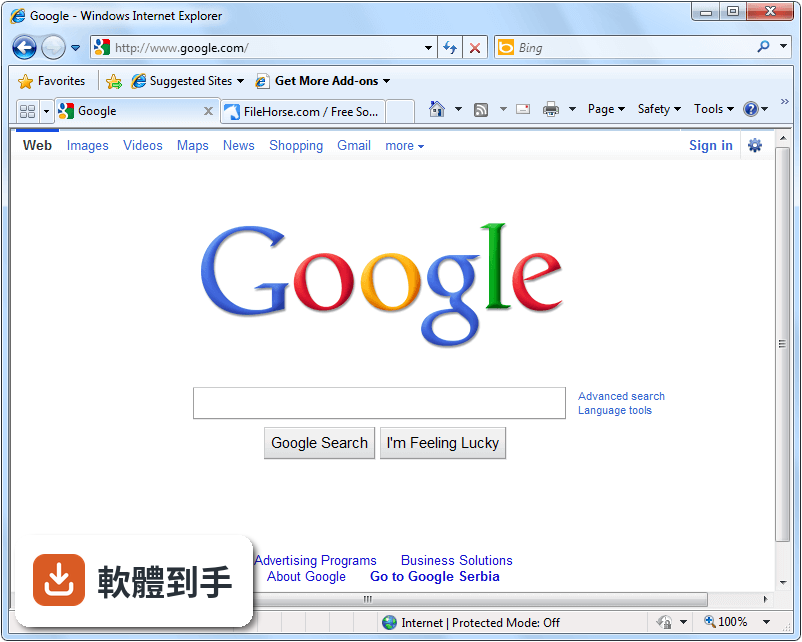
01Internet Explorer 在 Windows 7 上還能正常開網頁嗎?
可以,但前提是系統要裝到 Service Pack 1。它本來就是 Windows 7 預設的瀏覽器,開一般網頁、看影片、玩網頁遊戲都還行。不過微軟已經停止開發這套軟體,官方也明確說它可能無法正常運作,所以如果你遇到開不起來或畫面異常,不會再有更新來修復,這點要先有心理準備。
02這套軟體能開哪些網站?會不會很多網站都打不開?
它支援當時主流的 HTML、CSS、JavaScript 等網頁技術,所以對應那個年代的網站大多沒問題。但後來推出的新網頁標準、加密協定,它可能不支援,導致某些現代網站顯示不正常或直接拒絕連線。如果你要開的網站是十年前就存在的老網站,或公司內部舊系統,它反而比新瀏覽器更可靠。
03用它開網頁的速度怎麼樣?會比 Chrome 慢很多嗎?
官方資料說它在 JavaScript 效能測試上贏過 Chrome,但那是指它當時的版本。實際上,以現在的標準來看,它載入網頁的速度和反應都比現代瀏覽器慢,特別是遇到圖片多、程式碼複雜的網站。如果你只是開個文字為主的網頁或後台系統,體感不會差太多,但別期待它能順跑 YouTube 高畫質影片。
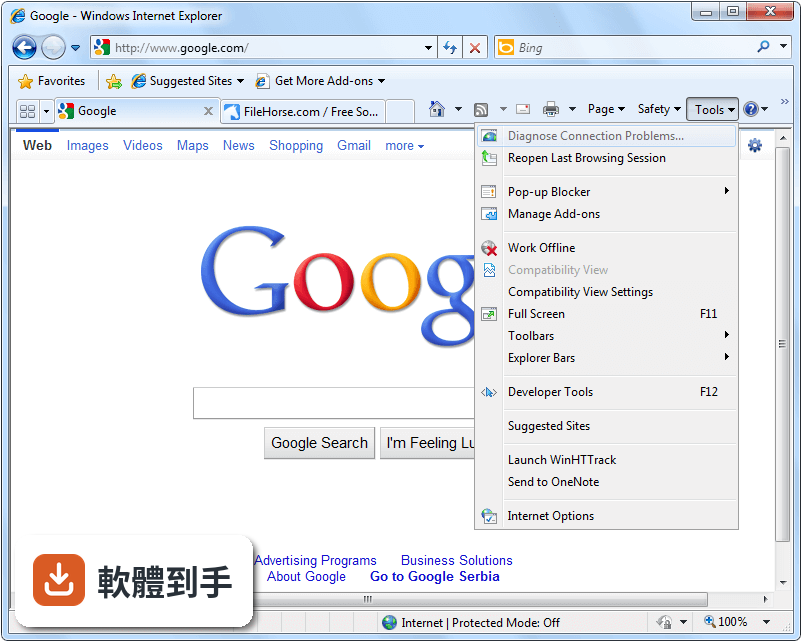
04它能裝外掛或擴充功能嗎?
可以,它支援附加元件,像是廣告阻擋、密碼管理這類工具都能裝。不過它的擴充生態系很小,能選的元件數量遠不如現代瀏覽器,很多新開發的擴充功能也不支援它。如果你依賴特定擴充功能,裝之前最好先確認有沒有對應的版本。
05這套軟體的安全性如何?拿來登入網路銀行會不會有風險?
微軟過去會定期為它釋出安全性更新,但 Windows 7 本身已經停止支援,連帶這套瀏覽器也不再收到修補,使用上確實有安全疑慮。如果你要登入網路銀行、輸入信用卡資料,建議不要用它,改用有持續更新的瀏覽器,或至少在系統層面做好其他防護。
06什麼樣的人還需要留著這套軟體?
有兩種人會需要:一種是還在用 Windows 7 老電腦、不想換系統的人,另一種是必須開舊網站或公司內部系統的人。這些網站往往只相容舊版 IE,用新瀏覽器反而開不起來。如果你只是偶爾開一下、不拿來做重要交易,留著它當備援是合理的。
07我的電腦只有 1GB 記憶體,跑得動它嗎?
跑得動。它的系統需求很低,處理器 233MHz 以上、記憶體 512MB、硬碟空間 70MB 就能裝。以現在的標準來看,幾乎任何一台能開機的 Windows 7 電腦都符合條件。不過要注意,它支援的是 32 位元系統,如果你的 Windows 7 是 64 位元,可能要確認有沒有對應的版本。
08我平常會逛 Facebook、看 YouTube,用它夠用嗎?
不太夠。Facebook 和 YouTube 這類網站不斷更新技術,舊瀏覽器很可能出現版面跑掉、影片不能播、按鈕沒反應等問題。官方資料也提到它不支援 WebGL 和 HTML5 影片的完整功能,所以如果你主要用途是現代社群網站和影音平台,它不會是好選擇。
09這套軟體和 Edge 比起來,哪個比較好?
以現在的標準來看,Edge 是比較好的選擇,因為它還在持續更新、支援現代網頁標準,也能開 IE 模式來相容舊網站。不過 Edge 對系統資源的需求比較高,老電腦跑起來可能比較吃力。如果你只是要開舊系統,IE 夠用;如果你要兼顧新舊網站,Edge 的 IE 模式是更完整的方案。
10我該不該為了開某個老網站,特地裝這套軟體?
如果你的工作或生活真的需要開某個只相容 IE 的網站,而且你已經試過其他瀏覽器都開不起來,那裝它是合理的。但裝之前先確認兩件事:一是你的系統是 32 位元 Windows 7,二是你清楚它不會再更新。如果兩點都能接受,那它就是你唯一的選擇。
11這套軟體有中文介面嗎?
官方提供的版本介面是英文,沒有內建中文語系。如果你不習慣英文介面,操作上會稍微吃力一點,但瀏覽器的基本功能(上一頁、下一頁、網址列、分頁)位置都差不多,靠圖示和記憶也能上手。如果你需要完整中文介面,可能要另外找非官方語言包,但這不在官方支援範圍內。
12除了這套軟體,還有其他選擇嗎?
官方資料有提到 Edge、Opera、Chrome、Firefox、Brave 這些現代瀏覽器可以替代,但沒有提供更詳細的比較數據。如果你只是要開舊網站,也可以考慮在 Edge 裡用 IE 模式,不必另外安裝。至於哪一套最適合你的老電腦,建議實際裝來試跑看看,因為每個人的硬體和網路環境不同。
下載與官方連結
前往官方網站 下載 Internet Explorer (XP)
IE8-WindowsXP-x86-ENU.exe · 14.43 MB · 連結指向軟體原廠
版本紀錄
- 2025-11-30 Internet Explorer 11.0 (Windows 7 32-bit) 28.34 MB
- 2013-02-27 Internet Explorer 10.0 (Windows 7 32-bit) 21.99 MB
- 2011-03-15 Internet Explorer 9.0 (Windows 7 32-bit) 17.28 MB
再看 5 筆
- 2011-03-15 Internet Explorer 9.0 (Vista 32-bit) 17.17 MB
- 2009-03-20 Internet Explorer 8.0 (Vista 32-bit) 13.3 MB
- 2009-03-20 Internet Explorer 8.0 (XP)
- 2009-01-27 Internet Explorer 8.0 RC1 (XP) 16.16 MB
- 2008-08-28 Internet Explorer 8.0 Beta 2 (XP) 15.94 MB
這一版改了什麼
What's new in this version:
The rest of our talks and demos focused on seven other areas that appeal to developers:
1. Our goal is to deliver complete, full CSS 2.1 support in the final IE8 product. IE8 Beta 1 for developers delivers better interoperability with other major browsers, addressing major pain points (e.g. floats and margins) from previous IE releases. We're not finished ' there's much more to come in Beta 2.
2. We've contributed over 700 test cases to the W3C CSS working group because we think a comprehensive certification test suite for CSS is important for true interoperability and we support the W3C's effort to deliver such a suite. The CSS spec is good, but contains many ambiguities, and a test suite will help resolve them and benefit web developers and designers. We're making these available under the BSD License, which is the license that the W3C CSS working group has proposed using for the rest of its test cases. Of course, we will contribute more tests en route to a full test suite, and welcome your feedback on the tests using the W3C's CSS test suite mailing list.
3. We've delivered better scripting performance because we heard from developers that they needed it given how heavily the latest rich web experiences rely on script.
4. We've started delivering support for HTML5 because we understand that developers want to start delivering richer web experiences, with great interoperability, as soon as possible.
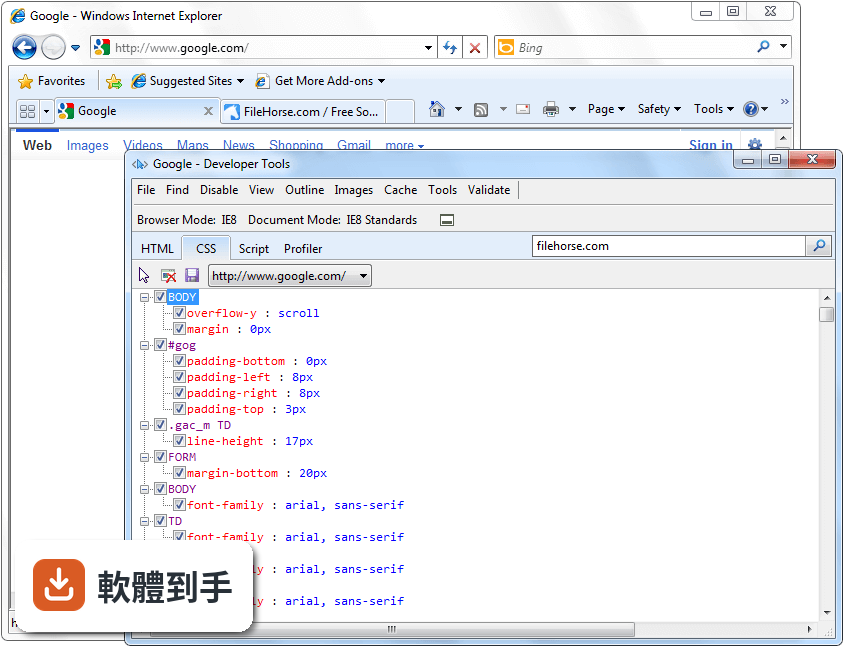
5. We've delivered the first installment of great, built-in developer tools. We understand that script, CSS, and layout debugging are crucial today. Again, we're not finished here ' there's more to come.
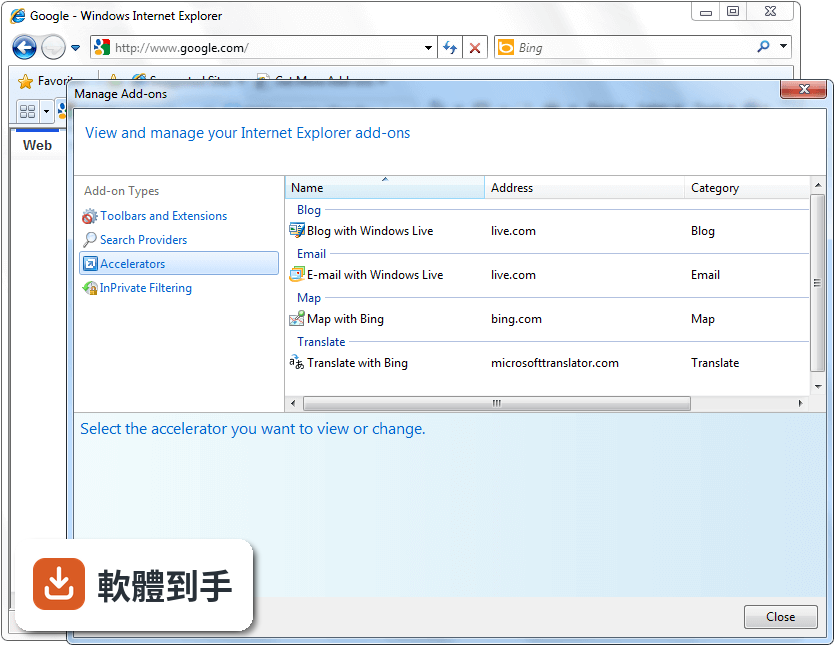
6. We've delivered a better way for web services to integrate into the user's workflow with 'Activities.' For example, a user can select text on a web page and map it, blog it, look for it, or just act on it without having to copy it, open a new tab, navigate to another site, and paste. We made the OpenService Format specification available under the Microsoft Open Specification Promise and the Creative Commons Attribution-Share Alike license.
7. We've delivered a better way for web services to enable their users to keep an eye on interesting parts of a webpage within the browser with 'WebSlices.' Developers can make parts of their pages 'subscribable' with just a little mark-up, and users can easily subscribe and keep an eye on information (like their social network, an auction, or a sports score) within the browser, even when users are not at the developer's site. We've made the WebSlice Format specification available under the Microsoft Open Specification Promise and is dedicating copyright in the specification to the public domain using the Creative Commons Public Domain Dedication.