
這是歷史版本頁面 — 看 IP Camera Viewer 最新版本
IP Camera Viewer 到底是什麼?它和 iVCam 是同一套嗎
 IP Camera Viewer 4.05
資料更新 2017-10-16
閱讀約 6 分鐘
你下載了一套叫 IP Camera Viewer 的軟體,安裝完打開,發現介面全是英文,功能選單跟你原本以為的「看監視器畫面」不太一樣。你想把電腦接上網路攝影機,或想用手機當作視訊鏡頭,卻搞不清楚這套軟體到底能不能做到你要的事。尤其當你同時看到 iVCam 這個名字出現在說明裡,更是一頭霧水。
一般人遇到這種狀況,會先去看官方介紹,但介紹寫的是 iVCam 的功能,跟軟體名稱對不起來。你想找中文教學,找到的內容又多半在講手機變網路攝影機,跟你原本想解決的問題兜不攏。這類工具的核心其實是「把手機的相機變成電腦能用的視訊來源」,只是包裝和名稱容易讓人誤會。搞清楚它實際做什麼、限制在哪,比急著安裝更重要。
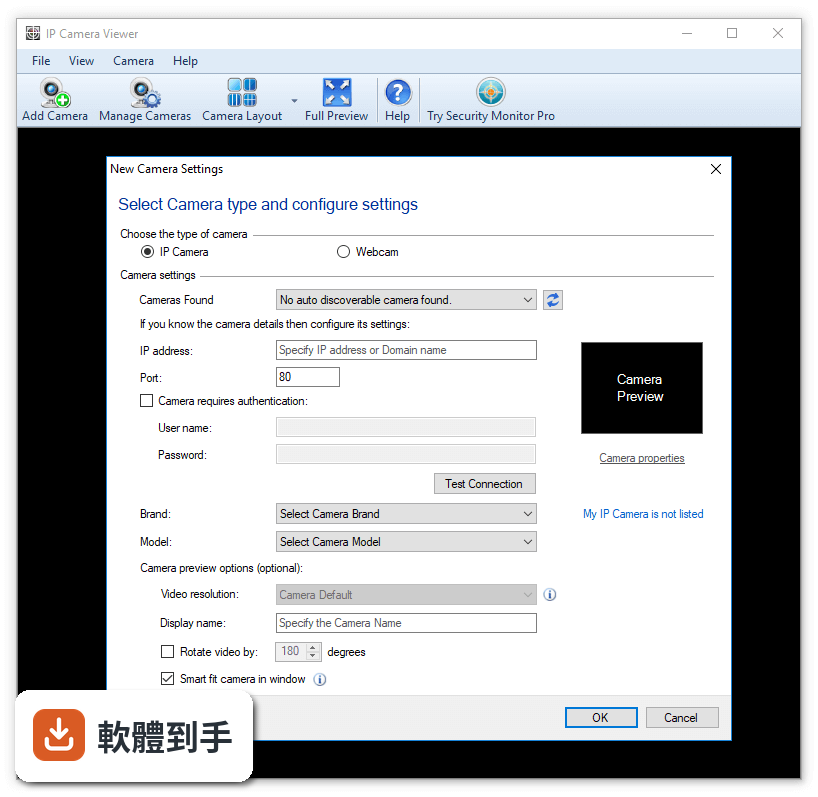
01IP Camera Viewer 跟 iVCam 是同一套軟體嗎?
根據官方功能說明,這套軟體實際運作時的名稱是 iVCam,IP Camera Viewer 是收錄頁面上使用的名稱。也就是說,你下載安裝後,執行的程式是 iVCam。它的用途是把手機變成電腦的網路攝影機,不是傳統意義上的 IP 攝影機監看軟體。安裝前最好先確認你要的是「手機當視訊鏡頭」這個功能。
02這套軟體能把手機變成電腦的視訊鏡頭嗎?
可以。它支援透過 Wi-Fi 或 USB 連線,把手機的相機畫面變成電腦的視訊來源,最高可達 4K 解析度,實際畫質取決於手機相機規格。連線後,電腦上的 Zoom、OBS、Microsoft Teams 等程式就能把它當作一般網路攝影機使用。手機的前鏡頭或後鏡頭都可以選,也能切換直式或橫式畫面。
03手機跟電腦要怎麼連線?
有兩種方式:Wi-Fi 無線連線,或 USB 有線連線。使用 Wi-Fi 時,手機和電腦要在同一個網路環境下;使用 USB 時,需要安裝驅動程式。官方說明提到連線過程大多能自動完成,但 USB 連線的驅動設定需要手動處理。如果 Wi-Fi 不穩定,官方也承認可能發生連線中斷,這時改用 USB 會比較可靠。
04手機的麥克風可以當作電腦麥克風用嗎?
可以。這套軟體支援音訊傳輸,手機的麥克風收音後會傳到電腦,讓你在視訊會議或直播時不用另外準備麥克風。這對筆電內建麥克風收音品質不佳的人來說很實用。不過要注意,音訊品質會受到網路連線穩定度的影響,如果 Wi-Fi 訊號弱,聲音可能也會跟著不穩。
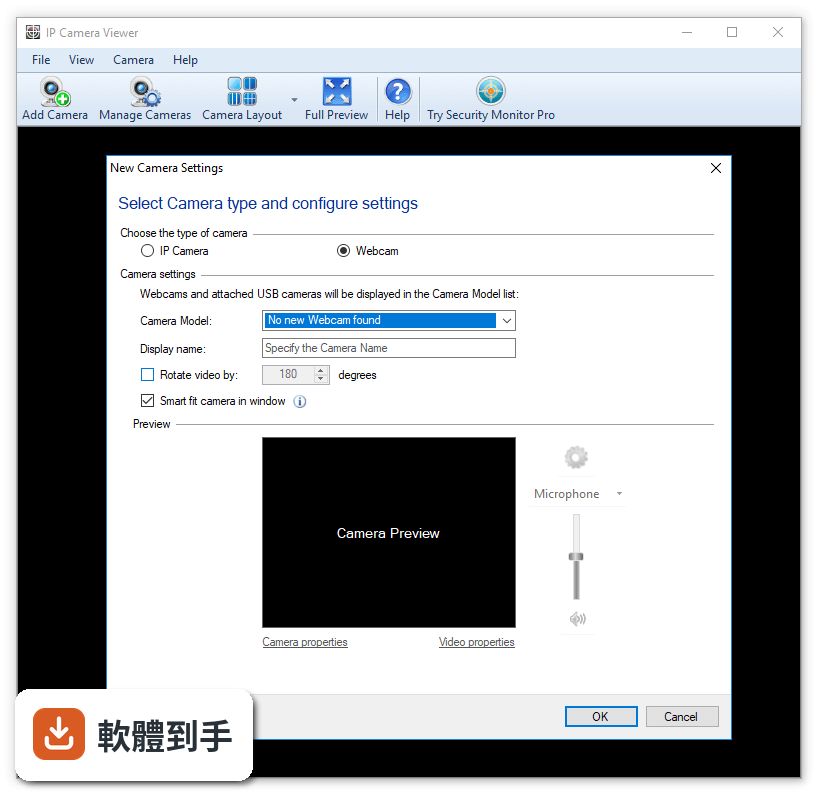
05可以同時接兩支手機當作不同角度的鏡頭嗎?
可以。電腦端程式支援同時連接多支手機,每支手機可以擺在不同位置,提供多角度畫面。這對需要同時拍攝不同視角的直播或教學影片很有幫助。每支手機都要安裝對應的手機 App,並各自完成連線設定。多支手機同時連線時,對電腦效能和網路頻寬的要求會比較高。
06這套軟體適合什麼樣的人用?
適合沒有獨立網路攝影機、但手邊有智慧型手機的人。例如遠距上班要開視訊會議、偶爾開直播、或錄製線上課程,不想為了偶爾使用而花錢買攝影機。也適合需要多角度拍攝、但不想買多台攝影機的內容創作者。只要手機相機畫質比電腦內建鏡頭好,用它就能提升視訊品質,而且設定流程不算複雜。
07它跟一般網路攝影機軟體有什麼不同?
一般網路攝影機軟體(例如 Logitech 的 Webcam Software)是控制實體攝影機的設定,而這套軟體是把手機變成攝影機。它不需要額外購買硬體,用的是你已有的手機。跟其他類似工具如 DroidCam、Iriun Webcam 相比,它的切入點相同,都是把手機當視訊來源。差別在於介面設計、連線穩定度和付費方案,這些需要實際試用才能比較。
08免費版跟付費版差在哪?
官方說明指出,免費版會在畫面上顯示浮水印,而且功能有限制。付費授權可以移除浮水印、解鎖完整 HD 畫質,以及進階設定選項。價格大約是單次付費 9.99 到 15 美元,依平台和授權類型而異。如果你只是偶爾用一下,免費版可能夠用;但若要長時間錄製或直播,浮水印會影響畫面,就需要考慮付費。
09這套軟體有中文介面嗎?
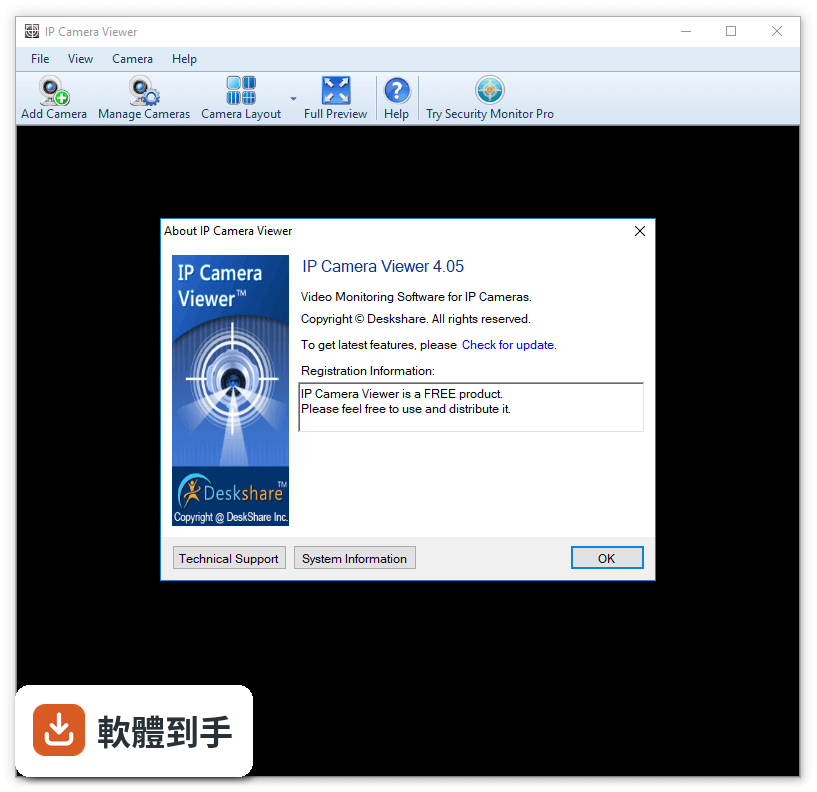
沒有。官方資料顯示介面語系只有英文,電腦端和手機 App 都是英文介面。對不習慣英文操作的人來說,初次設定可能需要對照說明或翻譯工具。不過它的介面設計算簡潔,主要功能選項不多,英文難度不高。如果你完全無法接受英文介面,可以考慮其他有中文支援的類似軟體。
10什麼情況不該選這套軟體?
如果你要的是「監看 IP 攝影機畫面」,這套軟體不適合你,因為它的功能是手機變視訊鏡頭,不是 IP 攝影機管理工具。另外,它只有 Windows 64 位元版本,Mac 或 Linux 使用者無法使用。授權型式是 Demo,代表有試用限制,若你不想花錢買授權,就要接受浮水印。介面只有英文,對英文不熟悉的人會比較吃力。
11它跟 WebCam Monitor 或 oCam 比起來,哪個比較多人用?
以評分人數來看,這套軟體有 164 人評分,WebCam Monitor 也是 164 人,Logitech Webcam Software 有 146 人,oCam 只有 42 人。評分人數多寡只能反映樣本數,不代表品質好壞。這套軟體評分是 8.24/10,屬於中上水準。但要注意,WebCam Monitor 的功能是監看多支攝影機,跟這套軟體把手機變鏡頭的用途不同,比較前要先確認需求。
12這套軟體還有人在維護嗎?
有。版本紀錄顯示它持續在更新,最近一年內有多次新版本釋出,收錄的版本最早在 2017 年,最近一次更新距離現在不遠。這代表開發商 e2eSoft 還有在維護這套軟體,不是放著不管的專案。對於需要長期使用的人來說,持續更新代表相容性和 bug 修復有在進行,這點可以稍微放心。
下載與官方連結
IPCameraViewer.exe · 連結指向軟體原廠
版本紀錄
- 2026-07-09 iVCam 7.4.2 (64-bit) 44.21 MB
- 2026-06-10 iVCam 7.4.1 (64-bit) 44.23 MB
- 2026-03-09 iVCam 7.4.0 (64-bit) 44.23 MB
再看 5 筆
- 2026-01-30 iVCam 7.3.9 (64-bit) 44.22 MB
- 2025-12-09 iVCam 7.3.8 (64-bit) 44.2 MB
- 2025-06-27 iVCam 7.3.7 (64-bit) 44.58 MB
- 2025-01-20 iVCam 7.3.5 (64-bit) 44.51 MB
- 2024-11-08 iVCam 7.3.4 (64-bit) 44.51 MB
這一版改了什麼
What's new in this version:
IP Camera Viewer 4.0
- Improved Stability: The CPU memory utilization is optimized which leads to more responsiveness of application.
- Support for ONVIF cameras: IP camera Viewer auto detects all the ONVIF cameras in your network. Most new IP cameras are ONVIF-compliant and these can be automatically detected and can be easily added by IP Camera Viewer.
- Support for new IP cameras: Support for 19 IP cameras including new brands like Ctronics, Hesavision, iBaby, Kkmoon and KTNC. Please see our full list of supported IP cameras.
IP Camera Viewer 3.1
- Better Performance: You will notice a considerable performance improvement when using IP Camera Viewer both in terms of CPU and memory utilization.
IP Camera Viewer 3.0
- Windows 10 compatibility: IP Camera Viewer has been successfully tested to work on windows 10 operating system
- Audio support for IP cameras: Audio support is now available for IP cameras also
- Improved check for updates: Get automatically notified when new update of IP Camera Viewer is available
- Support for new IP cameras: Support for 42 IP cameras including new brands like Ansel, Longse, AOTE, Digiop, Huacam, iControl, Juan and Zoneway
IP Camera Viewer 2.0
- All-new UI experience: A modern look that still maintains the application's simplicity.
- Find your IP camera: Faster detection provides brand and model, IP address and port number of the of UPNP enabled cameras on your LAN.
- Camera Preview Positions: Detach the camera previews from the main interface and arrange them anywhere on your desktop, even other monitors.
- Listen to audio from Webcams: Most Webcams have a built-in microphone. Monitor the camera preview as well as listen to live audio from the viewing area.
- Resizable camera previews: The camera previews are automatically resized to fit your screen. When resizing, the aspect ratio is maintained so your images are not streteched or compressed.
- Date-Time stamp: The current system date-time can be displayed on your camera preview.
- Support for new Video Servers and IP cameras: Support for 22 IP cameras including new brands like Acromedia, Aquila Vizion, Insteon and Security Labs.
IP Camera Viewer 1.3
- Support for IP Camera models: Support for new IP cameras from ATHome, Asgari, Avacom, Cadyce, Camsecure, Easy Home, Loosafe, Nexxt, and many more.
IP Camera Viewer 1.2
- Windows 8 compatibility: IP Camera Viewer has been successfully tested to work on windows 8 operating system.
- Support for new IP Camera models: Support for 24 IP cameras. It includes Ameba, AVS, Aztech, Bluestork, Grandstream, GVI SECURITY, Hisilicon, Kinson, Niceview, Nilox, Smart Witness, Speco, Storage Options, Sunluxy, Tomtop and many more. Please see our full list of supported IP cameras.
- Automatic updates: Get automatically notified when new update of IP Camera Viewer is available.
IP Camera Viewer 1.1
- User-Friendly Interface: Quick and easy access to all the important features of IP Camera Viewer.
- Support for IP and USB cameras: Now you can view both IP and USB Cameras.
- Added support for popular camera brands: More than 1500 different IP camera models from leading camera manufacturers are supported. It includes Axis, Canon, D-Link, Foscam, Panasonic, Mobotix, Pixord, Sony, Toshiba, Vivotek and many more.
- Multi-camera Preview Layout: View multiple cameras simultaneously on your screen by choosing different display layouts.
- Pan/Tilt/Zoom (PTZ) support: Control your IP camera with our advanced PTZ tool. It includes optical and digital zoom.
- Backup and Restore: You can easily backup your individual camera settings for easy transfer to other PCs.