
這是歷史版本頁面 — 看 Krita 最新版本
不想月付繪圖軟體?Krita 能取代 Photoshop 嗎
 Krita 4.2.8 (32-bit)
資料更新 2019-11-25
閱讀約 6 分鐘
你剛開始接觸數位繪圖,或是想從盜版轉正,打開 Photoshop 的訂閱頁面看到每月費用,再看看自己的畫稿頻率,怎麼算都不划算。你只是想好好畫圖、有筆刷、有圖層、能存 PSD 給別人,但免費軟體不是功能太陽春,就是介面陌生到不知道從哪裡下手。你需要的是一套真正以「畫畫」為核心、不是附帶功能的工具。
一般人遇到這個狀況,第一個念頭是找破解版 Photoshop,但更新麻煩、資安風險高,而且功能過剩——你根本用不到那麼多修圖功能。另一條路是免費線上繪圖網站,但畫到一半網路不穩、圖層一多就卡,作品存哪裡都不安心。這類工具的切入點是:把專業繪圖需要的核心功能——筆刷、圖層、色彩管理——做到完整,而且不跟你收錢,讓你能把心力放在畫面上,而不是放在軟體本身。
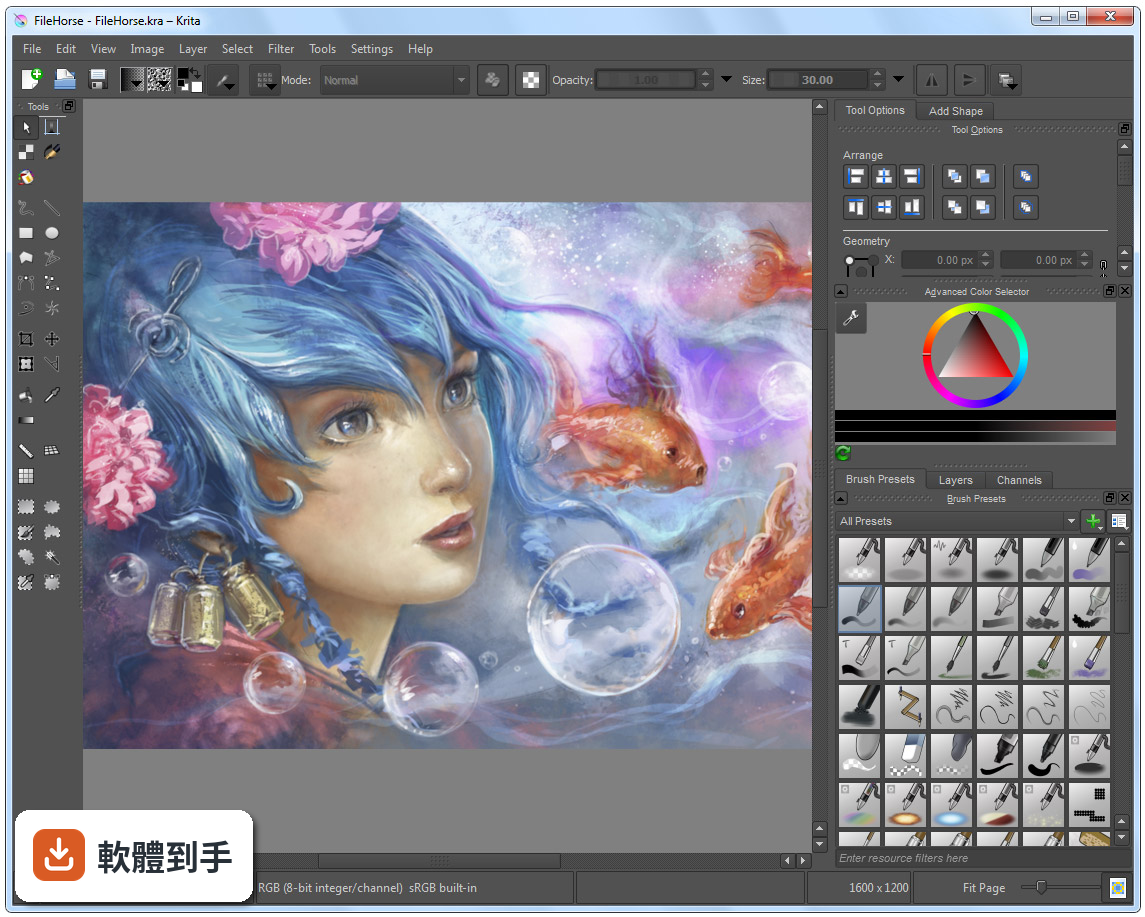
01Krita 這套軟體到底能拿來畫什麼?
它定位是數位繪畫與插畫軟體,涵蓋概念設計、插圖、漫畫到 2D 逐格動畫。內建多種筆刷引擎,包含像素、混色、紋理、剖面線與圖案等,也有向量圖層、遮罩、調整圖層,以及時間軸和洋蔥皮功能。簡單說,從草稿、完稿到輸出成 PNG、JPEG 或 PSD,都能在同一套軟體裡完成。
02它的筆刷跟 Photoshop 比起來會不會差很多?
筆刷數量與自訂深度是它的強項,支援動態筆刷引擎,例如混色與紋理,也提供筆刷編輯器讓你調整參數。官方資料沒有直接跟 Photoshop 做比較,但以繪圖用途來說,筆刷系統的完整度足以應付多數插畫需求。如果你依賴的是 Photoshop 特有的修圖或濾鏡功能,那就不是同一條路線。
03我習慣用圖層畫圖,它的圖層管理夠用嗎?
支援向量與點陣圖層,並提供群組圖層、遮罩與調整圖層,這些都是繪圖軟體的基本盤。圖層面板可以顯示混合模式與不透明度細節,也能一次選取多個圖層同時變形。以畫圖流程來說,該有的都有,非破壞性編輯也能做到。
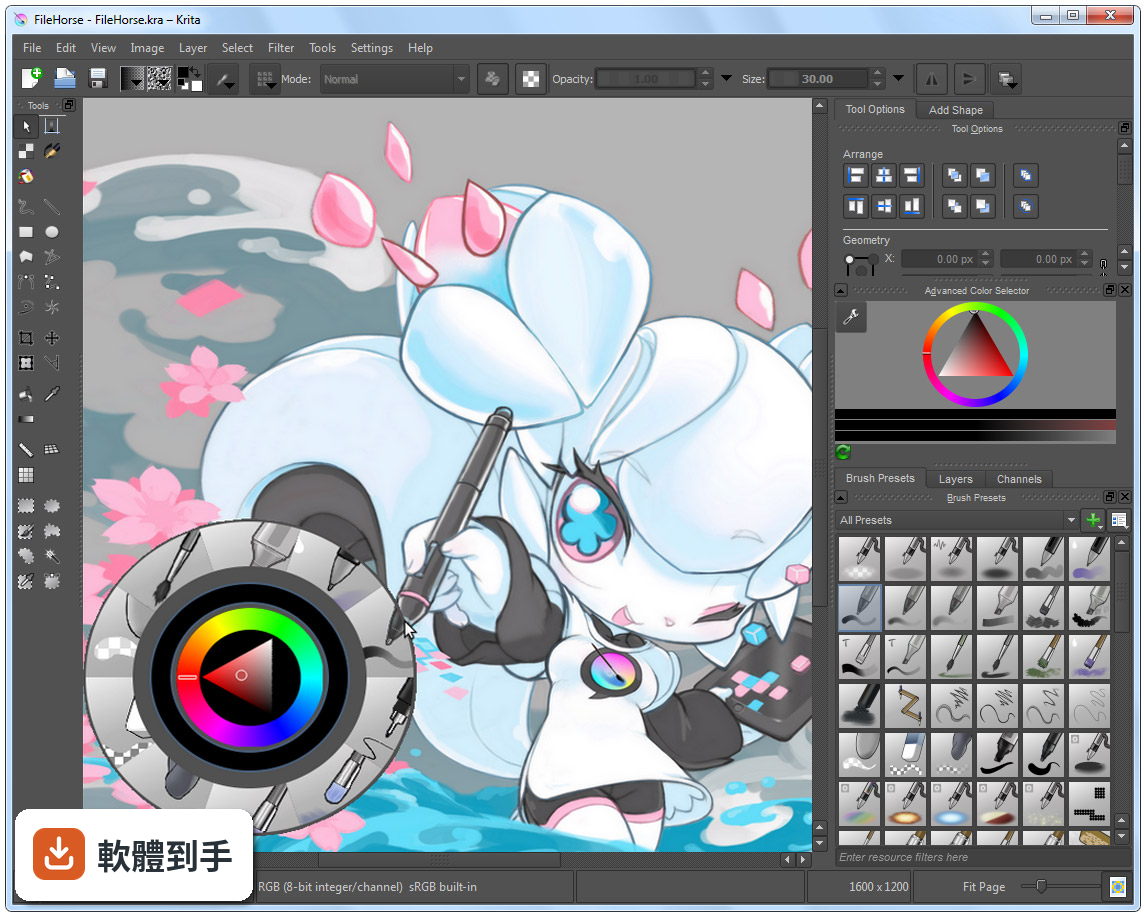
04除了靜態圖,它能不能做動畫?
可以,內建時間軸與洋蔥皮功能,適合做 2D 逐格動畫。官方資料提到,近期的版本強化了影音同步與影片匯出,整合了 FFmpeg,多數使用者不需要另外設定就能匯出影片。不過這套動畫功能是「逐格」取向,不是做骨骼綁定或補間動畫的那種工具。
05它可以開 Photoshop 的 .psd 檔嗎?
可以開啟與儲存 .psd 檔案,但官方有提醒,某些複雜的圖層或特效可能無法完美轉換。如果你需要頻繁跟使用 Photoshop 的人交換檔案,建議先測試幾個含特效或調整圖層的檔案,確認轉換結果符合需求再當作正式流程。
06我是完全沒畫過圖的新手,這套適合我嗎?
介面可以自訂,也有彈出式色盤與筆刷預設,降低上手門檻。但要注意,它的介面語言只有英文,對不習慣英文介面的人來說,初期找功能會比較吃力。官方有提供資源區可以下載額外筆刷與外掛,但那些說明也是英文。如果你願意花時間熟悉,它是可以從零開始學的。
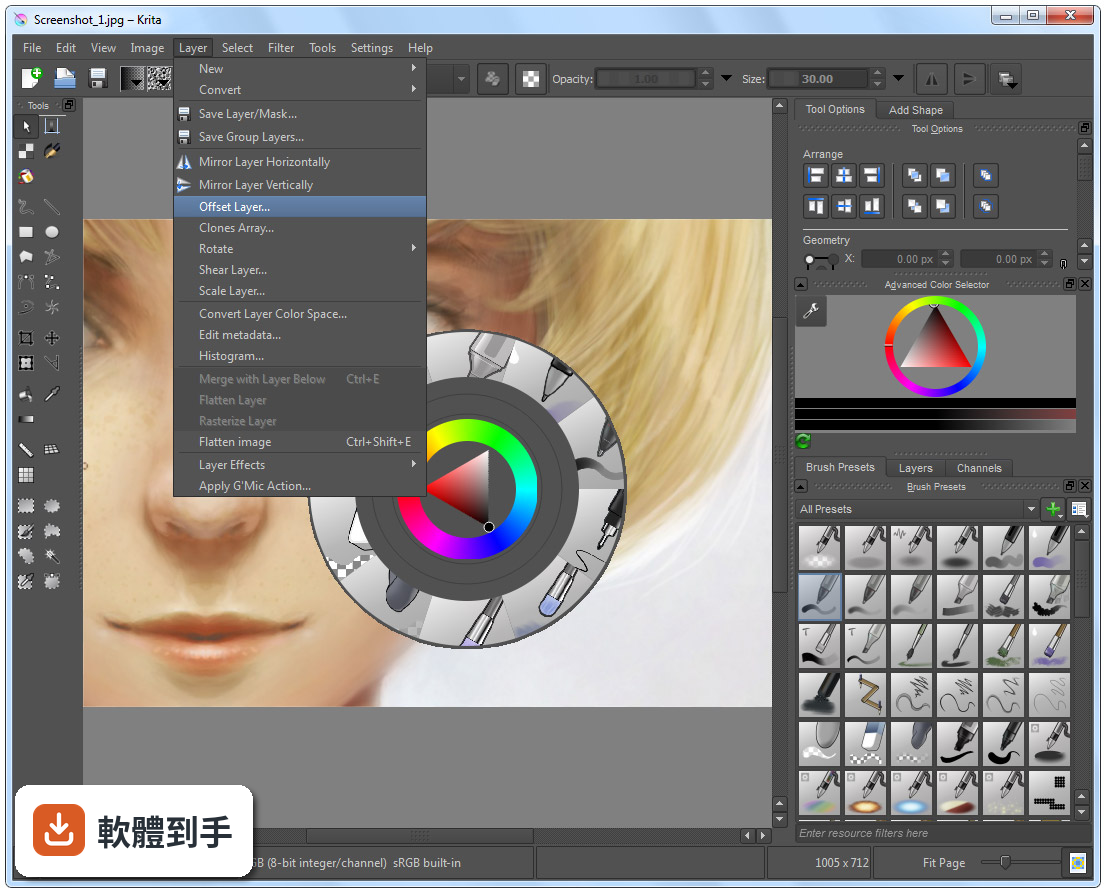
07專業接案的畫家用它會不會不夠用?
它具備 ICC 色彩管理、Gamut Mask 與色輪等專業色彩工具,也支援 CMYK 與 PSD 相容性改善,官方定位就是給藝術家、插畫家與概念設計師使用。不過,評分人數僅 201 人,相較於 Photoshop 的 9575 人,代表使用者的回饋樣本少很多,實際遇到問題時能參考的社群經驗也相對有限。
08我主要用平板畫圖,這套軟體在平板上好用嗎?
官方資料說它支援 Windows、macOS、Linux 與 Android 平板,也支援繪圖筆。但要注意,Android 版本的功能可能與電腦版有差異,例如影片匯出功能在 Android 上就沒有整合 FFmpeg。如果你主力是 Android 平板,建議先確認你需要的功能在該平台上是否完整。
09跟 ArtRage 或 Paint.NET 比起來,我該怎麼選?
這幾套的定位不同。ArtRage 模擬傳統媒材手感,Paint.NET 偏向影像編輯,而 Krita 是完整的繪圖與插畫工具,功能範圍更廣。評分方面,ArtRage 只有 33 人評分,Paint.NET 有 316 人,Krita 是 201 人,樣本都不算大。選擇的關鍵在於你主要畫什麼——如果只是簡單塗鴉,輕量軟體就夠;如果要完整繪圖流程,Krita 的功能面更齊全。
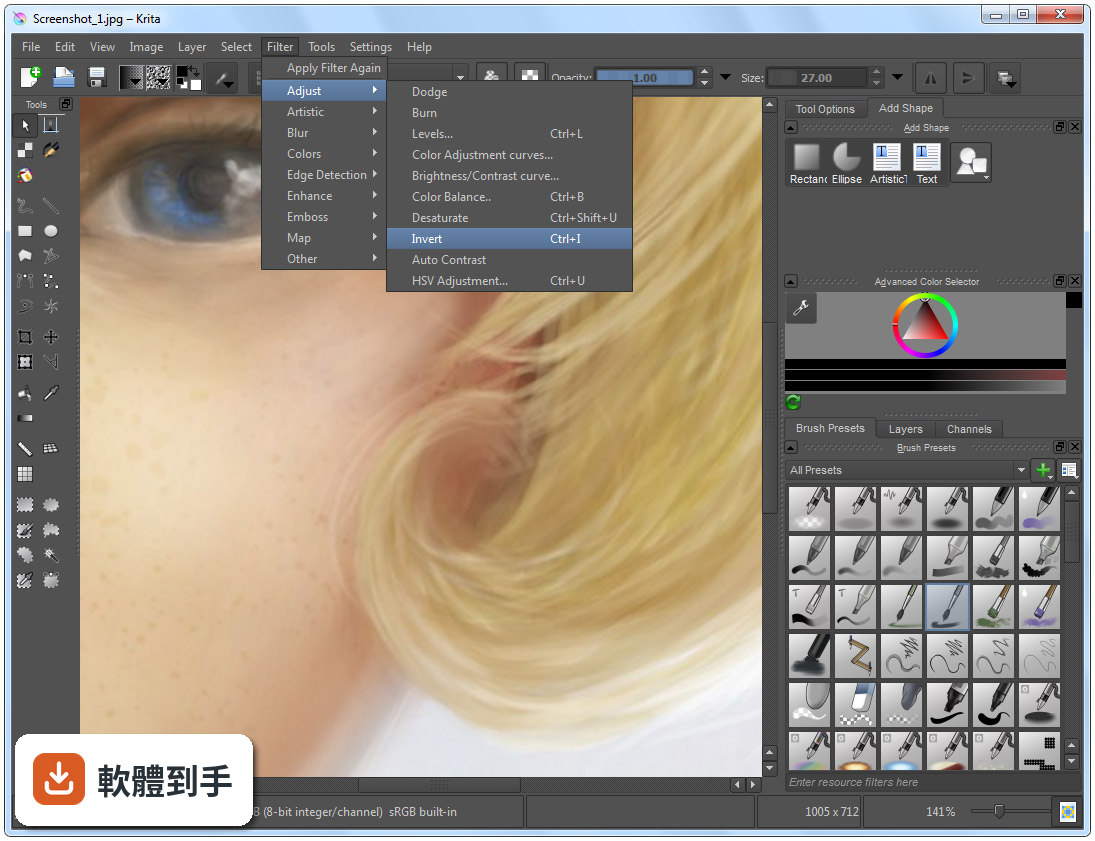
10它的介面只有英文,會不會很難上手?
確實只有英文介面,這是實際的門檻。不過介面本身可以自訂,面板能拖曳、停放或隱藏,也有快捷鍵可以加速操作。如果你英文閱讀沒問題,影響不大;如果看到英文就頭痛,可能要考慮其他有中文介面的軟體,或是花時間查詢常用的功能名稱。
11它跟 Photoshop 可以完全互相替代嗎?
不行。它是繪圖與插畫取向的軟體,Photoshop 是全面的影像編輯工具,兩者的重疊範圍在繪圖與 PSD 相容性,但 Photoshop 的修圖、合成、濾鏡生態系是 Krita 沒有的。如果你只是要畫圖、交稿,Krita 有機會替代;如果你的工作流程包含大量影像處理,那就得兩套並用或繼續用 Photoshop。
12這套軟體更新頻繁嗎?會不會用一用就沒人維護?
根據版本紀錄,近 12 個月更新 9 次,近 24 個月更新 14 次,屬於持續維護中的專案,而且它是開源軟體,由 KDE 社群開發。不過,開源專案的開發節奏與商業軟體不同,功能演進方向由社群決定,不會有「保證某個功能一定在下一版出現」的承諾。以目前的更新頻率來看,短期內不用擔心被放棄。
下載與官方連結
krita-x86-4.2.8-setup.exe · 連結指向軟體原廠
版本紀錄
- 2026-10-08 Krita 5.3.4.1 157.81 MB
- 2026-09-17 Krita 5.3.4 157.88 MB
- 2026-07-30 Krita 5.3.3 157.66 MB
再看 5 筆
- 2026-06-03 Krita 5.3.2.1 156.49 MB
- 2026-05-28 Krita 5.3.2 154.07 MB
- 2026-03-31 Krita 5.3.1 156.64 MB
- 2026-03-25 Krita 5.3.0 156.64 MB
- 2026-02-28 Krita 5.2.16 147.85 MB
這一版改了什麼
What's new in this version:
- Fix the sliders in the performance settings page
- Fix the color space of the onion skin cache
- Fix transforming layers that have onion skins enabled
- Also save the preferences when closing the preferences dialog with the titlebar close button
- Fix a bug in the polygon tool that adds an extra point
- Save the last used export settings
- Prevent a crash on macOS when closing a dialog that opened the system color dialog
- Fix an issue on macOS where the native file dialogs would not return a filename
- Make it possible to save the “All” tag as the current tag
- Show the correct blending mode in the brush preset editor
- Fix saving color profiles that are not sRGB to PNG files
- Make the transform tool work correctly with the selection mask’s overlay
- Fix a crash when editing the global selection mask
- Remove the “Show Decorations” option from the transform tool
- Remove the CSV export filter (it hasn’t worked for ages)
- Fix slowdown in the Warp transform tool
- Fix possible data loss when pressing the escape key multiple times
- Fix a crash when opening an image with a clone layer when instant preview is active
- Fix a crash when editing vector shapes
- Fix visibility of Reference Layer and Global Selection Mask in Timeline
- Fix random crashes when converting image color space
- Rewrite the “auto precision” option in the brush preset editor
- Fix legacy convolution filters on images with non-transparent background
- Fix an assert when force-autosaving the image right during the stroke
- Fix crash when using Contionous Selection tool with Feather option
- Fix an issue where temporary files were created in the folder above the current folder
- Improve the rendering of the transform tool handles while actually making a transformation
- Use the actual mimetype instead of the extension to identify files when creating thumbnails for the recent files display
- Improve the logging to detect whether Krita has closed improperly
- Fix exporting compositions from the compositions docker
- Fix Color Adjustment Curves not processing
- Fix artifacts on layers with colorize mask *and* disabled layer styles
- Make Separate Channels work
- Make it possible to create vector shapes on images that are bigger than QImage’s limits
- Disable adjustmentlayer support on the raindrop filter
- Make it possible to use .kra files as file layers
- Fix Crop tool loosing aspect ratio on move
- Fix Rec2020 display format
- Improve error messages when loading and saving fails
- Fix jumping of vector shapes when resizing them
- Add hi-res input events for pan, zoom and rotate
- Fix crash when using Pencil Tool with a tablet
- Always ask Windows to synchronize the file systems after saving a file from Krita
- Fix wrong aspect ratio on loading SVG files