
這是歷史版本頁面 — 看 Maxthon 最新版本
傲游瀏覽器只有英文介面,雙核引擎還值得用嗎
 Maxthon 2.1.0.1870
資料更新 2008-05-09
閱讀約 6 分鐘
你最近是不是在找一個能同時應付舊網站和新網站的瀏覽器?有些公家機關、學校系統或老舊內部網站,用 Chrome 或 Edge 開起來就是版面跑掉、按鈕失靈,但為了這些偶爾才用的網站,又不想多裝一個佔資源的瀏覽器。你只是想要一個能「兩種網站都開得順」的工具,不要複雜的設定,裝好就能用。
一般人遇到這種狀況,最直接的想法是「那就多裝一個瀏覽器專門開舊網站」。但這樣等於要同時維護兩套書籤、兩套密碼、兩套設定,切換起來也很煩。另一條路是去找那種「雙核心」的瀏覽器,讓它自己判斷哪個網站用哪個引擎來開。這類工具切入的點,就是幫你把「開舊網站」和「開新網站」這兩件事併在一起處理,不用你手動切換,也不用管理兩套東西。
01傲游瀏覽器跟 Chrome 比起來,有什麼是 Chrome 做不到的?
它內建雙引擎(WebKit 和 Trident),遇到老舊網站或只支援 IE 的網頁時,會自動用 Trident 引擎開啟,這是 Chrome 辦不到的。另外它內建資源嗅探器,可以直接從網頁抓取影片、圖片、音樂檔案,不用另外裝下載工具。分屏瀏覽功能可以讓你在同一個視窗裡並排看兩個網頁,這些都是 Chrome 預設沒有的。
02這套軟體的雲端同步,跟 Chrome 的同步有什麼不一樣?
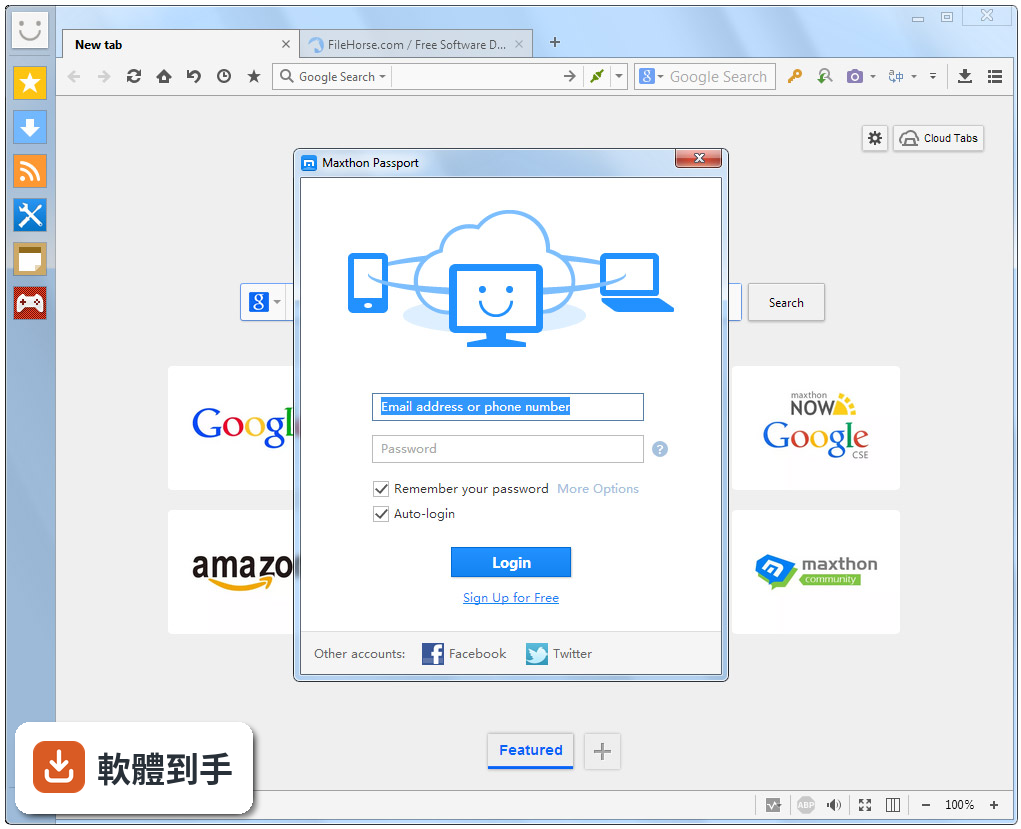
它需要註冊一個 Maxthon Passport 帳號,登入後書籤、分頁、密碼和設定都會自動同步到其他裝置。跟 Chrome 同步的差別在於,它同步的範圍包含「分頁」本身,你在電腦上開著的分頁,可以在手機上繼續看。不過要注意,介面只有英文,註冊和設定過程都是英文介面,需要一點英文閱讀能力。
03它的廣告阻擋功能是預設開啟的嗎?會不會擋到正常網站?
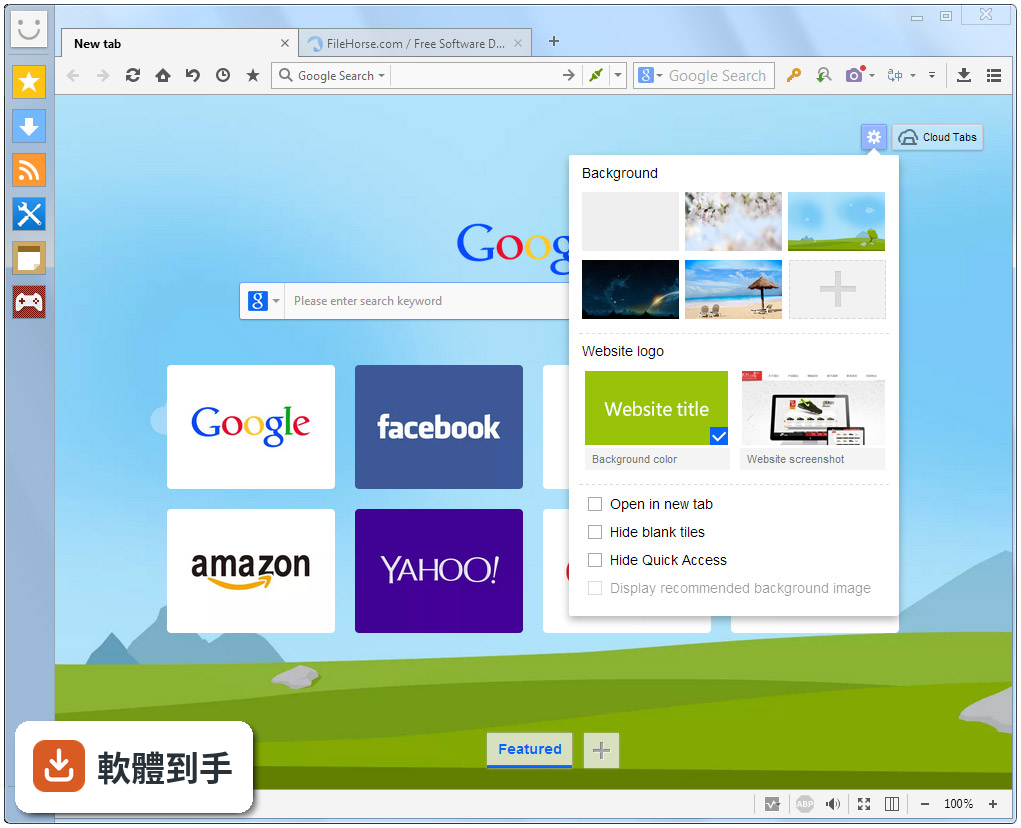
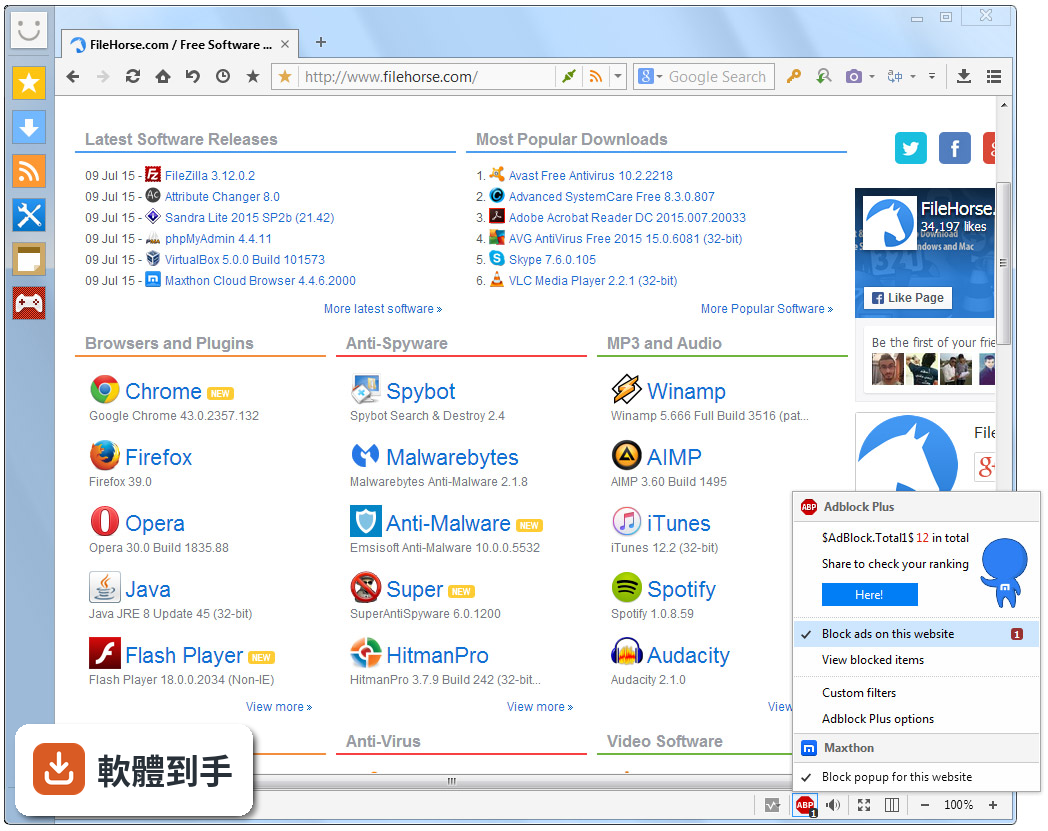
官方說明指出廣告阻擋器是預設啟用的,你可以點位址列上的盾牌圖示來管理設定。如果某個網站被誤擋,可以從那邊把該網站加入白名單。它擋的是彈出視窗、橫幅廣告這類干擾元素,但對於網站內嵌的影片廣告或贊助內容,效果要看實際使用狀況,建議安裝後先測試你常逛的幾個網站。
04資源嗅探器要怎麼用?下載 YouTube 影片也可以嗎?
當你停留在一個含有可下載內容的網頁時,點工具列上的資源嗅探器圖示,它會列出頁面上所有可下載的檔案,包含影片、圖片、音訊,你再勾選要下載的項目。至於能不能抓 YouTube 或其他串流平台的影片,官方說明沒有特別提到,這取決於網站的技術限制,需要自己實際測試看看。
05分屏瀏覽功能是怎麼運作的?適合什麼時候用?
它讓你在同一個視窗裡同時顯示兩個網頁,左右並排。適合用來比價、對照兩份文件、一邊看影片一邊逛網頁這類需要同時看兩個頁面的情境。操作方式是在分頁上按右鍵或從選單選擇分屏選項,不需要另外開兩個視窗再手動排列。
06這套軟體適合什麼樣的人用?
適合三種人:第一,工作上必須開舊網站或 IE Only 網站的上班族,雙引擎可以省去切換瀏覽器的麻煩。第二,經常從網頁下載影片、圖片、音樂的人,內建嗅探器比另外裝下載工具方便。第三,想要在電腦、手機、平板之間同步分頁和書籤的人,它的雲端同步涵蓋的裝置類型比較廣。
07我習慣用 Chrome 的擴充套件,這套軟體有支援嗎?
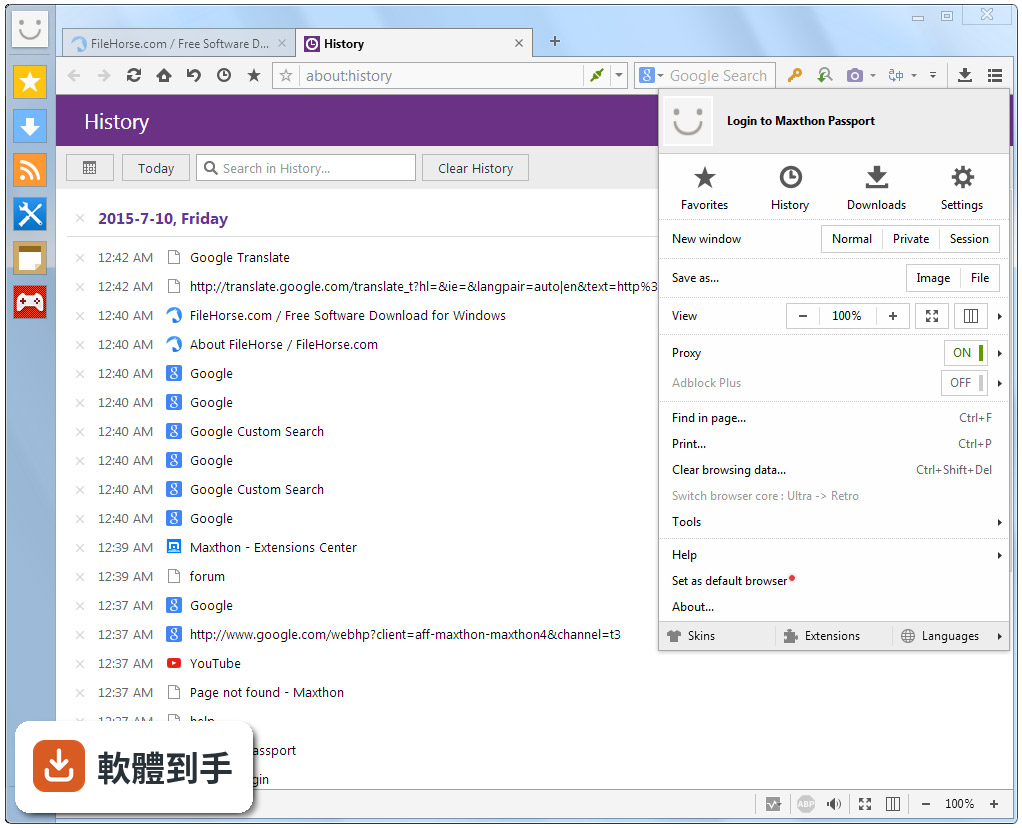
它支援擴充功能和外掛,可以透過 Maxthon Extension Center 取得。但要注意,它支援的是「多種」擴充功能,不代表 Chrome Web Store 的擴充套件全部都能裝。實際能用的擴充套件數量跟 Chrome 相比有落差,如果你高度依賴特定擴充套件,建議先確認你要用的套件有沒有提供 Maxthon 版本。
08它的 AI 聊天功能是免費的嗎?
官方說明指出,AIchat 的 Fast 模式每天有免費使用次數限制,Expert 模式則需要消耗鑽石,依照對話次數收費。也就是說,它不是完全免費的功能,免費額度用完之後,要繼續用就得付費。如果你只是偶爾想試試看,免費額度可能夠用,但如果是重度使用者,就要考慮費用問題。
09什麼樣的情況不該選這套軟體?
如果你完全看不懂英文,不建議選它,因為整個介面都是英文,連設定選單也是。如果你很依賴 Chrome 的擴充套件生態,也不建議,它的擴充中心規模遠小於 Chrome Web Store。另外,如果你只需要一個「乾淨簡單」的瀏覽器,它的功能其實很多,對你來說可能太複雜,用不到的功能反而佔空間。
10這套軟體跟 UC Browser 或百度瀏覽器比起來,哪個比較多人用?
以評分人數來看,UC Browser for Windows 有 2086 人評分,百度瀏覽器有 1064 人評分,傲游只有 431 人評分。評分人數多寡不代表好壞,但可以反映使用者的普及程度。傲游的評分是 9.12/10,分數不低,但使用人數明顯比 UC 和百度少,這意味著遇到問題時,網路上能找到的中文討論和教學資源可能比較少。
11這套軟體還在持續更新嗎?會不會用一用就沒人維護了?
從版本紀錄來看,它收錄了 226 個版本,最早是 2005 年,最近一次更新在 2026 年 8 月,近 12 個月更新了 3 次。以更新頻率來說,它還算穩定在維護,不是那種放著不管的軟體。不過它跟 Chrome、Edge 這種每幾週就更新一次的瀏覽器比起來,更新節奏慢很多,新功能的推出速度也會比較慢。
下載與官方連結
mx_2.1.0.1870.exe · 3.94 MB · 連結指向軟體原廠
版本紀錄
- 2026-10-26 Maxthon 7.5.3.3400 135 MB
- 2026-10-23 Maxthon 7.5.3.3200 135 MB
- 2026-10-12 Maxthon 7.5.3.3000 134 MB
再看 5 筆
- 2026-10-12 Maxthon 7.5.3.2800 134 MB
- 2026-09-28 Maxthon 7.5.3.2600 134 MB
- 2026-09-21 Maxthon 7.5.3.2400 133 MB
- 2026-09-12 Maxthon 7.5.3.2200 133 MB
- 2026-08-17 Maxthon 7.5.3.1000 138 MB
這一版改了什麼
What's new in this version:
[User Interface]
* re-organized Web Tools Bar
* fixed address bar slow redraw problem when tab change
* fixed external tools and plugin buttons tooltip problem
* fixed an address bar icon drawing problem
* fixed problem that dropdown button may not work when toolbars are locked
* fixed a focus problem of the Block Page Content toolbar
* fixed a notification display problem of Maxthon Downloader status bar button
* fixed a gdi leak of undo menu
* fixed problem that Super MSA site list cannot be edited
* fixed a slow interface problem if favorites contain intranet sites
* fixed text display problem when web toolbar is reset
* fixed problem that some tabs cannot be closed
* fixed a https site favicon display problem
* support Vista big size icon
* added exit fullscreen command to the system menu under full screen
[Browsing]
* changed Last Visited Pages to cumulative basis, un-reopened pages will be carried forward
* fixed some ajax not working problems
* fixed a flash related blank page problem
* improved performance when several tabs are opened at the same time
* fixed a "memory cannot read" problem when Maxthon is closed
[Assessories]
* fixed upload user data crash problem when online favorites is disabled
* fixed crash problem when checking url of non-exist local page
* fixed problem of repeated bug dialog after improper shutdown
* fixed problem that new tab may be blocked due to magic fill form save dialog
* status bar date/time display uses the same format as system tray
* changed sniffer notification to "Show Notify icon in Address Bar"
[Maxthon Downloader]
* added unicode support
* added option not to activate download tab
* changed order of download task list
* fixed a task list display problem
* fixed save directory list incomplete problem
[Shortcut/Mouse Gesture]
* fixed problem that scroll page/down, scroll to top/bottom sometimes may not work
* fixed problem that right Alt key sometimes not work
* fixed problem that saving form by mouse gesture may not work
[Plugin]
* fixed problem that HTMLbutton plugin in webtoolbar cannot be dragged under customize...
[Webpage Sniffing]
* fixed problem that when a RSS is subscripted, the remaining RSS are not shown
[AdHunter]
* support filtering xsl document
* fixed problem that some text filter entries may not show in filter log
* fixed a content filter whitelist problem