
這是歷史版本頁面 — 看 Nox App Player 最新版本
想在電腦上玩手遊?Nox App Player 能幫你什麼
 Nox App Player 6.0.1.1
資料更新 2017-12-09
閱讀約 6 分鐘
想用手機玩遊戲,但螢幕小、玩久了發燙、操作又卡卡的,尤其玩射擊或 MOBA 類,手指在螢幕上滑半天還是跟不上節奏。你開始想:如果能在電腦上玩手機遊戲就好了,畫面大、鍵盤滑鼠操作也順手,但又不確定該用什麼方法把遊戲搬到電腦上。
有人會先試手機投影或鏡像功能,把手機畫面丟到電腦上,但延遲明顯、操作還是得碰手機,等於白忙一場。也有人直接找 Android 模擬器,但這類工具很多,介面、效能、穩定性差很多,裝了才發現跑不動或遊戲不支援,白花時間。這類工具的切入點,是在電腦上建立一個 Android 環境,讓你直接從電腦下載、安裝、執行手機 App 和遊戲,並把觸控操作轉成鍵盤滑鼠。
01Nox App Player 到底能拿來做什麼?
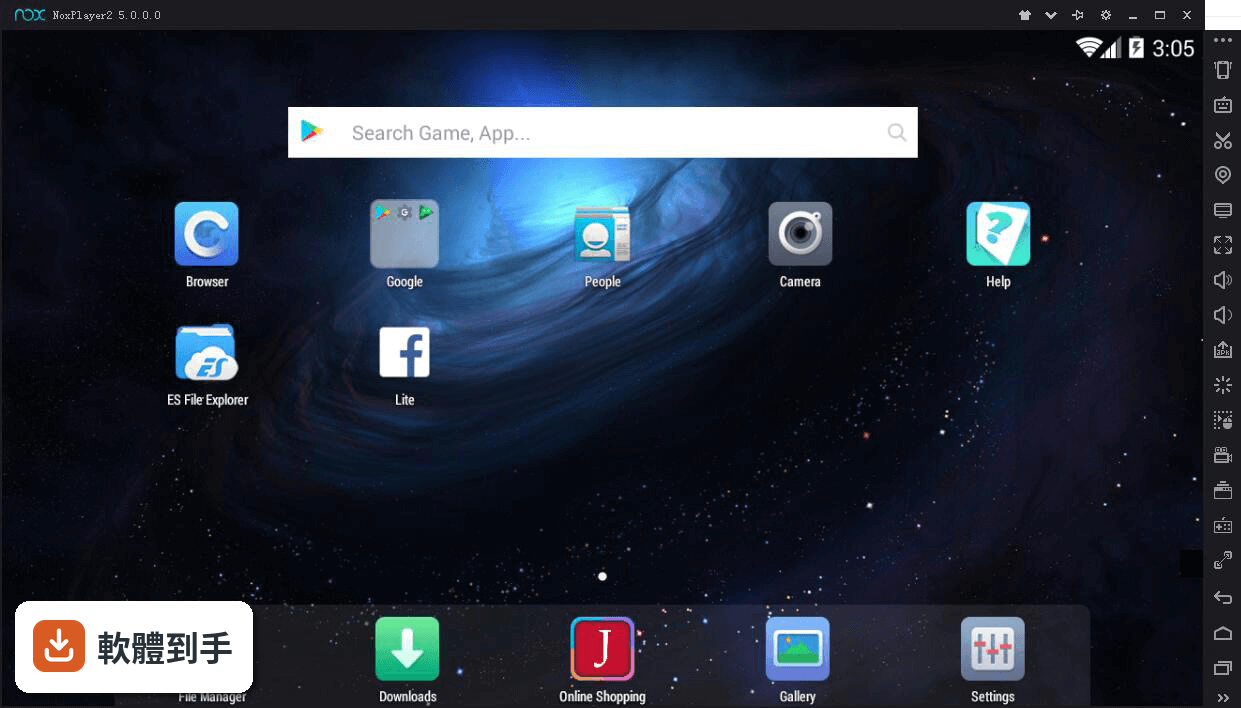
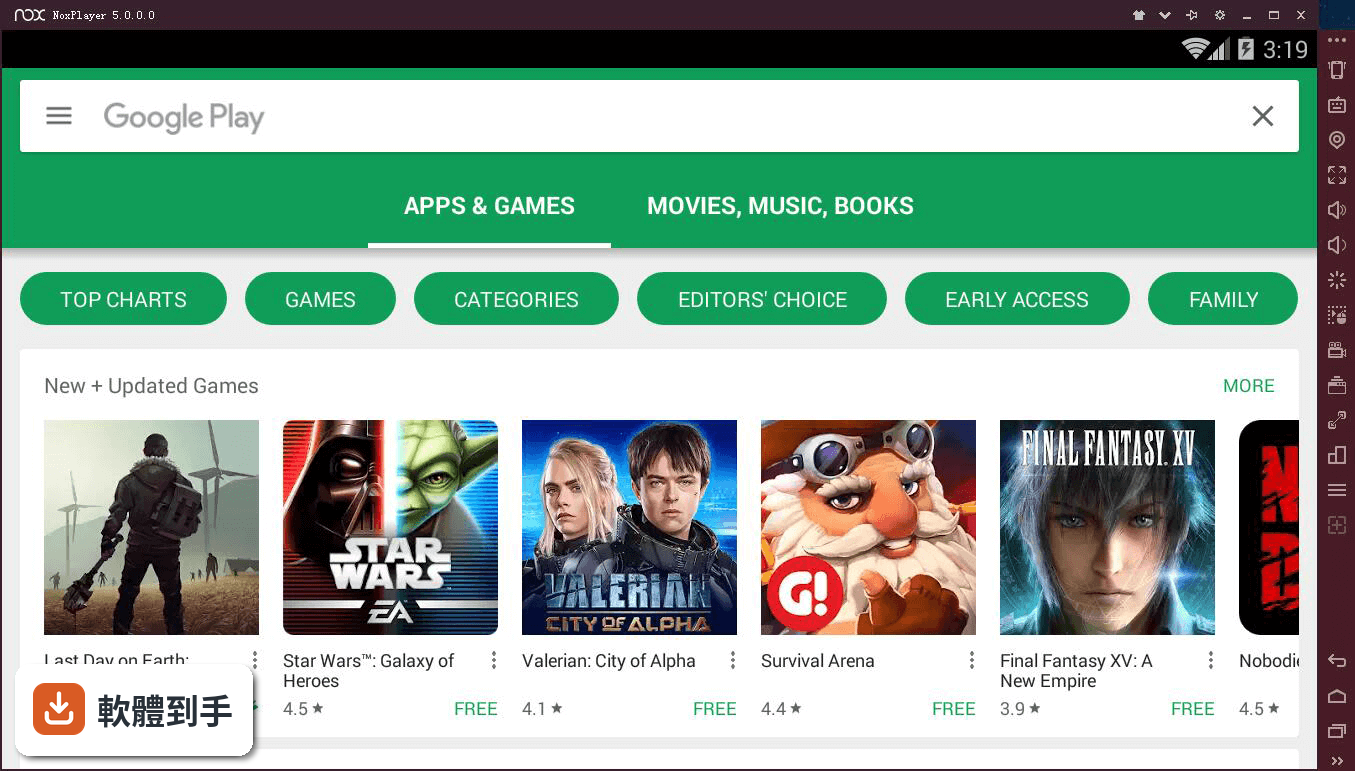
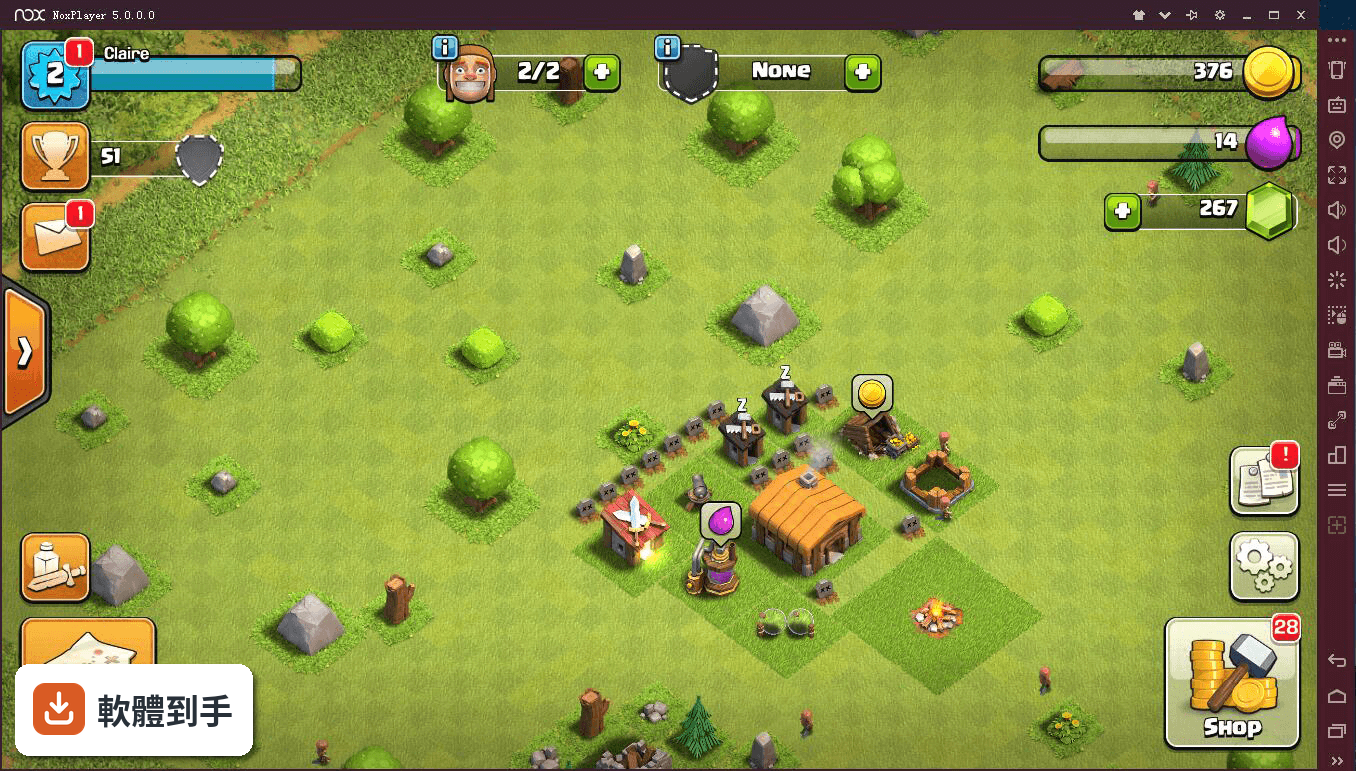
它是一套 Android 模擬器,讓你在 Windows 電腦上跑 Android 遊戲和 App。官方列出的用途包括玩 Call of Duty Mobile、PUBG Mobile、Clash of Clans 等熱門手遊,也支援一般 App 的安裝使用。你可以從內建的 Google Play Store 搜尋安裝,或直接匯入 APK 檔。它還提供按鍵映射、虛擬定位、多開、錄影等功能,不只是單純跑遊戲。
02這套軟體對電腦硬體的要求高嗎?
官方建議的系統需求是 Windows 7 以上、雙核心處理器、4GB RAM、2GB 可用硬碟空間。不過要注意,這只是「建議」,實際跑資源吃重的遊戲時,效能會依你的電腦規格而有明顯差異。如果你電腦只有 4GB RAM,又想同時開多個遊戲,很可能會卡頓或跑不動,這點要先有心理準備。
03它支援多開嗎?我想同時開兩個帳號練等。
支援。它內建 Multi-Instance Manager,可以同時開啟多個 Android 實例,每個實例獨立運作,你可以同時登入不同帳號、跑不同遊戲。但多開會同時吃 CPU 和記憶體,開越多越吃資源,電腦不夠力的話會明顯變慢。官方沒有給出「最多能開幾個」的數字,實際能開多少要看你電腦的配備。
04虛擬定位功能是怎麼用的?玩 Pokémon GO 有用嗎?
它內建虛擬定位功能,可以模擬 GPS 位置,官方特別提到支援 Pokémon GO 和 Ingress 這類需要定位的遊戲。你可以用鍵盤控制角色移動,還能調整移動速度。不過要注意,這類遊戲的官方政策可能禁止虛擬定位,使用後有帳號被鎖的風險,這部分官方文件沒有提供任何保證或說明。
05錄影和巨集功能是內建的嗎?
是內建的。它提供螢幕錄影功能,可以直接錄下模擬器裡的畫面,官方說可以用來做教學或遊戲影片。另外也有巨集錄製功能,可以錄下你的操作步驟並重播,適合重複性的動作。這些功能不需要另外裝軟體,在模擬器介面裡就能操作。
06我電腦只有 Windows 7,可以用嗎?
可以。官方列出的支援系統包含 Windows 7、8、10、11,所以 Windows 7 也在範圍內。不過要注意,這套軟體的介面語言只有英文,安裝和設定過程都是英文介面,如果你不習慣看英文,操作上會需要花點時間摸索。另外,官方文件提到也有 macOS 版本,但支援系統列表只列了 Windows,Mac 版的細節需要自行上官網確認。
07這套軟體適合什麼樣的人用?
適合想在電腦上玩 Android 手遊、但不想用手機小螢幕的人,尤其是需要鍵盤滑鼠操作、或想多開帳號的玩家。它也適合開發者或測試人員,可以在模擬器裡安裝 App 或 APK 進行測試,不需要準備實體手機。另外,如果你玩的是需要定位的遊戲,它的虛擬定位功能可能對你有用,但要自行承擔風險。
08我主要是想拿來測試自己寫的 App,這套夠用嗎?
官方文件說它提供適合 App 測試和開發的環境,可以從 Google Play Store 或 APK 檔安裝應用程式。但要注意,它是以 Android 4.4.2 為基礎,這是很舊的 Android 版本,如果你的 App 需要較新的 Android API 或功能,可能無法在裡面正常運作。官方沒有提供 Android 版本切換的說明,這點需要你自己確認。
09這套軟體和 BlueStacks 比起來,哪個比較多人用?
以評分人數來看,BlueStacks 有 4983 人評分,而 Nox App Player 有 1456 人評分,BlueStacks 的使用者基數明顯大很多。評分方面,Nox 是 8.4/10,BlueStacks 的評分資料你提供的資訊中沒有列出,無法直接比較。如果你在意的是「比較多人用、比較多人討論」,BlueStacks 在數量上佔優勢,但這不代表 Nox 比較差,只是社群規模有差。
10它的更新頻率如何?會不會很久沒更新?
根據版本紀錄,它收錄了 102 個版本,最早在 2017 年,最近一次更新在 2026 年,但近 12 個月只更新 1 次,近 24 個月也只更新 1 次。也就是說,它大約一年才更新一次,更新頻率不算高。如果你玩的遊戲經常改版,模擬器更新慢可能會遇到相容性問題,這點需要留意。
11介面只有英文,對台灣使用者來說會很難上手嗎?
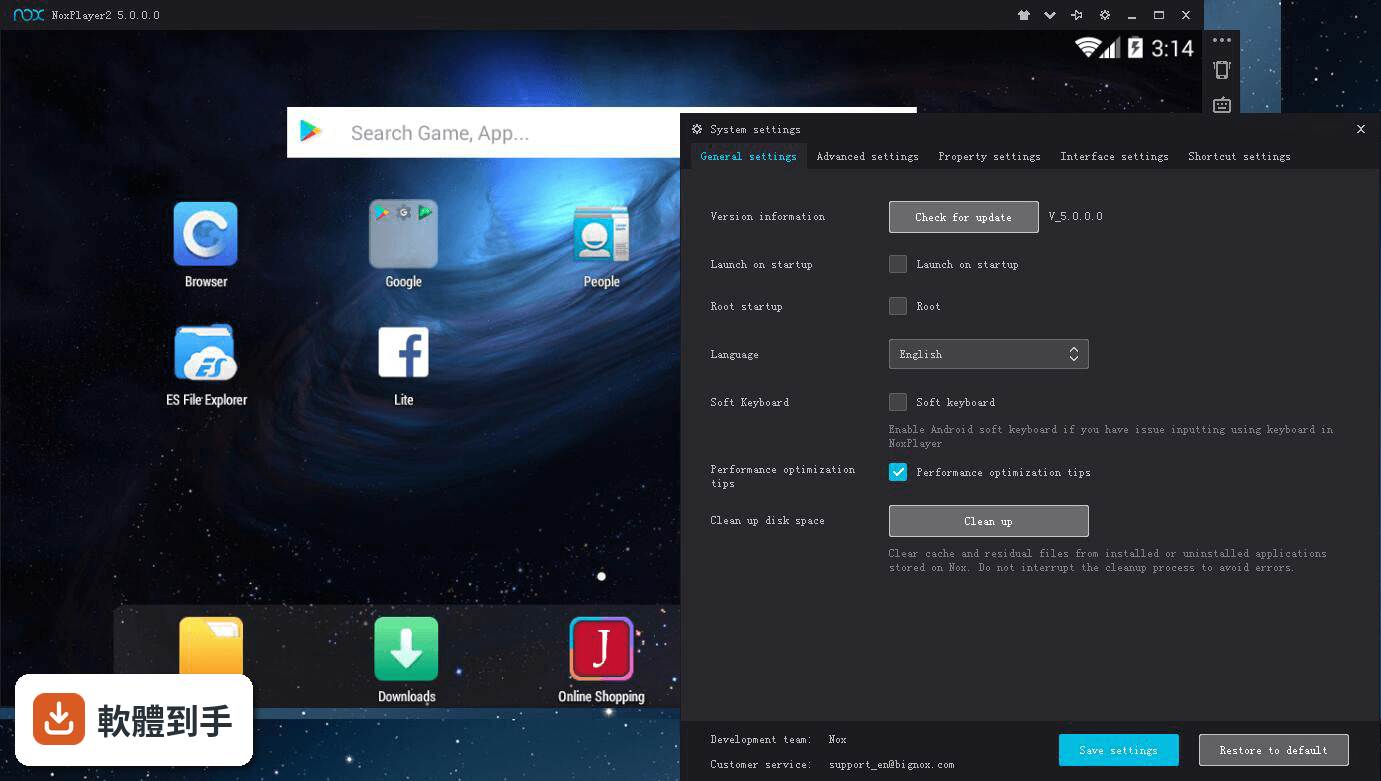
介面語言只有英文,安裝過程和設定選項都是英文,但官方文件有提供安裝和設定的步驟說明,照著做可以完成基本安裝。如果你只是要安裝遊戲、按鍵映射、多開,這些功能的位置在介面上算直觀,不太需要讀懂每個選項。但如果你要調整進階設定(如 CPU 和 RAM 分配),就需要看懂英文說明,這對不熟悉英文的人來說會是門檻。
12什麼樣的情況不該選這套軟體?
如果你很在意軟體更新頻率,它一年只更新一次,可能不適合你。如果你需要中文介面,它只有英文,操作門檻較高。如果你玩的遊戲需要較新的 Android 版本,它以 Android 4.4.2 為基礎,可能跑不動。另外,如果你希望選一套社群大、討論多、問題好找答案的軟體,BlueStacks 的評分人數是它的三倍以上,這點可以納入考量。
下載與官方連結
nox_setup_v6.0.1.1_full_intl.exe · 連結指向軟體原廠
版本紀錄
- 2026-02-16 NoxPlayer 7.0.6.2 571 MB
- 2024-05-20 NoxPlayer 7.0.6.0 574 MB
- 2023-10-09 NoxPlayer 7.0.5.9 579 MB
再看 5 筆
- 2023-06-16 NoxPlayer 7.0.5.8 578 MB
- 2023-05-12 NoxPlayer 7.0.5.7 578 MB
- 2023-04-02 NoxPlayer 7.0.5.6 569 MB
- 2023-02-28 NoxPlayer 7.0.5.3 569 MB
- 2023-02-13 Nox App Player 7.0.5.2
這一版改了什麼
What's new in this version:
Nox App Player 6.0.1.1
- Fixed some known issues and bugs
Nox App Player 6.0.1.0
- Some popular games automatically apply keyboard control
- Virtual location the default is set to the language capitals
- Restart Android button on Side bar integrated one-click refresh desktop function
- Added the restart operation, when you want to close emulator
- Fixed disk clean up instability problem
- Fixed overwrite installation may cause data loss problem
- Fixed when multiplayer’s data too big may cause back up and import operation stuck at 99% problem
- Fixed video recording black screen in the latest Win 10 system problems
Game compatibility:
- Solved device cannot support problem in “Survival Royale”game
- Solved ” Naruto x Boruto Ninja Voltage ” cannot run on Nox problem
Nox App Player 5.2.1.0
- Add Error message and corresponding solution when anti-virus such as Avast falsely block the startup of NoxPlayer
- Fixed Korean input issue in Windows 10 rs3 release Download Offline Installer Now
NoxPlayer 5.2.0.0
- Introduced brand new Video Recorder feature
- Support re-arrange recorded Macros through mouse dragging
- Added new Internet bridge connection feature You could connect with friends in Local Area Network (LAN) games such as in Soul Knight (not available for Windows 10)
- Added Windows balloon tips notification option in System Settings to conveniently turn it on/off
- Optimized keyboard input language display
- Support setting Tab key as Keyboard Control option
- Optimized in-game walking by right-mouse-button to ensure smoother gaming experience
- Fixed input issue caused by setting special keys as keyboard control function keys
- Improved overall performance and game compatibility
- Fixed random app keep crashing issue
NoxPlayer 5.1.0.0
- Added Macro Key edit and multiple-strike effect to keyboard control feature. You could save more than one set of keyboard control preference for one game.
- Improved keyboard control for MOBA games (especially Mobile Legends and Arena of Valor). You could manually adjust the damage area of skill casting and the accuracy of walking using the right mouse button.
- Fixed the problem that NoxPlayer may automatically hide after disable the Boss key
- Various minor bug fixes and user experience improvements
NoxPlayer 5.0.0.1
- Change log not available for this version
NoxPlayer 5.0.0.0
- Re-designed the user interface of NoxPlayer to comply with flat design principles and give the users a whole new experience
- Added Theme center. We are the only Android emulator that supports this feature. You could change between different themes to give your Nox a new touch.
- Dramatically improved the engine to boost NoxPlayer’s performance
- Added Rotate button to change Nox screen display from vertical to horizontal or back with just one click
- Changed the interface of Keyboard control settings and File share between PC and NoxPlayer
NoxPlayer 3.8.3.0
- Support overwrite installation with the old data preserved. You can update directly without back up anymore since this version.
- Support creating shortcut to each existed instance to desktop directly.
- A newly designed installer with updated interface.
- Added MOBA game skill casting assistance.
- Fixed known problems and errors, improved user experience.
NoxPlayer 3.8.2.0
- Support right-mouse key control game character movement in MOBA games such as Vainglory
- Enriched list of Mobile phone model to choose from in System Settings
- Fixed Android log print issue
- Fixed screen flash in video recording
- Added feedback window in the drop down menu on upper right corner of NoxPlayer window. Users could more conveniently provide feedback and report problems.
NoxPlayer 3.8.1.3
- Optimized compatibility with games/apps
- Improved location accuracy in Virtual Location feature
NoxPlayer 3.8.1.2
- Fixed some minor bugs
- Update Google Play Store to the latest version
- Optimized carrier information
NoxPlayer 3.8.1.1
- Renamed Nox App Player as NoxPlayer
- Optimized controller compatibility and settings. We now support XBOX Controllers
- Fixed display issue with games such as Lineage II
- Add Favorites feature in Virtual Location
- Fixed some installation and startup errors
- Add input preview function which allows you to view the typing process
- Allow Hide/Unhide performance optimization notice
- Fixed Boss key malfunction
NoxPlayer 3.8.0.0
- Fixed Nox App Player unable to run on Win 10 Insider Preview Build issue
- Optimized virtual location feature
- Add ES File Manager for your convenience management of all files
- Increase the limit of customize resolution settings to support 4k screen (4096*2160)
- Optimized the display of sidebar when Nox window is resized
- Fixed some installation and startup error for better performance
- Fixed compatibility issue with Dawn of Titans and Dominations