
這是歷史版本頁面 — 看 Origin 最新版本
Origin 遊戲平台還能用嗎?它跟 EA App 差在哪
 Origin 10.5.5.5003
資料更新 2017-11-01
閱讀約 6 分鐘
Origin 是 EA 的遊戲平台,很多人電腦裡還留著它,是為了玩《模擬市民》、《戰地風雲》或《FIFA》系列。最近想開來玩遊戲,卻發現介面卡卡的、登入怪怪的,甚至跳出訊息要你裝新的 EA App。你只是想趕快進遊戲,卻卡在平台轉換的關卡上,不知道舊的 Origin 到底還能不能用、裡面的遊戲會不會不見。
一般人遇到這種狀況,直覺是上網找 Origin 的下載檔重裝,或到處問「Origin 是不是壞了」。但問題往往不是軟體壞掉,而是 EA 已經把服務轉移到新的應用程式,舊的 Origin 逐漸被放生。這類遊戲平台工具的切入點,就是幫你集中管理遊戲庫、下載安裝、跟朋友連線,但當官方停止維護舊版,你就得搞清楚轉移的規則,才不會白忙一場。
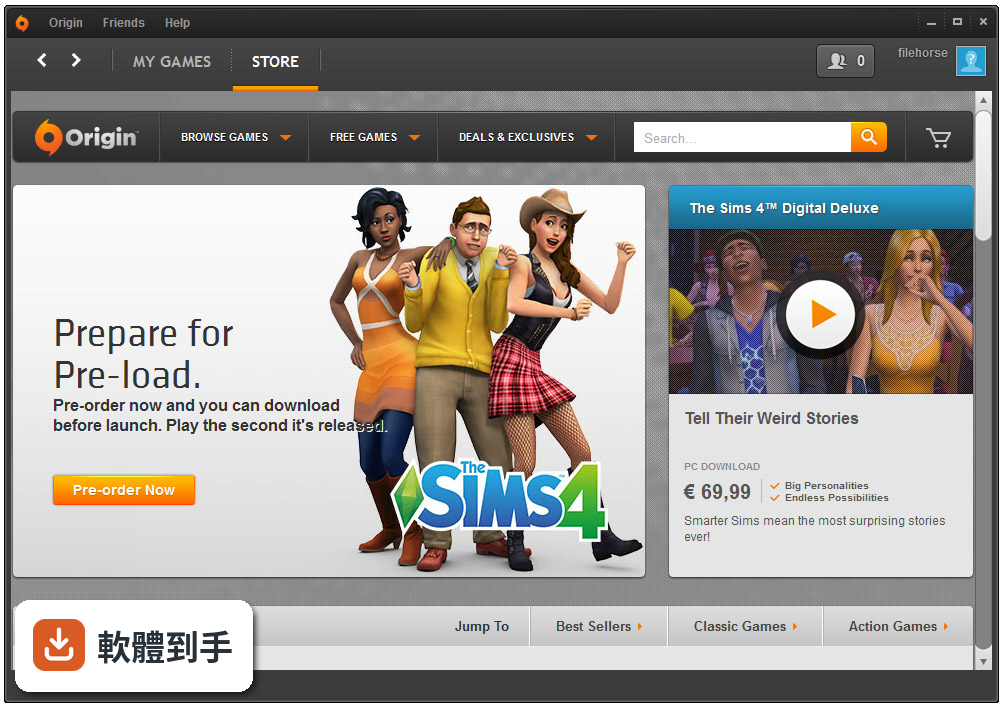
01Origin 現在還能用嗎?
根據官方說明,Origin 已經被 EA Desktop App 正式取代,等於 EA 自己結束了這個平台的生命週期。也就是說,舊的 Origin 應用程式雖然可能還打得開,但 EA 不再把它當作主要服務對象,後續更新和支援都會越來越少。如果你還在用 Origin,建議直接轉移到新的 EA App,遊戲庫和進度通常可以轉過去。
02這套軟體主要能做什麼?
它的核心功能是購買、下載、安裝 EA 發行的遊戲,並集中管理你的遊戲庫。你可以從商店買遊戲、預載還沒上市的遊戲、自動下載更新檔,也能看到朋友在玩什麼、用內建聊天功能跟他們對話。另外還有雲端存檔功能,可以把遊戲進度存到網路上,換電腦時接著玩。這些功能現在都轉移到 EA App 上繼續提供。
03它跟 Steam 有什麼不同?
最大的差別在於 Origin 只賣 EA 自家發行的遊戲,Steam 則集合了各家發行商的遊戲,數量多很多。Origin 的優勢是 EA 的遊戲在自家平台通常會比較早上架,但 Steam 的玩家社群、工作坊、成就系統都更成熟。如果你只玩 EA 的遊戲,用哪個平台差別不大;但如果會玩其他發行商的遊戲,Steam 的涵蓋範圍廣得多。
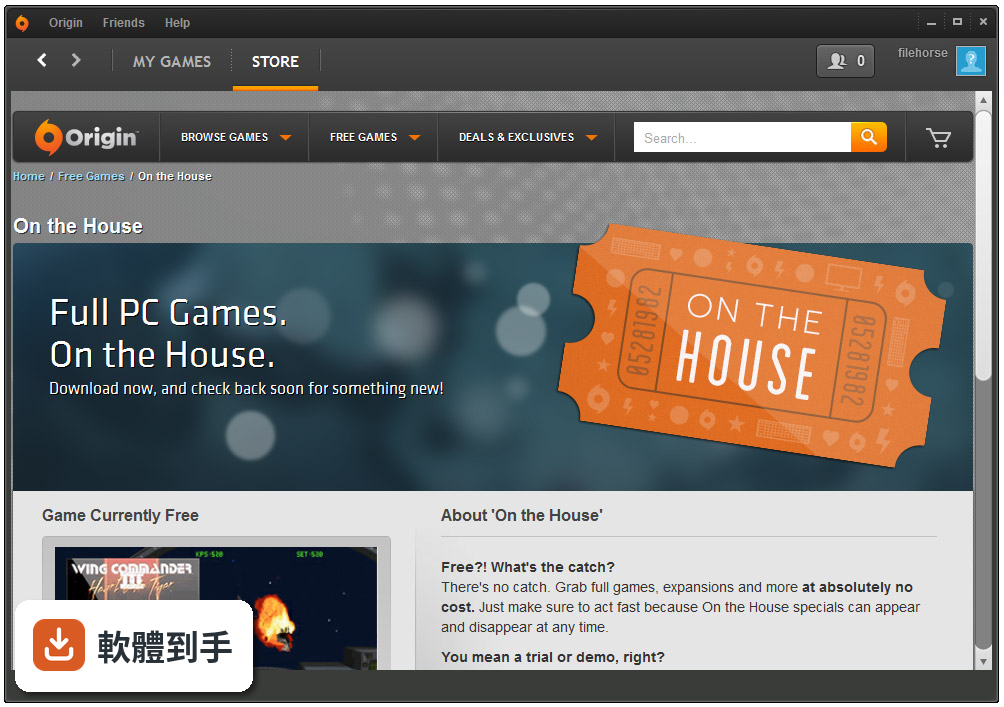
04雲端存檔功能是怎麼運作的?
官方說明指出,雲端存檔功能可以讓你把遊戲進度存在網路上,之後在任何一台裝了這個平台的電腦上登入,就能從上次離開的地方繼續玩。這個功能在 Origin 上標示為測試版,轉移到 EA App 後也還在持續開發中。要注意的是,不是所有遊戲都支援雲端存檔,而且這功能需要網路連線才能同步。
05可以把手機跟電腦的遊戲進度同步嗎?
官方說明提到,這個平台的服務也有手機版,可以在 iPhone、iPad、iPod touch 或 Android 手機上使用,主要是讓你在手機上跟朋友聊天、查看遊戲動態。但關於手機跟電腦之間的遊戲進度同步,官方文件沒有明確說明,建議你實際測試看看,或到 EA 的支援頁面確認哪些遊戲支援跨裝置同步。
06這套軟體適合什麼樣的人用?
適合主要玩 EA 發行遊戲的人,像是《模擬市民》、《戰地風雲》、《FIFA》、《Apex 英雄》這些作品的玩家。因為這些遊戲在 Origin 或 EA App 上購買和管理最直接,而且雲端存檔、自動更新這些功能都是圍繞 EA 的遊戲設計的。如果你只玩 EA 的遊戲,用這個平台其實就夠了,不需要特別去裝 Steam。
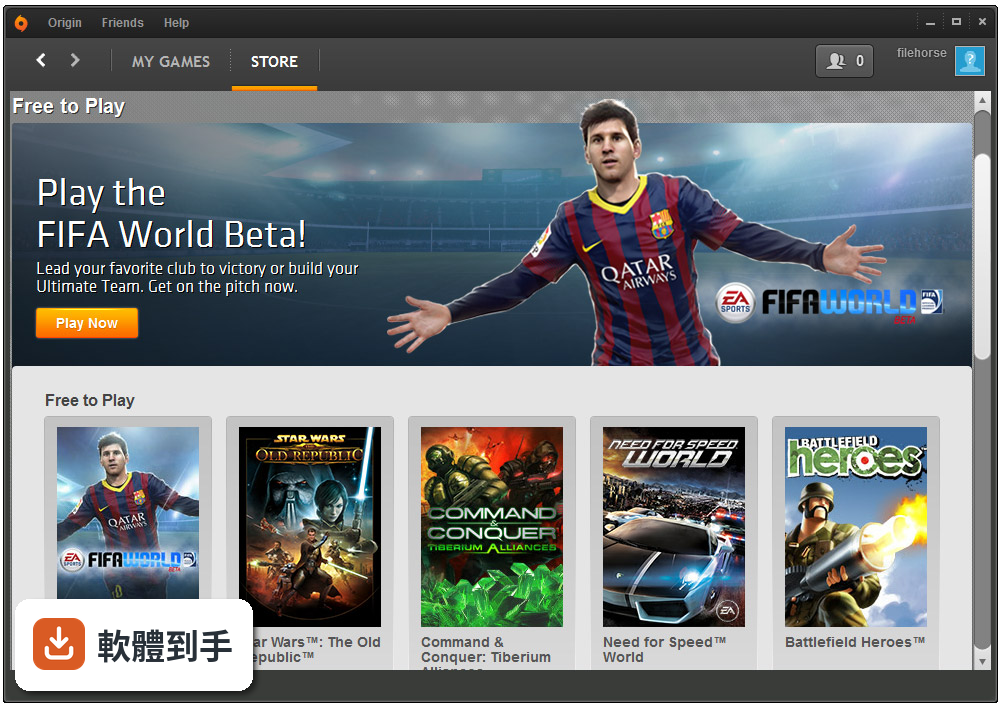
07我原本在 Origin 買的遊戲,換到 EA App 還會在嗎?
官方說明指出,EA App 可以讓你把你買過的 EA 遊戲加到遊戲庫裡,不管當初是在哪裡買的。也就是說,你在 Origin 買的遊戲,轉移到 EA App 後應該都還在。不過實際轉移的過程可能因為帳號狀態、遊戲授權等因素有差異,建議你登入 EA App 後檢查一下遊戲庫,確認所有遊戲都有出現。
08什麼情況不該選這套軟體?
如果你玩的遊戲主要不是 EA 發行的,這套軟體對你的用處就很小,因為它的商店只賣 EA 自家的遊戲。另外,它的介面只有英文,沒有中文語系,如果你不習慣看英文介面,操作上會比較吃力。還有,Origin 這個舊版已經被官方停止支援,如果你現在才要開始用,直接裝 EA App 就好,不需要回頭用 Origin。
09它的介面只有英文,會不會很難操作?
官方資料顯示介面語系只有 English,沒有中文。基本操作像是登入、買遊戲、下載安裝,流程不算複雜,英文程度一般的人應該能應付。但如果你對英文介面不熟悉,可能會在設定選項或帳號管理這些地方卡住。這點在安裝前要先想清楚,畢竟遊戲平台是每天要開的東西,介面看不懂會很煩。
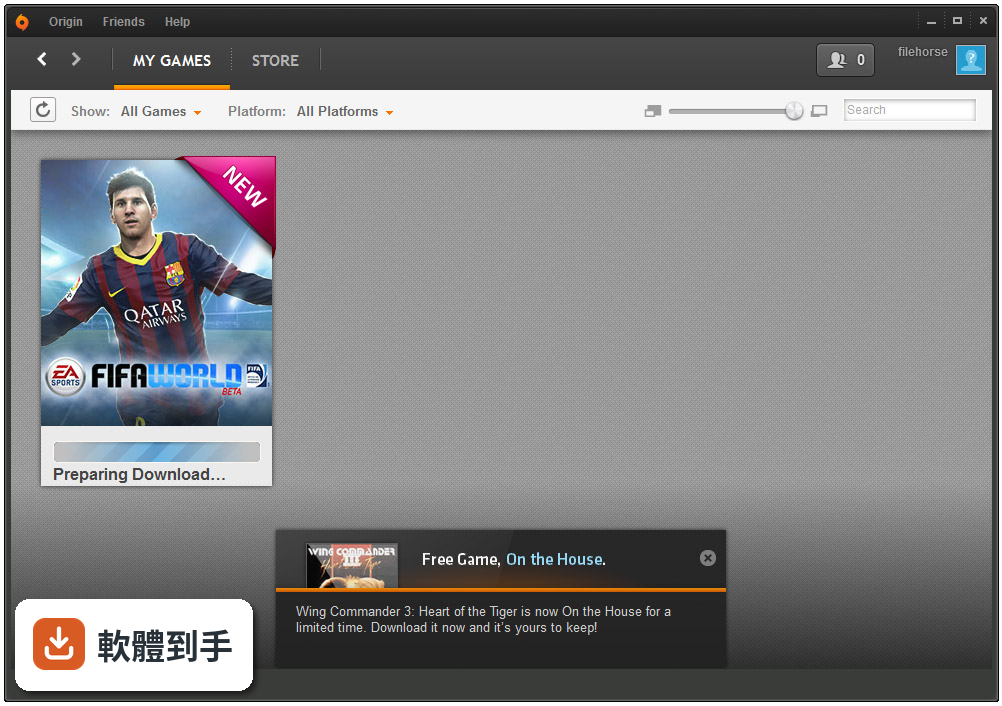
10這套軟體跟 Uplay、GOG Galaxy 比起來如何?
這幾個平台的本質都是遊戲發行商自己出的商店,Uplay 是 Ubisoft 的、GOG Galaxy 主打無 DRM 的經典遊戲。Origin 的定位跟 Uplay 最像,都是發行商為了自家遊戲做的平台。差別在於 EA 的遊戲陣容比 Ubisoft 更集中在運動和射擊類型,而 GOG 走的是完全不同路線。如果你只玩 EA 的遊戲,Origin 或 EA App 是唯一選擇,沒有什麼好比的。
11這套軟體是不是已經停止更新了?
根據版本紀錄,Origin 在近 12 個月內只更新過 1 次,近 24 個月也是 1 次,而且官方已經明確說 Origin 被 EA App 取代。這代表 Origin 的更新頻率已經很低,基本上處於放生狀態。如果你還在用 Origin,建議轉到 EA App,因為新功能、遊戲支援、安全性更新都會集中在 EA App 上,Origin 只會越來越少被照顧。
12我電腦是 Windows 7,還能用這套軟體嗎?
官方資料顯示 Origin 支援 Windows 7 到 Windows 11,所以你的系統在支援範圍內。但要注意,EA App 的系統需求可能跟 Origin 不同,而且 Windows 7 本身已經停止支援,新的應用程式不見得會繼續支援舊系統。如果你還在用 Windows 7,建議先確認 EA App 能不能裝,再決定要不要轉移。
下載與官方連結
OriginThinSetup.exe · 59.51 MB · 連結指向軟體原廠
版本紀錄
- 2025-11-03 Origin 10.5.128 2.3 MB
- 2022-04-07 Origin 10.5.112
- 2022-01-20 Origin 10.5.110
再看 5 筆
- 2021-11-09 Origin 10.5.107
- 2021-09-16 Origin 10.5.104
- 2021-04-29 Origin 10.5.98
- 2021-03-31 Origin 10.5.96
- 2021-03-23 Origin 10.5.95
這一版改了什麼
What's new in this version:
- Give all your hard drives some love – now when you start a game download, you can pick which hard drive you want to save the data to. We won’t tell the others
- We’ve been working on our mind-reading skills, and figured you won’t want to keep Angry Space Lizards 3 Standard Edition on your wishlist when you buy Angry Space Lizards 3 Deluxe Edition. Now we wipe those redundant games away
- Network errors used to give the Origin store checkout brain freeze and break everything. We warmed the whole thing up and fixed the problem
- For a while we forgot to warn you if you were about to buy a bundle that included a game you already owned. *Hiss* our bad. Now that’s fixed and we’ve got you covered again
- Some modals used to go bonkers in offline mode. Now they don’t
- Chat windows used to have a tantrum and hide permanently when you popped them out and minimized them. We gave them a stern talking to and fixed the issue
- You’ll get an error if you try to buy SPEED points offline, but for a while we were showing you the wrong error message. We dealt with that and saved us all from Errorception
- If you owned Angry Space Lizards 4 Deluxe Edition and your friend owned the Standard Edition, Origin used to say your friend’s game would shut down if they accepted a party invite from you. We fixed that and officially ended the party crashing threats
- We tweaked mobile users’ recommendations so we don’t suggest they pre-order released games. Because as far as we know, you’re not time travelers
- We changed the layout of the add-on store to make stuff easier to find. Now you’ll never miss another Angry Space Lizards 5 DLC pack
- We used to let you buy add-on content and go on your merry way, even if you didn’t own the main game. Now we make sure to give you a head’s up
- If you owned Angry Space Lizards and tried to purchase multiple consumables/currency packs, you would get an error saying you did not in fact own Angry Space Lizards. Error, thou art banished
- No one likes a vanishing act, so we fixed an issue that caused some titles to go missing from the game library in offline mode
- If you tried to purchase a bundle that included a game you already owned, you would get a message saying you owned every version of that game. But now the bug has been unbungled
- Discount prices weren’t showing up on certain tiles in the store because they just didn’t feel like it. Thankfully, they have since had an attitude adjustment
- We believe no pixel should be left behind. In expanded windows, we've resized promotional images so they are no longer cut off on the top and bottom
- Sometimes you can have too much of a good thing, like play buttons. Mobile users no longer see two play icons on videos in My Home
- If you preordered Angry Space Lizards Deluxe Edition, you could not access the Play First Trial of Angry Space Lizards Standard Edition. That was our collective bad
- Users in Brazil used to see a welcome message saying their subscription would end on “invalid date.” This has been fixed. We consulted our in-house time travelers, and they assured us “invalid date” is not a legitimate point in time
- We squashed bugs, fixed crashes, and made Origin that much better