
這是歷史版本頁面 — 看 Screen To Gif 最新版本
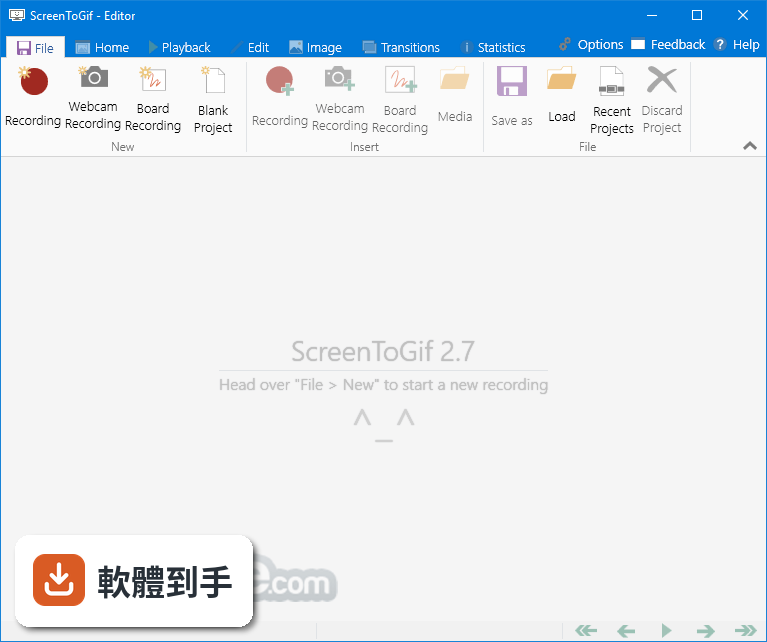
Screen To Gif 2.17
 Screen To Gif 2.17
資料更新 2019-04-11
下載與官方連結
ScreenToGif.2.17.Setup.msi · 2.3 MB · 連結指向軟體原廠
版本紀錄
- 2026-08-05 Adobe Photoshop CC 2026 27.9.1 (64-bit)
- 2023-06-25 Screen To Gif 2.38.1
- 2023-04-24 Screen To Gif 2.38
再看 5 筆
- 2023-02-11 Screen To Gif 2.37.2
- 2022-08-15 Screen To Gif 2.37.1
- 2022-05-02 Screen To Gif 2.37
- 2022-02-13 Screen To Gif 2.36
- 2022-01-11 Screen To Gif 2.35.4
這一版改了什麼
What's new in this version:
New:
- You can now use different themes! Light, medium, dark and very dark are now available
- New automated task: You can now create a task that alters the delay of each frame
- Progress indicator: Now you can add the exact timestamp of each frame (based on the start date of the recording)
- When you start the app without any settings, the default folder where the frames are stored (Location folder) is now set to %temp% instead of a hardcoded path
- Now you can use your arrow keys to move and resize the selection rectangles from the new recorder and from the Crop feature. Just use the three combinations of commands with Ctrl, Shift and arrow keys
- Updated the Japanese translation
Bug fixes:
- When removing duplicated frames, there was no indication that the process was still going on
- When applying the KeyStrokes with a margin, it would result in a wrongly sized panel
- If you cancelled the video import, the progress bar would not be hidden away and the app could crash
- When creating a new blank project and trying to apply the Obfuscation feature, the app would crash, because of the image depth
- When using the FFmpeg as the APNG encoder, the app would crash if the parameter field was empty