
這是歷史版本頁面 — 看 Screen To Gif 最新版本
Screen To Gif 2.19
 Screen To Gif 2.19
資料更新 2019-10-07
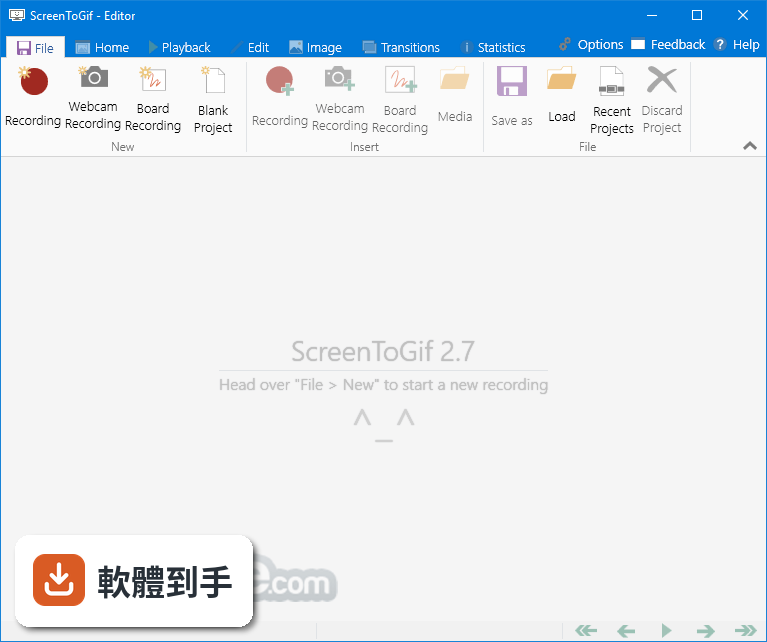
下載與官方連結
ScreenToGif.2.19.Setup.msi · 2.36 MB · 連結指向軟體原廠
版本紀錄
- 2026-08-05 Adobe Photoshop CC 2026 27.9.1 (64-bit)
- 2023-06-25 Screen To Gif 2.38.1
- 2023-04-24 Screen To Gif 2.38
再看 5 筆
- 2023-02-11 Screen To Gif 2.37.2
- 2022-08-15 Screen To Gif 2.37.1
- 2022-05-02 Screen To Gif 2.37
- 2022-02-13 Screen To Gif 2.36
- 2022-01-11 Screen To Gif 2.35.4
這一版改了什麼
What's new in this version:
New:
- You can set the recorder window to follow your mouse cursor
- You can add drop shadows (you can also set as an automated task)
- Now you can add the progress overlay as a task
- Now you can add the border overlay as a task (also, you can set your border to expand outwards the frame)
- Encodings done with FFmpeg have now a progress indicator
- The color selector has now a slider for the transparency and an eye dropper for sampling colors from your screen
- You can control the starting number for the progress text when displaying the current/total number of frames
- You can view the current time (cumulative) of the project based on the current selected frame (Statistics tab)
- There's a more reliable feedback sending mechanism in use
- You can now insert lower case letters at the key strokes editor
- Added option to not loop the animation during playback
- Swedish and Korean translation were updated
- Added Vietnamese translation
Bug fixes:
- The screen recorder was pausing the recording when the windows were being dragged
- Some typos were corrected
- The triangle shape was impossible to use when regional/number settings were using comma as decimal separator instead of a period
- Other types of progress overlays were shifted 1 frame ahead, so the last frame will represent 100% of the progress
- When trying to edit the key strokes, there was a case in which you could not, because of a faulty validation preventing you from opening the window to edit
- When manually switching from a zoom different than 100% (example: 140%) back to 100% and later opening and closing a panel, the zoom would go back to the zoom 140% instead of staying at 100%
- The tooltips for some buttons are now translatable
- Fixed issues with some windows not opening at the correct position
- Fixed the delay rounding for encoders v1 and v2, since gifs can only have delays of multiples of 10ms in each frame