
這是歷史版本頁面 — 看 Screen To Gif 最新版本
Screen To Gif 2.20
 Screen To Gif 2.20
資料更新 2020-01-29
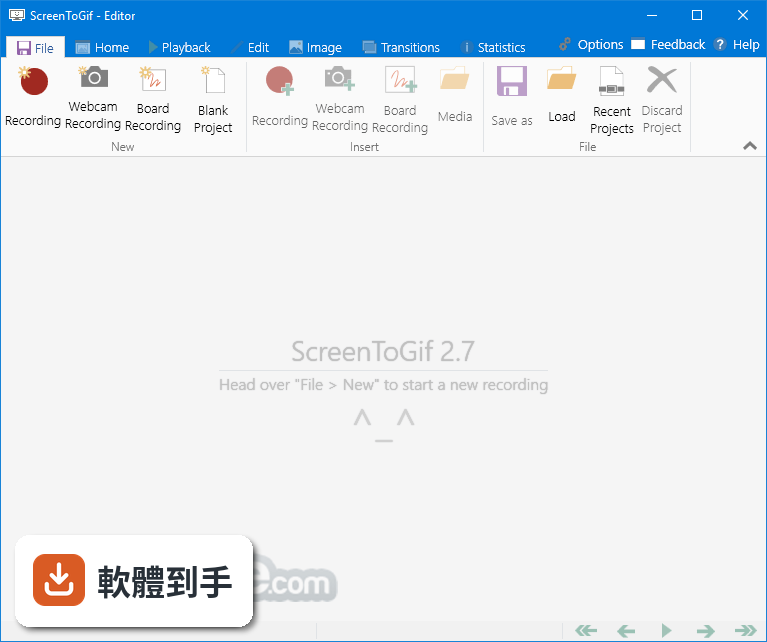
下載與官方連結
ScreenToGif.2.20.Setup.msi · 3 MB · 連結指向軟體原廠
版本紀錄
- 2026-08-05 Adobe Photoshop CC 2026 27.9.1 (64-bit)
- 2023-06-25 Screen To Gif 2.38.1
- 2023-04-24 Screen To Gif 2.38
再看 5 筆
- 2023-02-11 Screen To Gif 2.37.2
- 2022-08-15 Screen To Gif 2.37.1
- 2022-05-02 Screen To Gif 2.37
- 2022-02-13 Screen To Gif 2.36
- 2022-01-11 Screen To Gif 2.35.4
這一版改了什麼
What's new in this version:
New:
- The app now uses/requires .Net Framework 4.8
- Experimental support for multi-DPI set of screens (All windows, including the recorders)
- Screen capture via DirectX 11.1 (Desktop Duplication API, requires Windows 8 or newer)
- Screen capture can use a configurable memory cache with support for compression
- You can now set actions to be executed when clicking on the app icon on the system tray
- The default FFmpeg Webm encoder is now set to VP9
- Added support for version 0.9.3 of Gifski (delete the older DLL and download again via Options > Extras)
- You can now cancel the gif encoding that uses Gifski
- When exporting as project, the app will use the encoder window instead of locking down the editor
- You can use FFmpeg to import frames from video (I also improved performance while importing video with the default method)
- The executable can interpret arguments to disable/enable hardware acceleration
- The maximum permitted outwards thickness of the border was increased
- German, Turkish and Russian translation were updated
Bug fixes:
- The new recorder had issues with the positioning of the record controls while using multiple screens
- The troubleshooter had issues displaying the correct position of the screens
- The screen recorder was not capturing animated cursors correctly
- The space bar was not set as the Play/Pause button anymore
The Gifski encoder now accepts saving gifs to a path (also loading frames from a temporary path) that contains non-latin - characters
- The text was overflowing and not wrapping properly in the FFmpeg command text boxes
- It was not possible to set shortcuts when deploying with Intune
When trying to type special characters with the help of the Right Alt key, some commands were being fired instead. Because - the underlying system translates Right Alt to Ctrl + Alt