
這是歷史版本頁面 — 看 Screen To Gif 最新版本
Screen To Gif 2.26
 Screen To Gif 2.26
資料更新 2020-07-06
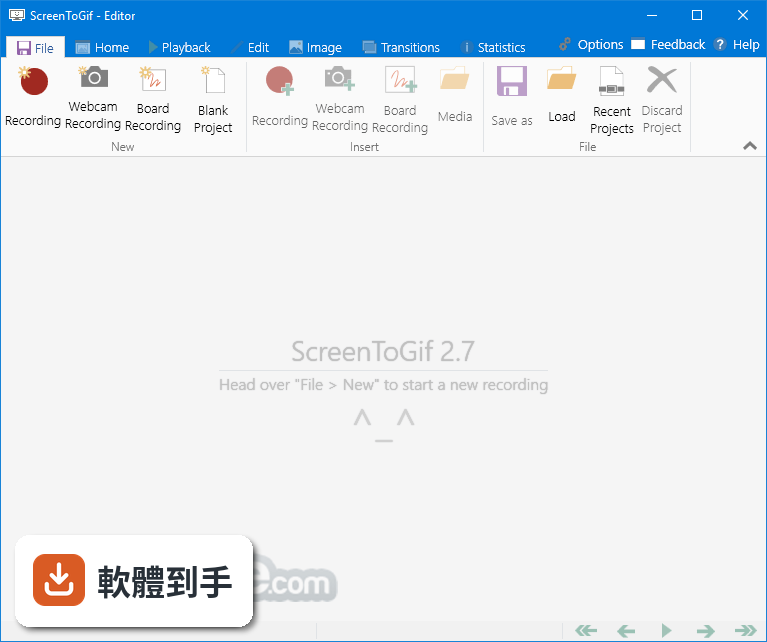
下載與官方連結
ScreenToGif.2.26.Setup.msi · 3.2 MB · 連結指向軟體原廠
版本紀錄
- 2026-08-05 Adobe Photoshop CC 2026 27.9.1 (64-bit)
- 2023-06-25 Screen To Gif 2.38.1
- 2023-04-24 Screen To Gif 2.38
再看 5 筆
- 2023-02-11 Screen To Gif 2.37.2
- 2022-08-15 Screen To Gif 2.37.1
- 2022-05-02 Screen To Gif 2.37
- 2022-02-13 Screen To Gif 2.36
- 2022-01-11 Screen To Gif 2.35.4
這一版改了什麼
What's new in this version:
New:
- Time-lapse recording
- The built-in encoders got re-designed from scratch
- Now you can select the color quantization method (Neural, Octree, MedianCut, Grayscale, and MostUsed) and understand the differences
- You can select the the amount of colors used for the Neural, Octree, MedianCut, Grayscale, and MostUsed quantization methods
- Added support for transparency in the built-in encoder (works with all quantization methods)
- You can now switch between capture frequency modes from the recorder window (when paused or stopped, and even change the framerate)
- The encodings are now displayed in a popup attached to the editor (but you can still use the older alternative, a separated window)
- You can now see the total elapsed time of the encoding process
- The 'Quality' slider of the Neural quantization method is now called 'Sampling', and it's properly explained what it means
- Updated the Hungarian, Dutch, and Russian localizations
Bug fixes:
- diamonds The built-in encoders were giving green artifacts when the color used as chroma key was present in the frame
- diamonds When opening the recorders while on snapshot mode and pressing the stop button, the app would crash (thanks to Naoki for finding that)
- diamonds The eye dropper of the color selector window was changing size when the drag started
- diamonds It was impossible to capture the screen in manual mode with the DirectX capture method
- diamonds The context menu items (undo, redo, and delete) were not being enabled (thanks to László for the help)