
這是歷史版本頁面 — 看 Screen To Gif 最新版本
Screen To Gif 2.27
 Screen To Gif 2.27
資料更新 2020-09-08
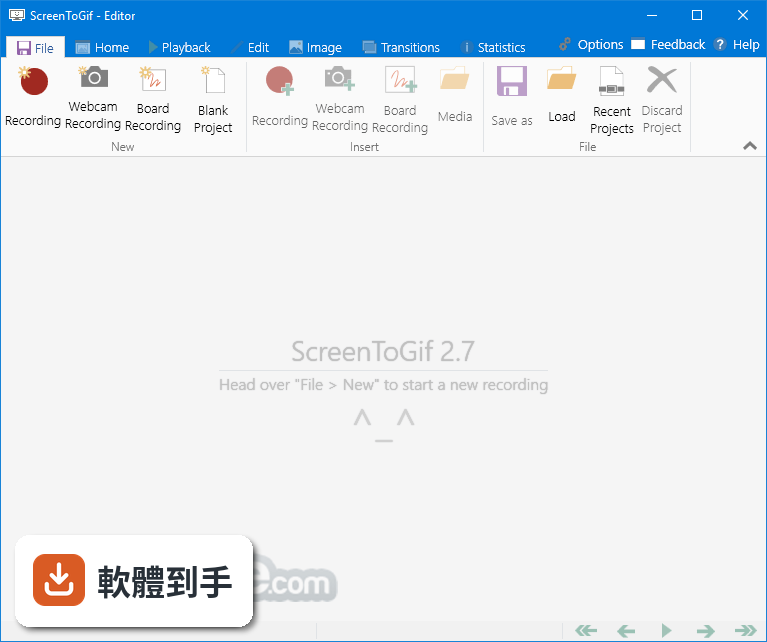
下載與官方連結
ScreenToGif.2.27.Setup.msi · 3.2 MB · 連結指向軟體原廠
版本紀錄
- 2026-08-05 Adobe Photoshop CC 2026 27.9.1 (64-bit)
- 2023-06-25 Screen To Gif 2.38.1
- 2023-04-24 Screen To Gif 2.38
再看 5 筆
- 2023-02-11 Screen To Gif 2.37.2
- 2022-08-15 Screen To Gif 2.37.1
- 2022-05-02 Screen To Gif 2.37
- 2022-02-13 Screen To Gif 2.36
- 2022-01-11 Screen To Gif 2.35.4
這一版改了什麼
What's new in this version:
New:
- Redesigned the newer recorder UI (you can still use the compact mode if you wish)
- Added better support for multi-scale set of screens
- The new recorder UI performs better, it's less laggy when selecting a screen region
- You can now drag the screen region selection after selecting it or during recording with the new recorder UI
- Displays the recording time (hover with the cursor on top to see the captured frame count) and shows a counter for manually captured frames
- Added a capture mode to capture frames only when the user clicks and types (it ignores input while focused within the recorder itself)
- Added a capture mode option, to capture only when something changes within the capture region (it can be activated with PerSecond, PerMinute and PerHour modes)
- You can now display guidelines (customizable rule of thirds and/or crosshair) in the screen recorder
- New obfuscation methods: Darken and lighten parts of your frames
- You can set the obfuscation to be applied to the inverse of the selection, with or without smoothened edges
- Replaced the old folder selector dialogs with a modern variant
- When saving a project, the button near the folder path now lets you select a folder by default. To select a folder and filename, press Shift while clicking on that button
- Improved mouse input capture system
- Added an optional (but default) confirmation dialog when discarding a recording
- Added the option to display the discard button during the recording (not just when the capture is paused)
- Added scaling quality options for the resize feature
- Added the option to download updates as a Zip to replace the executable manually (for those users who can't execute installers)
- The screen recorder now displays the recording status over the taskbar icon
- Added the option to opt-out from the recorder remembering the previous recording region (size and/or position)
- Updated Gifski to version 1.2.0 (if using portable version, erase the old DLL and download it again to update)
- Updated the Hungarian, Ukrainian and Italian translations
Fixed:
- diamonds The update could fail if the update window was opened before the download of the update finished
- diamonds The recorder (newer UI) was not detecting some windows (those without the system title bar)
- diamonds When capturing with the DirectX, the capture was crashing if the recording area was outside of the screen
- diamonds When selecting a small screen region with the newer recorder, near the side edges, the capture controls would be displayed outside of the screen
- diamonds The newer recorder was crashing in selection mode when the selection was occupying the more than 90% of vertical space, while tucked to the right side of the screen
- diamonds When exporting a file with a name with emojis and selecting to copy the filename after encoding, the emojis were not being copied correctly
- diamonds The cinemagraph feature was not working correctly when the frame image had a different DPI than the screen
- diamonds When capturing using the older recorder and moving the window could result in a long pause (while the window was still being moved) in the recording
- diamonds Added missing f, z, g, t, and K date and time formats to the automatic file naming feature
- diamonds When the "Single instance only" mode was enabled, dragging and dropping a media file into the executable or into the shortcut of ScreenToGif would show the app window but it would not load the file
- diamonds When applying a feature multiple times, the image quality would start to degrade (the image would become blurry)
- diamonds The troubleshooter is now correctly displaying the position of the windows in multi-DPI systems (also it can now detect screen settings changes while opened)
- diamonds Removed the indefinite taskbar button animation when importing media