
這是歷史版本頁面 — 看 Screen To Gif 最新版本
Screen To Gif 2.32
 Screen To Gif 2.32
資料更新 2021-06-21
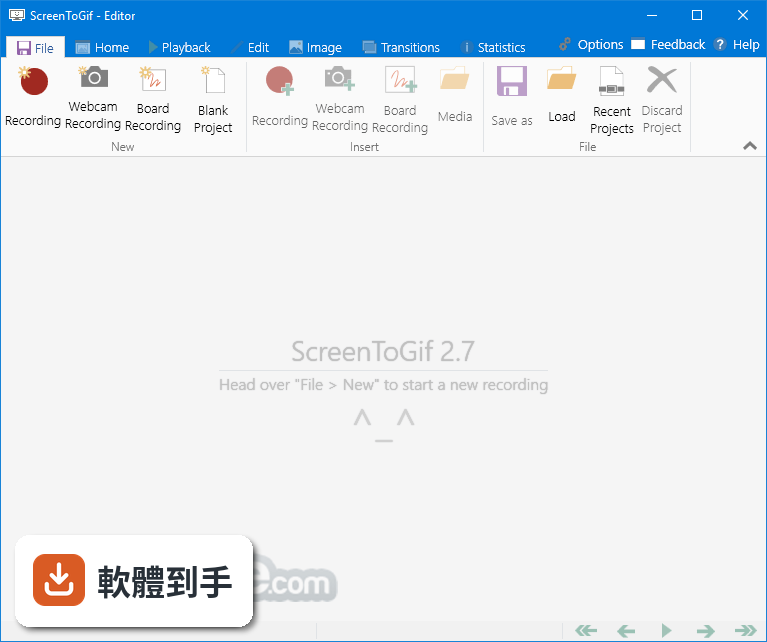
下載與官方連結
ScreenToGif.2.32.Setup.msi · 連結指向軟體原廠
版本紀錄
- 2026-08-05 Adobe Photoshop CC 2026 27.9.1 (64-bit)
- 2023-06-25 Screen To Gif 2.38.1
- 2023-04-24 Screen To Gif 2.38
再看 5 筆
- 2023-02-11 Screen To Gif 2.37.2
- 2022-08-15 Screen To Gif 2.37.1
- 2022-05-02 Screen To Gif 2.37
- 2022-02-13 Screen To Gif 2.36
- 2022-01-11 Screen To Gif 2.35.4
這一版改了什麼
What's new in this version:
New:
- Memory usage improvements with the frame list inside the editor
- You can now open the app and start recording by using command line arguments
- Added option to set the background of the editor to follow the OS color theme
- Added option to resize the frames by using percentages
Fixed:
- The selection adorner could appear in the recording if the region were previously left close to the right corner of the screen
- The new recorder UI command panel was getting in the way of the capture when positioned to the left of the capture region
- The insert window was reporting wrong sizing information about the images and canvas
- The new recorder UI was width and height text boxes were not displaying the correct scaled size based on the screen DPI
- When exporting and not selecting a file path, the filename of the temporary file was not using the extension