
這是歷史版本頁面 — 看 WebCam Monitor 最新版本
手機當電腦鏡頭用?WebCam Monitor 能做什麼
 WebCam Monitor 6.21
資料更新 2017-08-15
閱讀約 6 分鐘
視訊會議時筆電鏡頭畫質模糊,人臉一片灰暗;直播時想切換不同角度,卻只有一個固定鏡頭。你手邊明明有一支拍照還不錯的智慧型手機,但就是不知道怎麼把它變成電腦的鏡頭來用。裝了一堆號稱能連線的App,不是抓不到裝置,就是畫面延遲到對不上嘴型。
買一支新的網路攝影機要花上千元,而且畫質未必比手機好;用手機錄好再上傳,又完全做不到即時互動。這類工具的核心做法,是在電腦裡裝一個虛擬鏡頭驅動程式,讓手機透過Wi-Fi或USB把畫面送進電腦,任何會讀取鏡頭的軟體都把它當成一般攝影機。這樣一來,手機的鏡頭素質、多角度擺放、甚至麥克風,都能直接取代傳統網路攝影機。
01WebCam Monitor 可以把我的手機變成電腦鏡頭嗎?
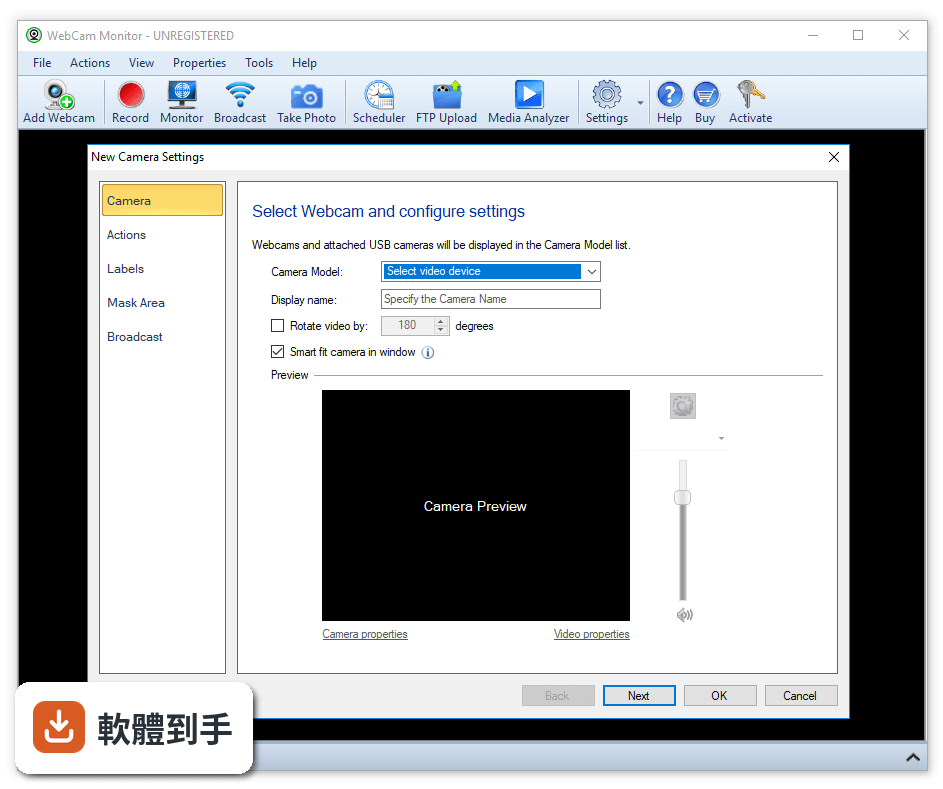
可以。它透過Wi-Fi或USB把智慧型手機的畫面傳到Windows電腦,手機端安裝對應的App,電腦端安裝主程式,連線後會建立一個虛擬鏡頭驅動程式。之後在Zoom、OBS、Microsoft Teams等軟體裡,把鏡頭來源選成這個虛擬裝置,手機畫面就會取代原本的鏡頭輸入。
02它支援用手機的麥克風收音嗎?
支援。連線時可以一併把手機的麥克風當成電腦的麥克風使用,這對沒有外接麥克風的筆電使用者來說,等於同時升級了鏡頭和收音。不過實際音質取決於手機本身的麥克風素質,以及Wi-Fi連線的穩定度,不是所有環境下都能維持清晰。
03手機一定要跟電腦接同一台Wi-Fi嗎?
用Wi-Fi連線時,手機和電腦要在同一個區域網路內,程式才會自動找到彼此。如果不想依賴Wi-Fi,也可以改用USB線連接,但USB模式需要額外安裝驅動程式,設定步驟比Wi-Fi多一步。兩種方式都支援,連線後可以切換,但切換時需要重新連接。
04免費版跟付費版差在哪裡?
免費版會在畫面上顯示浮水印,而且部分進階功能被鎖住;付費授權可以移除浮水印、解鎖完整高畫質支援,以及開放進階設定選項。官方說明提到,授權費用大約是9.99到15美元之間的一次性付費,實際價格依平台和授權類型而定,購買前建議先確認官網當下的定價。
05可以同時接兩支手機當不同角度的鏡頭嗎?
可以。電腦端程式支援同時連接多支手機,每支手機可以設定成不同角度或不同位置,這對需要多機位拍攝的直播或教學場景來說很實用。不過要注意,同時連接多支手機會增加電腦的處理負擔,也比較吃Wi-Fi頻寬,連線穩定度會比單機時更敏感。
06這套軟體適合什麼樣的人用?
適合沒有獨立網路攝影機、但需要視訊會議或直播的人,尤其是筆電內建鏡頭畫質不佳、又不想花錢買新硬體的使用者。線上教學、遠距工作、內容創作者都算在內。它也適合需要多角度拍攝的人,因為手機可以自由擺放,比固定式網路攝影機更有彈性。
07電腦規格很低跑得動嗎?
官方列出的最低需求是Windows 7/8/10/11的64位元系統、雙核心處理器、2GB記憶體,門檻不算高。但實際流暢度會受到手機鏡頭解析度、連線方式(Wi-Fi或USB)以及同時連接的裝置數量影響。如果電腦只有2GB記憶體,建議把解析度調低,否則畫面可能會延遲。
08什麼情況不建議用這套軟體?
如果你的Wi-Fi環境不穩定,畫面容易斷線或延遲,這種情況下用USB連線會比較可靠,但USB需要裝驅動程式,不是隨插即用。另外,如果你需要長時間不間斷的穩定視訊,手機長時間開著鏡頭會發熱、耗電,這點要自行評估。還有,它只有英文介面,不習慣英文操作介面的使用者要考慮這點。
09它跟DroidCam或Iriun Webcam比起來如何?
官方說明中把DroidCam和Iriun Webcam列為功能相近的替代方案,三者都支援USB和Wi-Fi連線,也都有高解析度支援。但官方資料沒有提供三者的詳細比較,例如延遲數據或畫質差異。實際選擇時,建議先試用免費版,看哪一套在你自己的網路環境下連線最穩、操作最順手。
10手機很舊了還能用嗎?
官方要求手機端App需要Android 5.0以上或iOS 10以上,太舊的手機可能無法安裝。另外,就算系統版本符合,舊手機的鏡頭畫質和處理器效能也會影響輸出畫面,4K解析度主要是看手機鏡頭本身是否支援,不是裝了這套軟體就自動有4K畫質。
11這套軟體有中文介面嗎?
官方資料顯示介面語系是英文,沒有提到中文支援。電腦端和手機端的操作介面都是英文,對不熟悉英文的使用者來說,初期設定可能需要對照說明文件。如果英文介面會造成困擾,可以考慮其他有中文介面的類似工具,但官方資料中沒有列出哪些替代方案有中文。
12它跟WebCam Monitor這個名字的關係是什麼?
官方功能說明中,這套軟體實際描述的是iVCam的功能,而WebCam Monitor是資料庫中收錄的名稱。兩者指向同一套e2eSoft開發的工具,但官方說明全文都以iVCam為名。如果你在搜尋或下載時看到這兩個名字,指的是同一家開發商的產品,但下載前建議確認版本說明,避免裝到不同名稱的軟體。
下載與官方連結
WebCamMonitor.exe · 連結指向軟體原廠
版本紀錄
- 2026-07-09 iVCam 7.4.2 (64-bit) 44.21 MB
- 2026-06-10 iVCam 7.4.1 (64-bit) 44.23 MB
- 2026-03-09 iVCam 7.4.0 (64-bit) 44.23 MB
再看 5 筆
- 2026-01-30 iVCam 7.3.9 (64-bit) 44.22 MB
- 2025-12-09 iVCam 7.3.8 (64-bit) 44.2 MB
- 2025-06-27 iVCam 7.3.7 (64-bit) 44.58 MB
- 2025-01-20 iVCam 7.3.5 (64-bit) 44.51 MB
- 2024-11-08 iVCam 7.3.4 (64-bit) 44.51 MB
這一版改了什麼
What's new in this version:
WebCam Monitor 6.21
- Change log not available for this version
WebCam Monitor 6.2
- Better Stability: Efficient CPU and memory utilization provides faster application response.
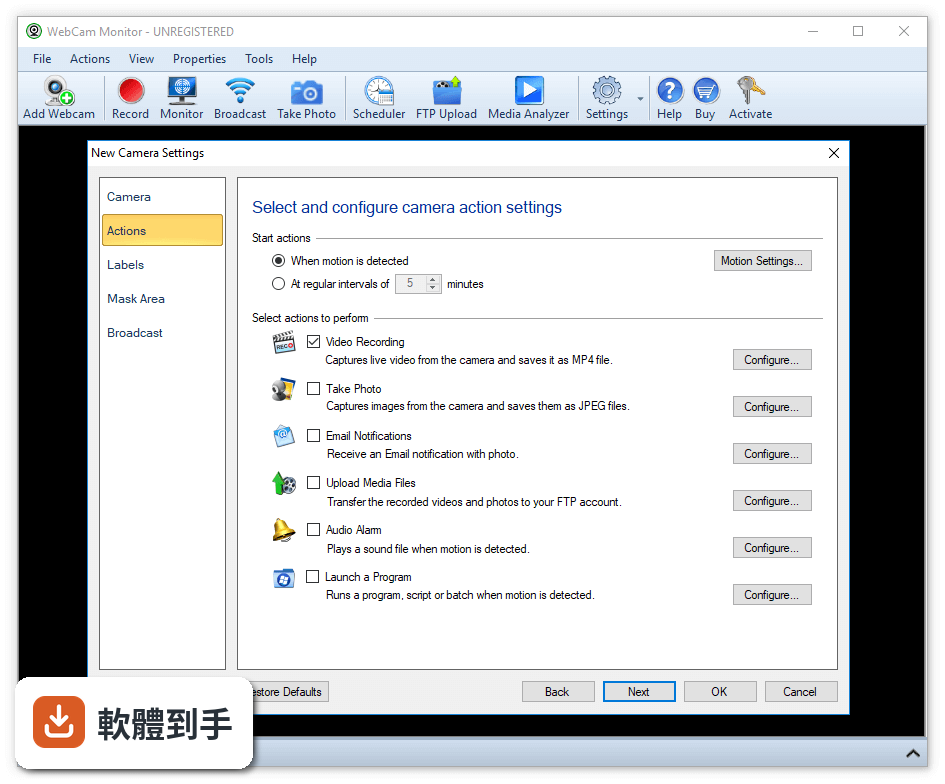
- Secure Access: Lock the settings with a password so others can only watch the camera preview and view the motion events. Prevents users from stopping monitoring, alerts or closing application.
- Improved Email Component: Now automatically detect prototcols that provide communication security over network.
- Quick Status Preview: View at a glance whether a camera is broadcasting, uploading, monitoring, or recording.
- Improved Test Connection Funtionality: Verify different possibilities of connection to FTP server and auto correct settings.
- Auto-retry Uploading: Continue uploading of files to FTP server even after a network glitch.
- Organized Event log: View the error events that occur for each camera. You can choose to view all events or only error events for selected camera.
WebCam Monitor 6.1
- Multi-Language Interface: The application interface can now be displayed in French, German, Italian, Portuguese and Spanish.
- Windows 10 compatibility: WebCam Monitor fully supports the Windows 10 Operating System.
- Prevent false alarms: New motion controls allow you to adjust when an alert should be triggered.
- Now you can specify seconds time format to start actions: Quickly start the actions such as Video Recording, Take Photo, Email Notifications or FTP Upload in seconds.
- Easily configure the audio settings for each camera: With the help of newly updated audio control, change the audio volume settings for each camera separately.
- Control the time between sending emails: During continuous motion, regulate the time between sending Email alerts.
- Automatic update notification: Review updates and easily install the latest version of WebCam Monitor as soon as it is released.
WebCam Monitor 6.0
- Support for Windows 8: WebCam Monitor is fully compatible with Windows 8 in both 32 bit and 64 bit versions.
- All-new design: The new look of WebCam Monitor is more user friendly, simplified and easy-to-customize.
- Multi-Monitor support: Camera previews can be detached from the main interface. Arrange the camera previews on any monitor on your system allowing you to work with other applications while keeping an eye on your surveillance.
- Auto-detect WebCam: Auto-discovers a webcam when plugged in to your PC and provides options for configuration.
- Active Message Bar: View a running status of all camera actions.
- Powerful E-mail control: Each camera can send alerts to a different e-mail address. During continuous motion, you can now control the number of e-mails sent. Get email notification when a camera is disconnected.
- Hidden Mode: Run the program in the background, hidden from normal users.
- Watermarks: Authenticate your video recordings and photos with custom watermarked logos and date and time stamps.
- Enhanced real-time notifications: Be informed when there is a network connection problem, when disk space is running low, a camera connection is lost, and more.
- Superior FTP: Every camera has it's own FTP settings to upload into specific folders or onto individual FTP servers. Backup videos, photos or both. Optionally remove the local files after upload.
- Improved Event logging: View camera events for specific camera or all cameras.
- Easier navigation: Jump to the next or previous camera by clicking on the navigation buttons or selecting a camera from the thumbnail preview.
- Customize camera positions: Drag and drop the cameras within Thumbnail preview to adjust their positions.
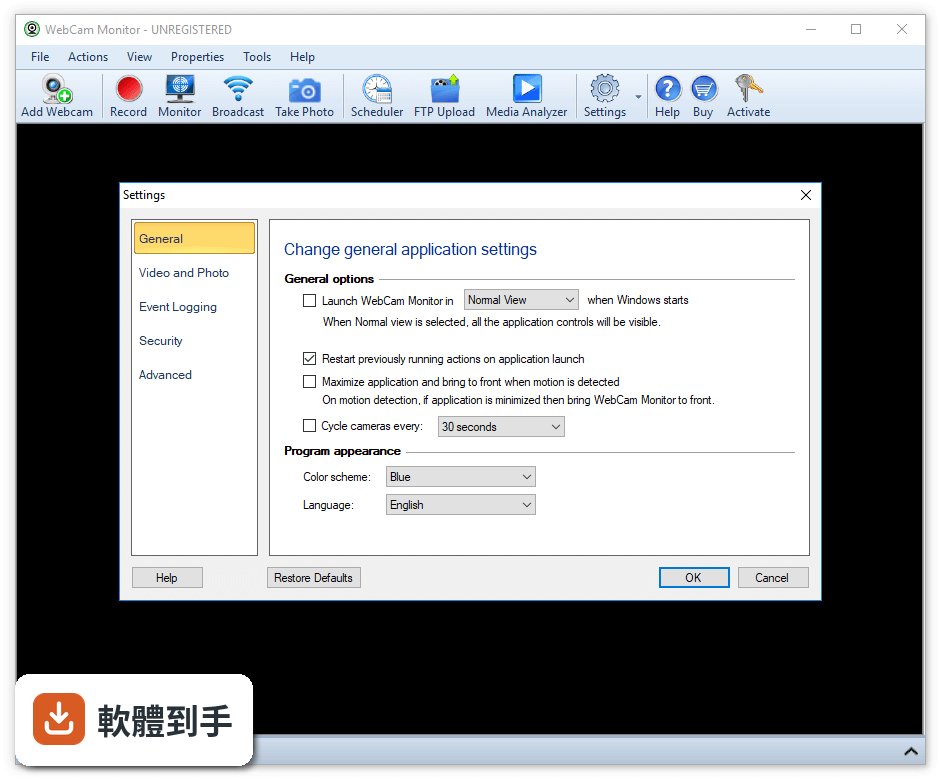
- Theme support: Apply coordinated color themes of blue, black, or silver for a pleasing view.