
這是歷史版本頁面 — 看 Adobe Acrobat Reader DC 最新版本
免費開 PDF 卻找不到工具?Acrobat Reader 到底能做什麼
 Adobe Acrobat Reader DC 2018.009.20044
資料更新 2017-11-14
閱讀約 6 分鐘
打開 PDF 檔本來是再平常不過的事,但偏偏就是會卡在奇怪的地方:客戶寄來的合約要簽名,你卻不知道從哪裡下手;講義想畫重點,才發現點哪裡都沒反應;更別提那些需要填寫的表格,印出來用手寫再掃描回去,浪費時間又傷腦筋。你只是想好好處理一份文件,不是想跟軟體搏鬥。
多數人習慣直接用瀏覽器開 PDF,但瀏覽器只負責「看」,不負責「用」。想註記、想簽名、想朗讀文件,瀏覽器全都幫不上忙。這類工具的切入點,是讓你在不離開 PDF 的前提下,完成閱讀以外的輕量操作——加註解、填表單、簽名、朗讀,而不是把 PDF 當成可以任意修改的文件。搞清楚它的界線在哪,你才知道什麼時候該用它,什麼時候該找別的工具。
01Adobe Acrobat Reader DC 免費版到底能幹嘛?
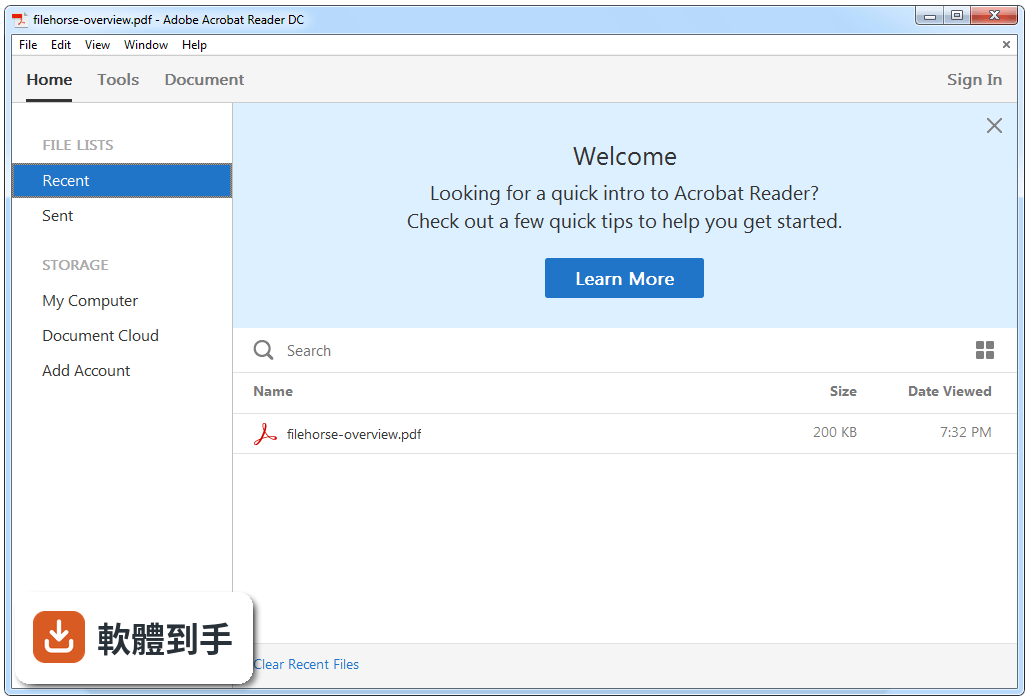
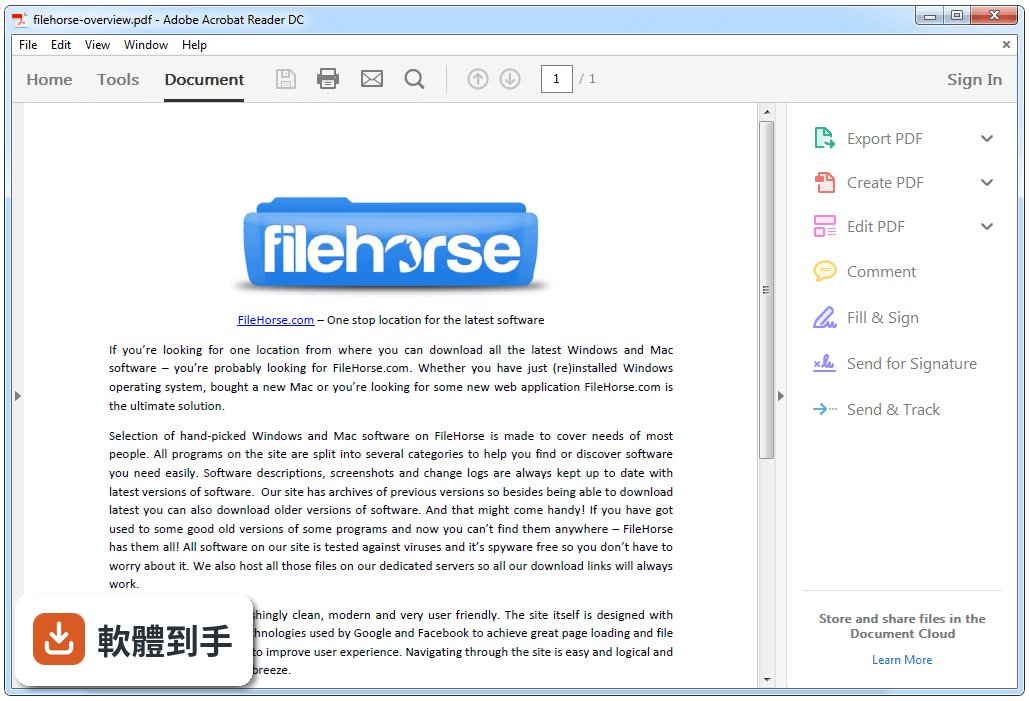
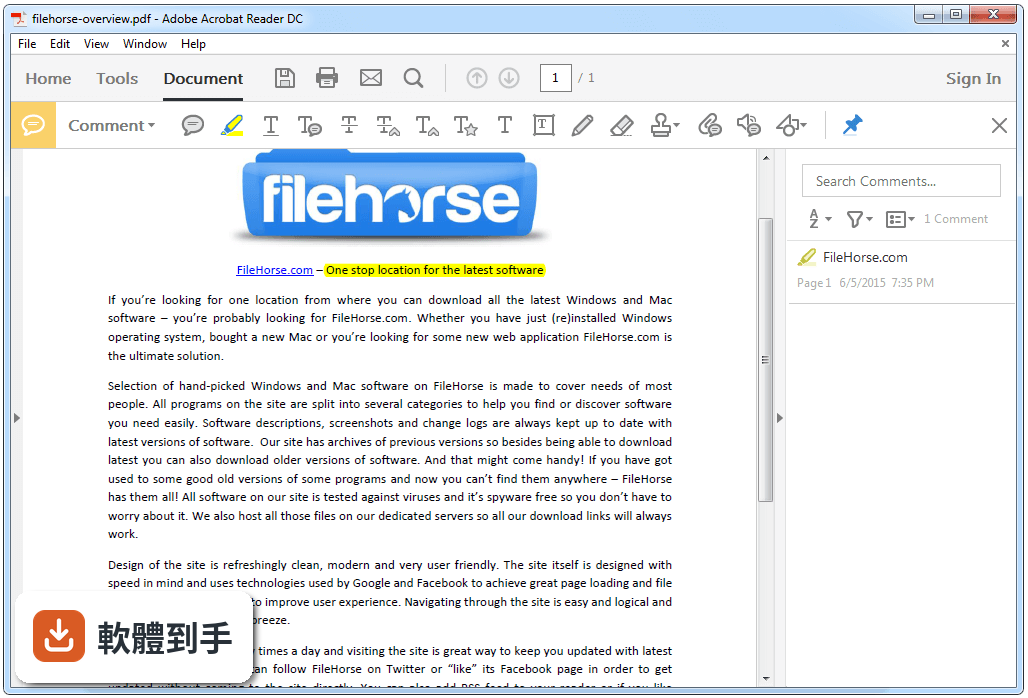
它能開啟、列印、檢視 PDF,也能做基本註記,包括便籤、螢光筆、底線、刪除線,還能在頁面上直接畫線條和形狀。填表單和電子簽名也在免費範圍內,另外支援朗讀文件內容、連接 Dropbox 和 Google Drive 等雲端空間。簡單說,閱讀和輕量標註是它的主場。
02這套軟體可以編輯 PDF 的文字內容嗎?
不行,它只能做有限度的修改,例如在頁面上加文字、畫形狀、加註記。要大幅修改 PDF 內容,例如改寫段落、調整版面、刪除頁面,官方說明明確指出需要另外購買 Adobe Acrobat 或類似的 PDF 編輯軟體。如果你常需要動到文字內容,這套軟體幫不上忙。
03用它簽名和填表格,步驟會很麻煩嗎?
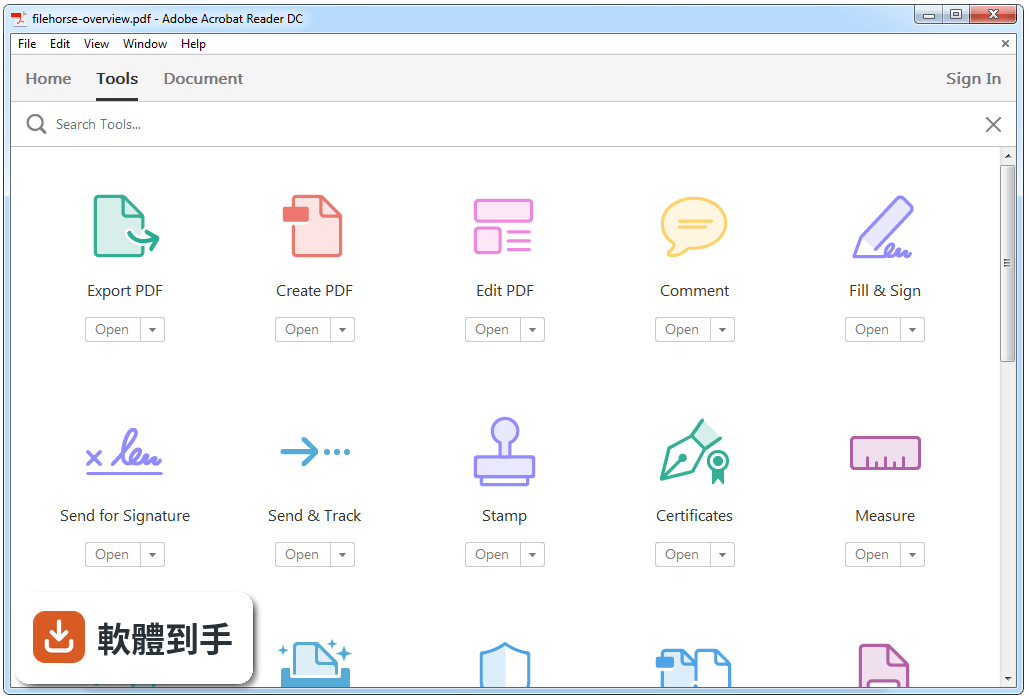
不會太複雜。開啟文件後,從「Fill & Sign」工具進入,可以新增簽名,用鍵盤打字、滑鼠手寫或觸控板繪製都可以。表單欄位如果設計得當,它會自動偵測並讓你直接輸入文字,完成後可以電子方式送出,也能存一份副本。整個流程不需要列印出來。
04它可以把 PDF 轉成 Word 或 Excel 嗎?
免費版本身沒有這個功能。官方說明提到,在 Reader 內可以訂閱 Adobe Document Cloud 的付費服務,才能啟用建立 PDF、匯出成 Word 或 Excel 的功能。如果你只是偶爾要轉檔,訂閱制不一定划算,可以考慮其他免費的線上轉檔工具。
05這套軟體有朗讀功能,是唸出整份文件嗎?
是的,它可以把文件內容朗讀出來,適合閱讀困難或想邊做事邊聽文件的人。啟動方式在檢視或工具選單裡可以找到「Read Out Loud」相關選項,它會依頁面順序唸出文字。不過它唸的是文字內容,掃描檔或圖片型 PDF 需要先經過 OCR 辨識,這部分新版有改善,但效果要實際測試才知道。
06我英文不好,介面只有英文會不會很難用?
這套軟體的介面語系是 English,對不熟悉英文介面的人來說確實有門檻。不過它的工具列圖示算直覺,官方也強調介面簡單、學習曲線低,常用功能如 Fill & Sign、Comment 的位置不難記。如果你完全無法接受英文介面,可以考慮其他有中文介面的 PDF 閱讀器,例如 Foxit Reader。
07這套軟體適合什麼樣的人用?
適合只需要「看 PDF、標重點、填表單、簽名」的人,尤其是工作流程中常收到合約、表單、講義,但不需要動到 PDF 內容的人。它免費、開啟速度快,而且支援 Windows 10 和 11,對一般上班族和學生來說,基本需求都能滿足。如果你只是要一個穩定的 PDF 閱讀器,它是合理的選擇。
08我常需要合併多個 PDF 檔,這套軟體做得到嗎?
做不到。官方 FAQ 明確表示,Acrobat Reader 沒有內建合併 PDF 的功能,要合併檔案得用 Adobe 的線上服務或第三方 PDF 編輯工具。如果你三天兩頭就要合併檔案,這套軟體不適合當你的主要工具,建議直接找支援合併的免費軟體,省得還要開瀏覽器。
09這套軟體更新頻率好像不高,會不會有安全疑慮?
它的更新紀錄顯示近 24 個月只更新了 2 次,頻率確實偏低。不過官方說明提到有定期安全性修補和漏洞修復,只是實際頻率從資料上看不出來。如果你對安全性特別敏感,可以留意官方公告,或考慮其他更新更頻繁的 PDF 閱讀器,例如 Foxit Reader 的更新節奏通常比較快。
10跟 Foxit Reader 比起來,這套軟體有什麼明顯的弱點?
從評分人數來看,Foxit Reader 有 599 人評分,Acrobat Reader 有 2840 人評分,兩者都有一定的使用者基礎。Acrobat Reader 的弱點在於介面只有英文、更新頻率低,而且進階功能都要付費訂閱。Foxit Reader 提供中文介面,部分功能免費,如果你需要中文操作環境,後者可能更順手。
11我只是偶爾開 PDF 來看,有需要裝這套軟體嗎?
如果你只是純粹看文件,瀏覽器內建的 PDF 檢視器其實就夠用了。但如果你會需要畫重點、加註解、填表單或簽名,而且不想每次都用線上工具,那裝一套免費的 Acrobat Reader 就有價值。它的啟動速度快,介面也直覺,對輕度使用者來說不會造成負擔。
下載與官方連結
前往官方網站 下載 Adobe Acrobat Reader DC
AcroRdrDC1800920044_en_US.exe · 連結指向軟體原廠
版本紀錄
- 2026-10-15 Adobe Acrobat Reader 2026.002.22031
- 2026-10-06 Adobe Acrobat Reader 2026.002.21996
- 2026-09-17 Adobe Acrobat Reader 2026.002.21931
再看 5 筆
- 2026-09-09 Adobe Acrobat Reader 2026.002.21901
- 2026-09-08 Adobe Acrobat Reader 2026.002.21900
- 2026-08-31 Adobe Acrobat Reader 2026.002.21869
- 2026-08-12 Adobe Acrobat Reader 2026.001.21789
- 2018-09-19 Adobe Acrobat Reader DC 2018.011.20063 115 MB
這一版改了什麼
What's new in this version:
Adobe Acrobat Reader DC 2018.009.20044
- Change log not available for this version
Adobe Acrobat Reader DC 2017.012.20098
Annotations:
- Auto-detect URLs are not redirecting to their respective websites in a PDF
Printing:
- Print output is mirror image when printing a pdf written in Hebrew
Forms-XFA:
- Adobe Reader DC XFA closeDoc Use-After-Free Remote Code Execution Vulnerability
Accessibility:
- Tag structure changes on fixing remediation of row/column spans of a table
Viewer:
- Cannot delete the first page of some pdfs
- Third Party Plugins are not showing up in Tools Center when user operates in Acrobat single tab mode
- Not able to Reorder Multiple Tabs in the Reader window
Adobe Acrobat Reader DC 2017.012.20095
Forms-XFA:
- Acrobat and Reader crash on launching some XFA forms.
Viewer-UI:
- Acrobat and Reader do not preserve the last window state and always open maximized.
Services Integration:
- Edit PDF pop-up is opened repeatedly on opening PDFs via Reader.
Adobe Acrobat Reader DC 2017.009.20058
- This release puts in place the infrastructure for simplifying the sign-in process within Acrobat & Reader. This enhancement will be rolled out for Acrobat and Reader users in near future.
Adobe Acrobat Reader DC 2017.009.20044
Bug fixes:
Browser:
- IE crashing with Reader DC while acessing ACF application
- Acrobat IE EPM support: User need to sign in again when saving file to Document Cloud
- Acrobat/Reader takes 15-20 seconds to respond to close
- IE Crashes when “Run in AppContainer” is checked and a several refresh/ back/ forward operations are done
Scan:
- While scanning Size works in inches only, even if acrobat has different unit selected
OCR:
- Renderable text error is thrown if OCR is run with Searchable Image Exact(SIE) or Searchable Image(SI)
- Acrobat Crashes on OCR certain files and Pages
Sandbox:
- [PM App Container] Spell Check does not give any suggestion on misspelled words and causes Reader to crash on closing PDF
Annotations:
- Acrobat showing a lag when scrolling from one comment to another
Collaboration:
- Authentication window keeps opening up if review was hosted under a subsite and the participant has no access on the subsite
Send Mail:
- [Outlook 2016 64Bit]: Reader hangs for sometimes after closing the draft mail window.
Viewer:
- Reader crashes when trying to overwrite an offline pdf located in redirected folder
- File remains selected in Recent File List thereby locking it from being edited by other apps
Compare:
- Acrobat throws Out of Memory error while comparing
Adobe Acrobat Reader DC 2015.023.20053
Bug fixes:
Browser:
- [WIN 10] Links on CEF UI and new Acrobat UI not working in browser
- Print option in browser throws up bad parameter error
Forms:
- Selected list items is not displayed as selected
PDFMaker:
- Issue with dotted lines while converting word file to pdf
- Legend lines appear as straight lines instead of dotted lines
- Wierd text rotation and reversed image manipulation on converting word file
- Hidden characters in word file appear as line in output pdf
- Text disappears when converting word file (consisting of EMF image) to pdf
- Crash while converting Visio document to pdf via API call
Printing:
- [Win 10 : RS] Black streaks appear on page when pdf is printed
Web Connectors:
- User gets access denied message while configuring sharepoint online account with “Stay signed in” option off
- Opening sharepoint file from IE throws error if sharepoint is disabled in Acrobat/Reader from registry
Adobe Acrobat Reader DC 2015.020.20039
Fill and Sign:
- Hebrew text gets reversed when form filling in Fill and Sign app
Accessibility:
- User is unable to interact with Home View LHP using VoiceOver Keys
- Unable to bring the Voiceover focus back to the Document
Rendering:
- Zoom via option and trackpad swipe is not working properly
Viewer:
- Crash repeatedly observed while simply browsing the file using the touchpad
PDFMaker:
- Hidden characters in word doc are transformed into line in the output PDF
- Weird text rotation and reversed image manipulation on converting some Word files
- Form fields are not converted as email address link
- In Visio, after saving a file to JPG, closing Visio causes a hang when PDFMaker is installed
Scan:
- PDF thumbnail not generated until scanning of all pages is complete and all post processing starts only after completing all scans
- Acrobat crashes while appending to the Compare result file after scan
- PDF thumbnail not generated and no post scan processing starts until scanning of all pages is complete
- From CPDF path, save multiple files option saves pdf with empty names when output settings dialog is not opened before scanning
Printing:
- Keyboard shortcut ‘Alt+C’ works for Printer list instead of ‘Copies’
Annotation:
- Comments list disappears on closing one PDF when multiple PDF are opened with multi-tab viewing set to “OFF”
- Highlighting is difficult in PDFs where lines are very closer to each other
- Add Text comment’s text properties are not remembered
Collaboration:
- Acrobat crashes while submitting form or Sending Comments without closing pdf, in windows 10.
- Acrobat crashes while Initiating shared Review and selecting option send pdf as attachment in outlook
- Acrobat crashes while launching Tracker window if Adobe Tracker has active notifications
PaperCapture:
- After running OCR (clear scan > 600 DPI English)on a particular document the text of the resulting document is not readable
Prepress:
- (MAC Intermittent) Settings changed for the ‘Separations’ tab for color plates in “Output Preview” dialog are not retained after performing pinch zoom
JavaScript Engine:
- Empty lines are added to script when using external editor
- Acrobat crashes on MAC on removing the default function that is automatically generated when the Document Javascript is created
Preflight:
- Flatten annotations preflight sometimes rotates them
- Validation fails for PDF/A-1A compliant file created from 3height converter shell
Combine:
- Combine app is opening for multiple tabs and multiple windows of Acrobat whereas it should open for just one window/tab
Adobe Acrobat Reader DC 2015.017.50050
New product features:
- This release provides various new features for end users described in the New features summary.
Enterprise-Centric features:
- For these features, refer to the Administration Guide.
Security bulletin:
- This release provides mitigations for vulnerabilities described in the corresponding security bulletins of Reader and Acrobat.
BUG FIXES:
Fill and Sign:
- Unable to save certain extended Unicode characters in PDF via. in Fill and Sign.
Services Integration:
- Blank CEF views are rendered after applying patch for Acrobat/Reader, if CEF resources are in-use or locked.
SharePoint Integration:
- Acrobat DC hanging when trying to access a SharePoint library with large number of files.
Viewer:
- When clicking on the fields in a pdf form, to set the expressions for the calculations, after repeating the process for 3-4 times, acrobat goes to a non-responding state.
Performance:
- Slow performance in case of huge PDF files having multiple layers.
Scan:
- Acrobat hangs after scanning number of pages from ADF.
- Unable to scan using WIA from custom scan setting page when scanning is once done using preset options.
- ‘Show scanner user interface’ check box can’t be checked from CPDF if we scan from
- Nothing happens while selecting output as ‘save multiple files’ from Scan settings page.
Pages:
- Inserting a .ai file into pdf via ‘Insert from File...’ is no longer supported.
FTE:
- SMS fte card is static when acrobat is launched on fresh install for the first time.
- SMS FTE Card is not appearing on Update.
- SMS Feature: SMS fte card is static when acrobat is launched after installation for the first time.
PDF Shell:
- PDF Thumbnails are not visible when Reader is installed via Command line/RDC.
- Win8/Win10: With Preview pane ON, local files cannot be deleted from explorer.
PDFMaker:
- When Word is converted into PDF, it gives a black patch.
Web Capture:
- [Unicode]:Create PDF from Web Page ignores Unicode characters.
- [Unicode]:Firefox: Convert Web Page to PDF with Firefox Web Browser Acrobat widget.
- Critical vulnerabilities in web capture in third-party library.
Adobe Acrobat Reader DC 2015.016.20039
- Get started with quick tips and walkthroughs
- User interface modernization - a new dark gray theme
- Box and OneDrive connectors in Acrobat
- Modern interface for Scan app
- New and improved commenting experience
- PDFMaker for PowerPoint 2016 on Mac OS
- Host shared review on SharePoint or Office 365 sites (Mac)
- Thumbnail previews on 64-bit machines (Windows)
- Full read aloud options
- Change default font for fallback in PDF editing and Add Text
- Improved OCR accuracy for Asian languages
Adobe Acrobat Reader DC 2015.010.20060
- This patch fixes specific functionality issues.
Adobe Acrobat Reader DC 2015.010.20056
Confirmation before closing application when multiple tabs are open:
- When you close Acrobat DC with multiple tabs or documents open, a confirmation prompt is displayed so that you don't accidentally close documents that you may want to keep open.
- Also, a new preference is introduced to reset the confirmation prompt – Edit > Preferences > General > Prompt before closing multiple tabs. By default, it’s ON.
Tile tabs vertically or horizontally:
- When you have multiple documents opened, you can now compare them side-by-side by tilling tabs vertically or horizontally using the Window option (Window > Tile > Horizontally/Vertically). It snaps out the tabs as separate windows and tile them accordingly.
Host shared review on SharePoint/Office 365 sites (Windows):
- Now you can host shared reviews on SharePoint/Office 365 sites
Windows Threshold 2 Support:
- Acrobat/Reader DC and XI are now supported on Windows Threshold 2