
這是歷史版本頁面 — 看 Dashlane 最新版本
密碼多到記不住,Dashlane 能幫你管什麼
 Dashlane 5.3.1.13504
資料更新 2017-12-21
閱讀約 7 分鐘
你大概算過自己有多少個網站帳號嗎?論壇、網購、信箱、串流平台,隨便加一加十幾個跑不掉。每個都要設密碼,設太簡單怕被盜,設太複雜記不住,最後只好全部用同一組,或是在手機備忘錄裡開一個「密碼」文件夾,密密麻麻記了一整頁。每次登入就翻出來對照,換新手機還要手動搬一次,更別提哪天備忘錄被同步到奇怪的地方,心裡總覺得毛毛的。
用瀏覽器內建的自動填入其實也幫了一半忙,但瀏覽器記住的密碼是明文存放,而且換瀏覽器、換電腦就全部歸零。有些人會把密碼寫在紙上貼在螢幕邊,這在辦公室等於公開給同事看。這類工具的切入點很直接:把所有的密碼集中放進一個加密的保險庫,由它統一管理、自動填入,你只需要記住打開保險庫的那一把鑰匙。Dashlane 就是做這件事的其中一套軟體,以下用問答方式說明它的實際運作方式。
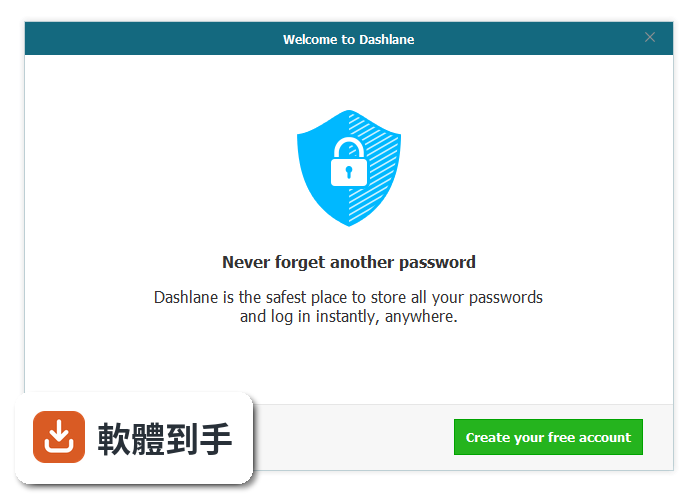
01Dashlane 到底能幫我做到哪些事?
它的核心功能是密碼管理:把各網站帳號的密碼加密存放,瀏覽網頁時自動填入登入欄位。另外可以一鍵產生高強度隨機密碼,避免你在不同網站重複使用同一組密碼。它也提供數位錢包功能,可以存放信用卡資訊和個人資料,在購物網站結帳時自動帶出表單欄位。官方宣稱自動填入功能每年平均可以省下約 50 小時。
02它自動填入密碼是怎麼運作的?
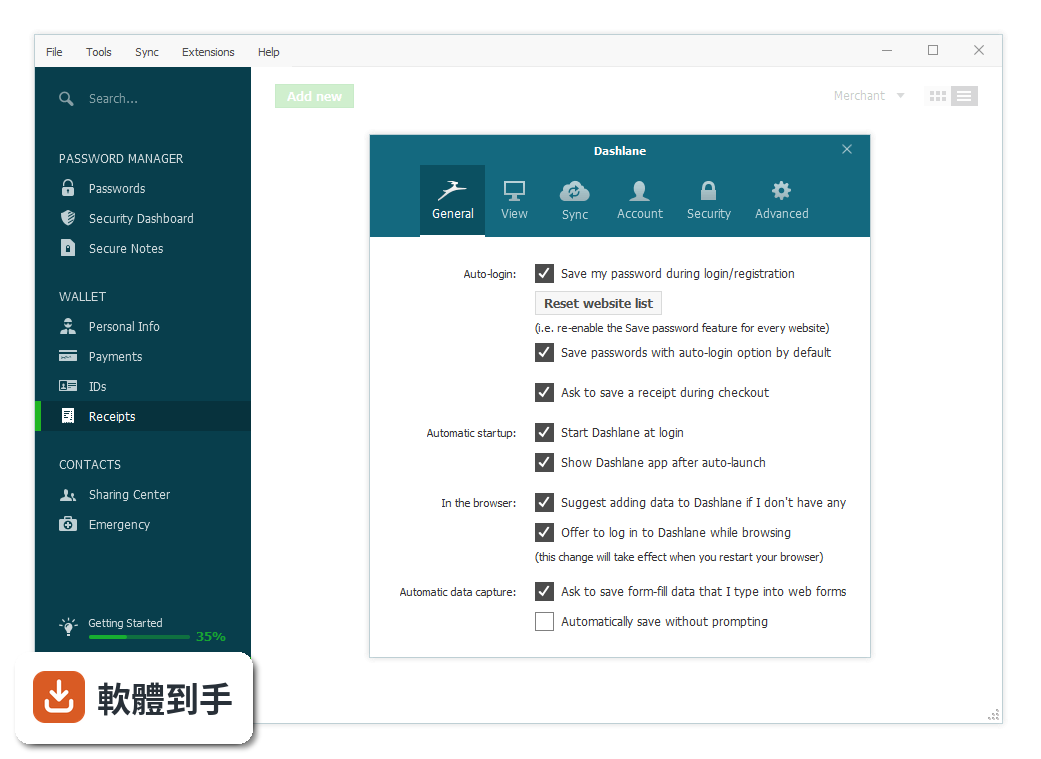
你先把帳號密碼手動新增到軟體裡,或是在瀏覽網站時讓它自動擷取你輸入的登入資訊。之後再拜訪同一個網站,它會自動把帳號密碼填進登入欄位,不需要手動複製貼上。它也能在註冊新帳號或重設密碼的頁面上,直接產生一組新密碼並自動儲存,之後登入時就會自動帶出。填入的欄位涵蓋姓名、地址、Email、電話等,可以設定多組個人資料在填表時切換。
03密碼產生器是什麼?我什麼時候會用到它?
當你在某個網站註冊新帳號,或是在重設密碼的頁面時,它會在密碼欄位旁邊產生一組隨機的強密碼,你不需要自己動腦想。產生的密碼會自動存進軟體裡,之後登入時由它自動輸入。這樣做的目的是避免你為了省事,在不同網站重複使用同一組密碼——只要其中一個網站被駭,其他網站也跟著遭殃。產生的密碼長度和複雜度可以自行設定。
04它有一個叫 Password Changer 的功能,那是做什麼的?
這是軟體內建的免費功能,用途是自動把舊密碼換成新的強密碼,不需要你一個網站一個網站手動去改。它會直接幫你執行更換密碼的動作,然後把新密碼存進軟體裡。官方說明指出,這個功能搭配安全警報使用,可以在某個網站發生資料外洩時,快速保護你受影響的帳號。不過實際支援哪些網站的自動更換,官方資料沒有列出完整清單,需要自行確認。
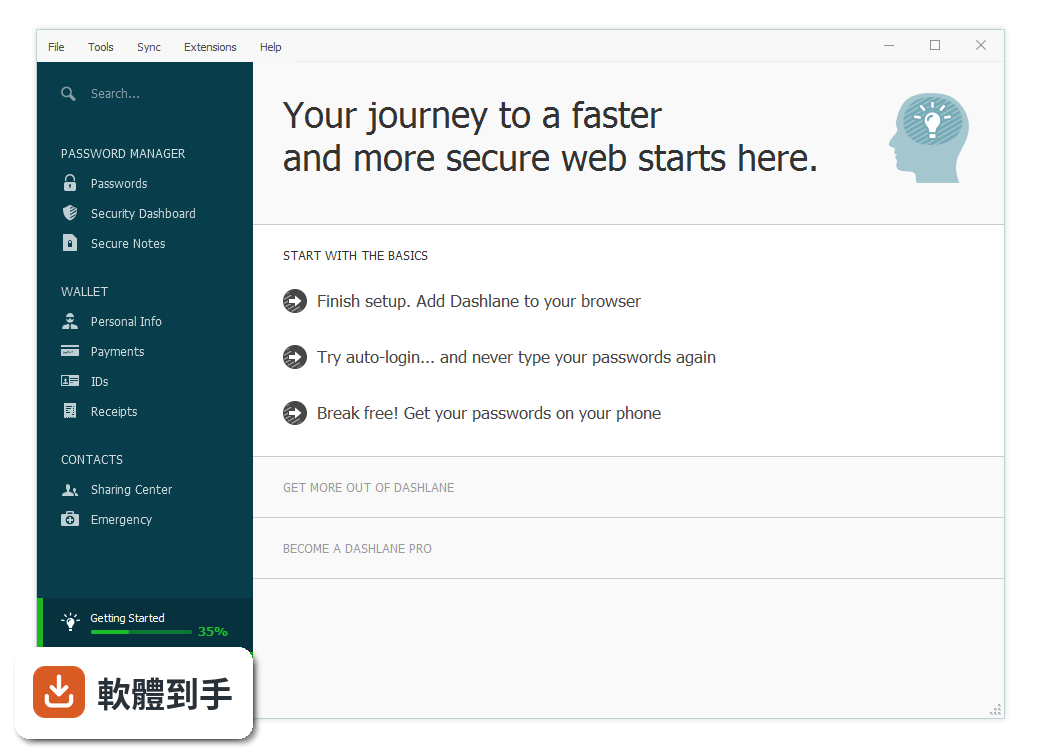
05它怎麼知道我哪些密碼不安全?
軟體會持續監控你存放的密碼,官方說明提到,存放的密碼越多,監控的覆蓋範圍就越廣。當某個網站發生資料外洩事件,它會標示出直接受影響的帳號,以及可能連帶受影響的其他密碼。軟體內有一個 Security Score 的評分機制,可以從 0 到 100 評估你的密碼整體健康程度,分數越低代表你的密碼越脆弱或越常重複使用。
06這套軟體適合什麼樣的人用?
適合帳號數量多、記不住密碼、又不想全部用同一組密碼的人。特別是經常在網路上購物、需要填寫大量表單的使用者,它的數位錢包可以把信用卡和收件資料集中管理,結帳時自動帶出。另外,如果你有多台裝置要同步密碼,它提供跨裝置同步和雲端備份功能,換新電腦或手機時不需要手動搬移密碼資料。但介面只有英文,不習慣看英文介面的使用者要考慮這點。
07它跟瀏覽器內建的自動填入有什麼差別?
瀏覽器內建的自動填入是明文存放密碼,而且資料綁在特定瀏覽器上,換瀏覽器或換電腦就無法帶過去。Dashlane 的密碼庫是加密存放,官方說明強調使用加密技術保護資料,並提供雲端備份和跨裝置同步。另外瀏覽器不會幫你產生高強度密碼,也不會主動監控你的密碼是否在資料外洩事件中受影響。如果你只在固定一台電腦用同一種瀏覽器,瀏覽器內建功能可能就夠用。
08我現在已經用別套密碼管理軟體,可以轉移資料過來嗎?
官方功能說明提到,可以透過匯入的方式把既有密碼加入軟體,但沒有具體說明支援哪些來源格式。一般密碼管理軟體大多支援從 CSV 檔案匯入,或從其他主流密碼管理器直接匯入,但 Dashlane 官方資料沒有列出詳細的匯入來源清單。如果你目前使用的軟體有匯出功能,可以先匯出成 CSV 檔案再嘗試匯入,但實際相容性需要自行測試確認。
09免費版跟付費版差在哪裡?我該選哪個?
官方資料顯示,免費方案從 2024 年 5 月 23 日起,超過 25 組已儲存密碼的帳戶會變成唯讀狀態,也就是只能查看不能新增或編輯。付費方案分為 Standard 和 Business 兩種,Standard 每個月 20 美元、含 10 個使用者,Business 每個月 8 美元、以每個使用者計費。如果你只是個人使用且密碼數量不多,免費版可能夠用;但密碼數量超過 25 組後,就需要付費才能繼續新增。
10這套軟體有什麼明顯的缺點或限制嗎?
介面只有英文,對不熟悉英文的使用者來說門檻較高。另外它在軟體資料庫中的評分人數只有 35 人,樣本數偏少,參考價值有限。官方資料提到,免費方案在 2024 年 5 月後對超過 25 組密碼的帳戶設為唯讀,這對密碼數量多的免費使用者是明顯限制。此外,官方定價資訊只列出 Standard 和 Business 方案,沒有看到個人付費方案的價格,需要自行上官網確認。
11我該不該選它,還是用其他密碼管理軟體就好?
這取決於你的需求。它跟其他密碼管理軟體的核心功能大同小異,都是加密存放密碼、自動填入、產生強密碼。它的特色在於數位錢包和 Password Changer 自動更換密碼功能。但如果你只需要基本的密碼管理,市場上有其他評分人數更多、介面有中文的選擇,例如 RoboForm 在資料庫中有 117 人評分,樣本數比它多。建議先確認你需要的功能,再比較各套軟體的介面語言和價格。
12它的更新頻率如何?還有人在維護嗎?
根據軟體資料庫的版本紀錄,它收錄了 12 個版本,最早的版本在 2017 年 12 月,最近的版本在 2026 年 8 月。近 12 個月更新 1 次,近 24 個月也是 1 次,代表大約一年更新一次,屬於穩定但不算頻繁的更新節奏。官方說明中也提到正在開發或已推出的新功能,例如無密碼登入、生物辨識解鎖、SIEM 整合等,顯示產品仍在持續演進,不是停止維護的狀態。
下載與官方連結
DashlaneInst.exe · 連結指向軟體原廠
版本紀錄
- 2026-08-14 Dashlane - Password Manager
- 2020-09-14 Dashlane 6.2036.3 819.2 KB
- 2020-09-01 Dashlane 6.2035.0 819.2 KB
再看 5 筆
- 2020-08-29 Dashlane 6.2033.0 819.2 KB
- 2020-02-17 Dashlane 6.2007.0 819.2 KB
- 2020-01-28 Dashlane 6.2004.0 921.6 KB
- 2018-03-21 Dashlane 5.9.0 716.8 KB
- 2018-03-09 Dashlane 5.8.0 716.8 KB
這一版改了什麼
What's new in this version:
Dashlane 5.3.1.13504
- Change log not available for this version
Dashlane 5.2.0.12122
Main issues fixed:
- Difficulties installing the Dashlane extension for Firefox via the Extensions menu
- Discrepancy with the autofill feature when Master Password protection was enabled
- More minor bug fixes and improvements are also included
Dashlane 5.1.0.11228
- Bug fixing and performance improvements
Dashlane 5.0.0.10636
- We've updated over 250,000 app and website logos so you can easily identify your favorite sites when browsing and editing accounts in Dashlane
- Fully native versions of Dashlane are now available in 11 languages, with support for Chinese, Dutch, Korean, and Swedish recently added
- Dashlane's exclusive Password Changer™, which changes passwords directly from the app in one click, now works with more than 500 websites. Powered by DashIQ™, Password Changer™ will continue to be available on more and more websites
- Dashlane users on their mobile phone can now use Dashlane as an authenticator app: log in to personal and shared accounts where two-step authentication is enabled by generating, storing, and displaying one-time passcodes inside Dashlane. Dashlane will generate a unique six-digit code every 30 seconds for each credential created, and sync it across your phone and desktop apps so you can access it anywhere
Dashlane 4.9.0.38517
Main changes:
- Fixed: a rare issue causing item duplication within one's Dashlane account
Also included:
- UI fixes and app language issues
- Stability improvements to our extension for Internet Explorer
- Many additional minor fixes and improvements
Dashlane 4.8.9.37516
- Prompts to install the Dashlane extension for Internet Explorer would occasionally appear even if the extension was already installed. This has been fixed
- Under several very specific circumstances, one could no longer sign in to their Dashlane app as their Master Password would no longer be recognized. This has been fixed as well
Dashlane 4.8.8.36676
- The app no longer crashes after doing a right mouse double click within the Passwords section
- Sharing improvements: certain shared items were not displaying in user groups
- A lot of other minor fixes were also included in this version
Dashlane 4.8.7.35982
- Various U2F issues were fixed: crashes, irrelevant phone number errors during setup
- Password history revamp: incorrect icons were displayed for "generated only" passwords, and some website names were missing
- We extended the accepted format for the CVV field when purchasing a Dashlane Premium subscription for one's friends and family
- One's Dashlane Premium renewal date is now updating faster within the Preferences of the app
Dashlane 4.8.6.35647
- Fixed an issue with the Getting Started menu that would not mark certain steps as completed
- CVV payment field updated to only allow expected formats to be entered
- Other minor fixes and improvements also included
Dashlane 4.8.5.35155
- Bug fixing and performance improvements
Dashlane 4.8.4.35032
- Bug fixing and performance improvements
Dashlane 4.8.1.32570
- Bug fixing and performance improvements
Dashlane 4.7.2.29726
- Secure notes shared with limited rights can no longer be edited
- Fixed: several issues during passwords import
- Also included: minor UI improvements
Dashlane 4.7.1.28771
- Fixed: issues with slow / interrupted installations of Dashlane
- Fixed: a rare issue preventing Dashlane from being launched on Windows 7 machines
- Also included: in a hotfix released on April 21, an issue was fixed with our extension for Internet Explorer not showing up in the browser toolbar
Dashlane 4.6.8.25848
- This is the last version available for Windows XP and Windows Vista users
- Also included: other minor bug fixes and improvements