
這是歷史版本頁面 — 看 DAZ Studio 最新版本
DAZ Studio 免費做3D角色,新手能上手嗎
 DAZ Studio 4.10
資料更新 2017-11-04
閱讀約 7 分鐘
你大概是在某個時刻突然想做人偶、做角色、做一張有故事感的 3D 圖,但打開 Blender 或 Maya 之後,光是介面就讓你愣在原地。那些密密麻麻的面板、看不懂的節點、還有「建模要從一個立方體開始」的起手式,跟你心裡想的那個畫面差太遠了。你只是想讓一個角色站好、擺個姿勢、打個光,然後按下渲染,但現實是連把角色叫出來都找不到按鈕。
一般人遇到這種狀況,直覺是去找教學影片,但教學影片動輒一兩個小時,而且多半是從建模教起,你根本不想學建模。你需要的其實是另一種切入點:先給你一個現成的人偶,讓你把注意力放在「擺姿勢、調表情、打光、渲染」這些真正讓你覺得好玩的事情上。這類工具把最難的部分先幫你處理掉,讓你在裡面玩角色、玩場景,而不是跟軟體搏鬥。
01DAZ Studio 能拿來做什麼?
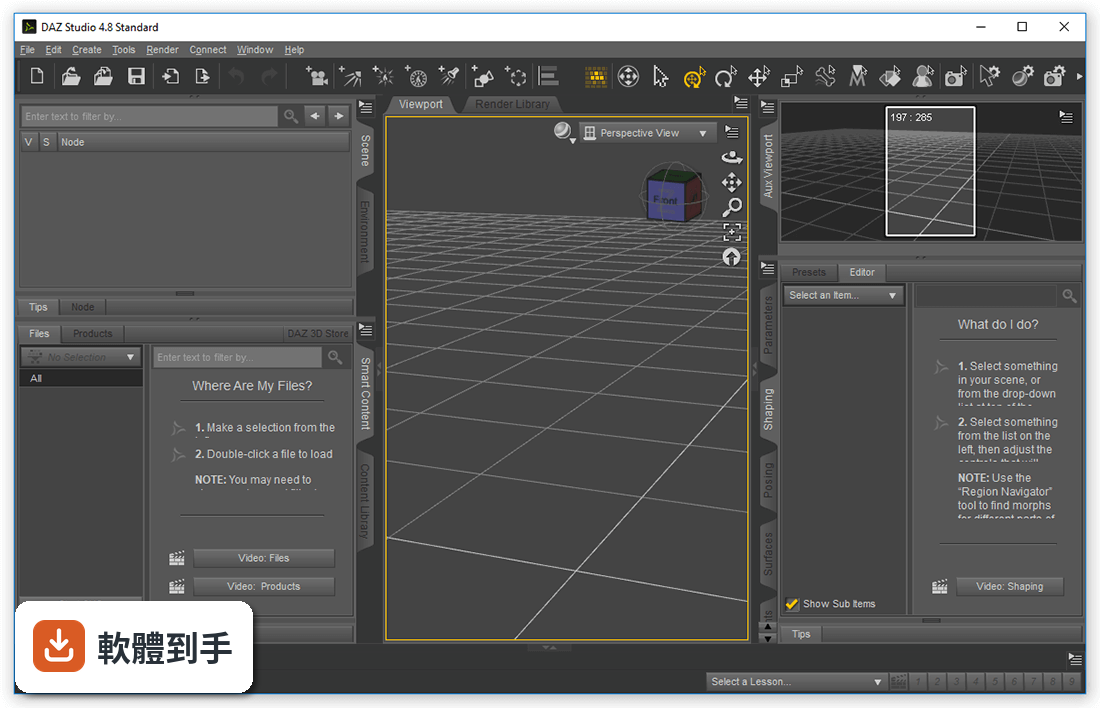
它是一套 3D 角色創作軟體,主要用途是設計數位藝術和動畫,可以操作虛擬人物、動物、道具、車輛、配件和環境。你可以在裡面挑一個現成角色,調整外觀、擺姿勢、設定燈光,然後渲染出靜態圖或做動畫。它也有布料和粒子模擬功能,能讓衣服或頭髮有物理效果。簡單說,它把「從零建模」這件事拿掉,讓你直接進入角色設計和場景安排的階段。
02這套軟體好學嗎?我完全沒碰過 3D 軟體。
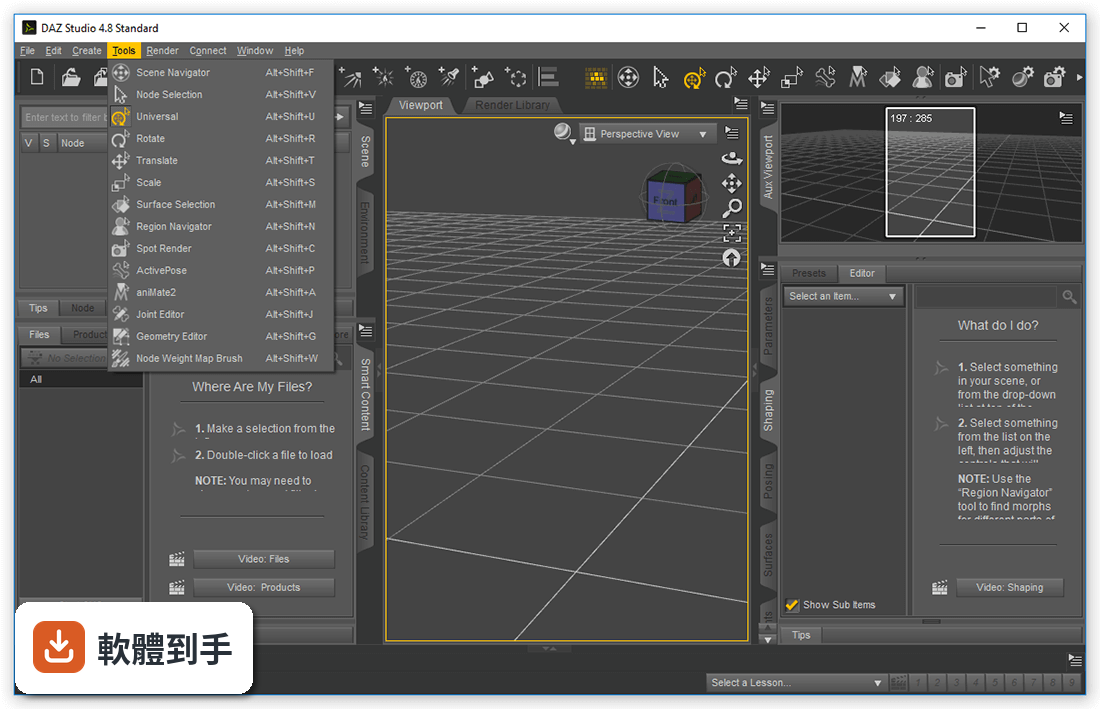
官方說明提到它內建互動式教學影片,也強調介面直覺、容易使用,這對新手來說是友善的設計。它的工作流程是「選角色 → 調整外觀 → 擺姿勢 → 加道具 → 打光 → 渲染」,每一步都有對應的工具,不用自己從頭摸索。不過介面是英文的,如果你不習慣英文介面,初期會需要花一點時間對照翻譯或看教學。整體來說,學習曲線比 Blender 或 Maya 平緩很多。
03做出來的角色能不能匯出到其他軟體?
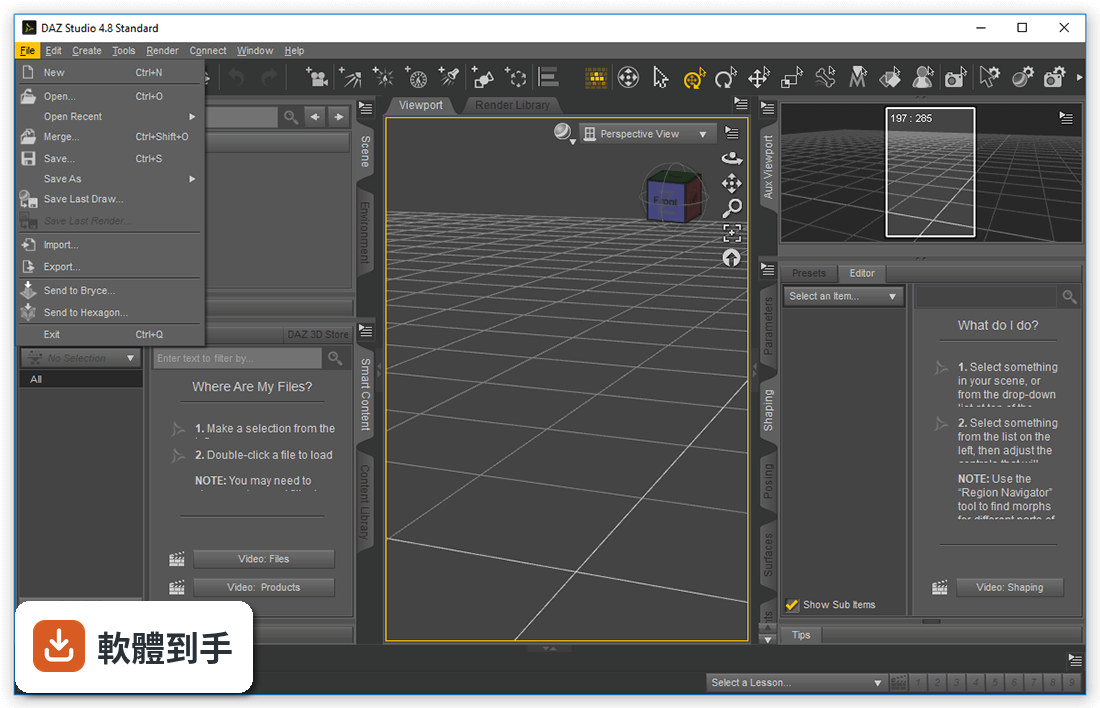
可以。它內建檔案匯出功能,支援 Autodesk FBX、COLLADA、OBJ、BVH 和 Universal 3D 格式。也就是說,你在 DAZ Studio 裡做好的角色或場景,可以匯出到 3DS Max、Mudbox、Maya 這些軟體繼續處理。官方還提到有外掛可以兩鍵把角色轉到 Maya,並自動轉換成 Vray 和 Arnold 渲染引擎。如果你之後想往專業流程走,這些匯出管道是通的。
04角色一定要用內建的嗎?能不能自己捏?
它有一個叫 Genesis 的角色引擎,你可以從內容庫挑選喜歡的角色,然後用變形工具修改外觀,甚至把兩個角色混合在一起,創造出自己獨特的版本。這套系統不是只能選固定角色,而是讓你在既有基礎上做調整。另外它也支援匯入多種 3D 檔案格式,所以你自己建模的角色或模型,也可以放進來使用。不過如果你想要完全從零開始雕刻一個角色,這套軟體不是做這件事的工具。
05它做出來的東西是靜態圖還是能動的?
兩者都可以。它有時間軸和關鍵幀動畫工具,可以讓角色做出動作、走路、轉身這類動畫,也能搭配布料和粒子模擬,讓衣服飄動或產生粒子效果。渲染方面支援 GPU 加速的即時預覽,官方宣稱可以達到照片級的真實效果。所以不管是單張靜態圖,還是短動畫,它都能處理,只是動畫的複雜程度會影響你的學習時間和電腦效能。
06什麼樣的人適合用這套?
官方說明點名了三種人:專業藝術家、業餘愛好者、教育工作者。如果你是想快速做出角色插畫或短動畫的人,它很適合;如果你是老師,想教學生角色設計或動畫概念,它的低門檻也方便上手。另外,如果你已經有 DAZ 3D 的內容庫產品,這套軟體可以直接讀取使用,對既有用戶來說是順理成章的選擇。但如果你是想學完整的 3D 建模技術,它就不是你要找的工具。
07跟 Blender 比起來,這套的定位差在哪?
Blender 是全面型的 3D 軟體,建模、雕刻、材質、動畫、合成全部包辦,而且完全免費開源,評分人數有 864 人,社群龐大。DAZ Studio 則專注在角色創作,強項是現成角色、變形系統和快速擺姿勢,評分人數只有 82 人,規模小很多。如果你要的是「快速做出有人物的畫面」,DAZ Studio 的起點比較高;如果你要的是「什麼都能做的通用工具」,Blender 的發展空間更大。兩者也可以搭配使用,DAZ Studio 做角色,Blender 做後續處理。
08這套軟體有中文介面嗎?
沒有。官方資料顯示介面語系只有英文,沒有提供繁體中文或簡體中文。如果你對英文介面不熟悉,操作上會需要花時間適應,或者依賴網路上的中文教學影片來對照功能位置。這不是能不能用的問題,而是學習成本會比中文介面的軟體高一些。如果你完全無法接受英文介面,可能需要考慮其他有中文支援的 3D 軟體。
09它是不是只能裝在 Windows 上?
是的,官方支援系統只有 Windows 10 和 Windows 11,沒有 macOS 或 Linux 版本。如果你是 Mac 使用者,這套軟體就無法安裝,需要找其他替代方案。另外,它需要註冊 DAZ 3D 帳號才能使用,安裝後也要登入帳號才能存取額外內容和更新,這點在安裝前要先知道。
10這套軟體還有人在維護嗎?
從版本紀錄來看,它最早收錄的版本是 2017 年,最近一次更新在 2026 年,近 12 個月更新過 1 次,近 24 個月也是 1 次。也就是說它還在持續更新,但頻率不算高,大概一年一次左右。官方說明提到最近的更新包含進階篩選功能、工作流程優化、外掛穩定性修復和介面更新,看起來是維持性的維護,不是大改版。如果你擔心軟體被放棄,目前看起來還沒有這個跡象。
11我已經會用 Maya 了,還需要這套嗎?
如果你已經熟練 Maya,DAZ Studio 的定位對你來說比較像是「角色素材庫」而不是替代工具。它的強項是 Genesis 角色引擎和大量現成內容,你可以快速做出角色,再透過外掛或匯出功能轉到 Maya 繼續處理。官方也特別提到可以兩鍵轉到 Maya,並自動轉換渲染引擎。但如果你習慣自己建模、自己綁骨架,那這套軟體能幫你的部分就很有限,直接用 Maya 從頭做可能更順手。
12免費軟體會不會有版權問題?
官方說明明確指出可以用於商業專案,但同時提醒要檢視授權協議中的限制條款。也就是說,它本身是免費的,但你在內容庫下載的角色、道具、材質,每一項可能都有各自的授權條件,有些免費素材可能限制商業使用,有些付費素材則有不同規範。實際使用前,建議逐項確認你用的素材的授權內容,不要假設全部都可以自由商用。 ---
下載與官方連結
DAZStudio_4.10.0.107.exe · 連結指向軟體原廠
版本紀錄
- 2026-05-06 DAZ Studio 4.24
- 2017-11-04 DAZ Studio 4.10
這一版改了什麼
What's new in this version:
DAZ Studio 4.10
Simulation:
- dForce
Rendering:
NVIDIA Iray:
- Integrated Iray 2017.0.1 (287000.7672); see below for more details
- Increases hardware requirement to Fermi class or newer generation GPUs; recent driver recommended
3Delight:
- Added a "3DLEnvSpace" transform to 3Delight renderer pipeline
- Added a "3DLEnvSpace" transform to default calls in Scripted 3Delight renderer
Content Creation/Conversion:
Transfer Utility:
- Added a "Distance Tolerance" option
- Added a "Parent To Source Figure" option
Scene Items:
SubDivision:
- Added a General > Mesh Resolution > SubDivision Normals property to an object with geometry when converted to SubD
- "Smoothed" is the current behavior (default)
- "Preserve Cage" attempts to preserve sharp edges present in the cage mesh
- Not compatible with 3Delight Catmark, legacy DzCatmullClark, or Bilinear
Import/Export:
BVH Import:
- Added a "Limit Translations to Hip" option
- Now attempts to match node names exactly when seeding the node map; if more than one node name does not match (e.g., the figure root), node map seeding reverts to the previous behavior
FBX Export:
- Added a "Locks" option
- Added a "Limits" option
General User Interface:
Menus:
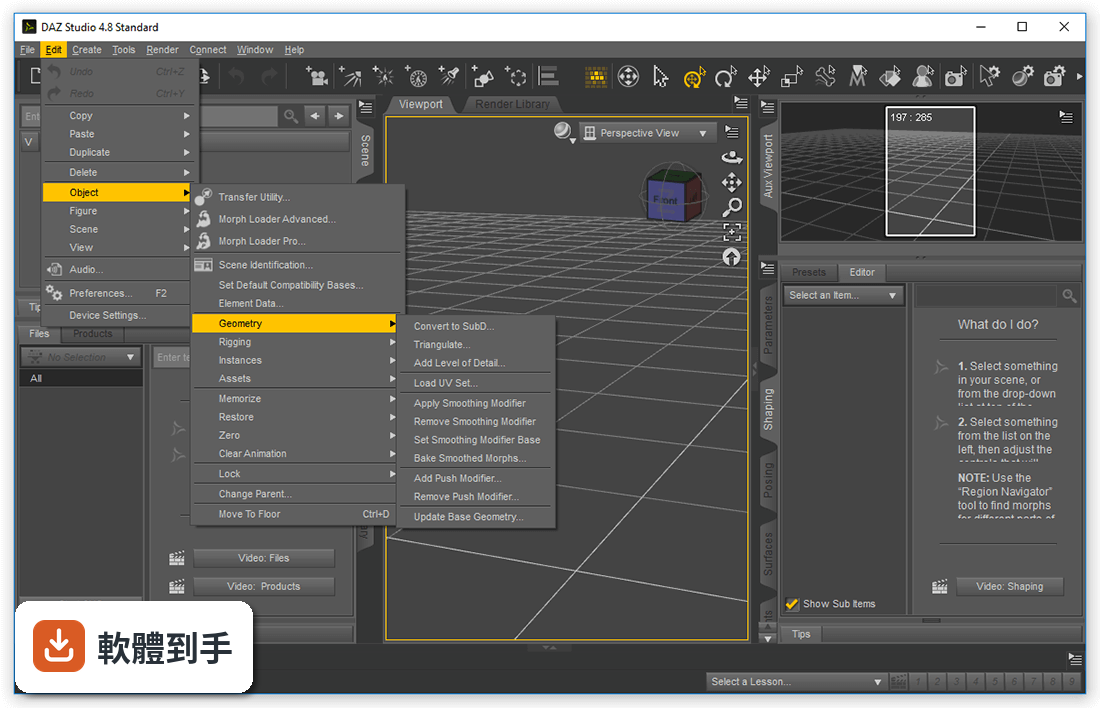
- Added a Window > Workspace > Update and Merge Menus action
- Fixed handling of a case that could cause Update and Merge Menus to fail when re-integrating user customizations
- Updated default menus; recommend using the Update and Merge Menus action
- Pane [Group] Docking/Undocking:
- Replaced "Make Pane Undockable" and "Make Pane Group Undockable" actions in pane group and pane tab context menus with "Undock Pane" and "Undock Pane Group" respectively; the previous behavior can be accomplished by holding the ControlModifier when clicking the action
- Added "Make Pane Dockable" and "Make Pane Group Dockable" actions to pane group tab bar and pane tab context menus when a pane (group) is in an undockable state
- Fixed an issue where the order of panes in a pane group were reversed when the pane group was made undockable
- Fixed an issue where the Add Pane (Tab) submenu of the pane group tool bar context menu did not list available panes in the same order as Window > Panes (Tabs); entries were being sorted case-sensitive but should have been sorted case-insensitive
- Undocking a pane group (or a pane) now ensures that the undocked pane group will be of a size that fits on the screen that the pane group (or pane) was on when it was docked and that the undocked pane group will be centered on that screen
- Making a pane group (or a pane) undockable now ensures that the dialog will be of a size that fits on the screen that the pane group (or pane) was on when it was docked and that the dialog will be centered on that screen
- Making an undockable pane group (or a pane) dockable now ensures that the undocked pane group will be of a size that fits on the screen that the dialog was on and that the undocked pane group will be centered on that screen
PowerPose pane:
- Improved overall performance
- Now prefers a figure's base template set over a template set defined by the default Template Suite
- Added a "Template Set" drop-down above the point selector widget
- Added a "Template" drop-down above the point selector widget that provides a list of templates in the set for a given figure/geometry
- Added an “Edit Mode”; accessed via context (right click) menu; protected templates/sets do not allow editing or saving:
- Displays all points of all types (including those that are not valid/resolved) on the current template
- Save a template set in the "Template Set" drop-down
- EditAddDelete a template in the "Template" drop-down
- Right click an empty area of a template to add a point
- Right click on a point to edit/delete
- Right click on a control to edit/clear
- Now elides the text of controls that are longer than can be displayed at the current width; full text is displayed in the tooltip
- The context menu (right-click) for the point selector widget now provides quick access to many useful actions related to posing
- Added support for saving/loading template sets for parametric (legacy) figures to/from ./data/PowerPose/<sanitized_geometry_name>/
Content Library pane:
- Fixed a potential crash when saving presets
Scripting:
- Many API additions and/or resolved issues in various areas
- Fixed bugs and/or made improvements in various areas