
這是歷史版本頁面 — 看 Google Earth 最新版本
Google Earth Pro免費看衛星地圖還能做什麼
 Google Earth 7.3.0.3832
資料更新 2017-08-22
閱讀約 5 分鐘
想查某個地址長什麼樣子、想看老家這幾年有沒有變化、想量一塊地的面積,很多人第一個念頭是打開網頁地圖。但真的放大來看,畫質常常糊成一團,想看幾年前的衛星影像找不到入口,想畫個範圍標記一下也不知道從哪裡下手。最後只能截圖、開小畫家亂塗,事情做到一半就放棄了。
網頁版地圖適合快速查路,但遇到要對照歷史影像、量測距離、匯入自己的地理資料這種需求,就顯得不夠用。這類工具切入的點,是把衛星影像、地形、歷史圖層、繪圖工具全部裝進一套電腦軟體裡,讓你不只是「看地圖」,而是能對地圖動手:拉線、量面積、疊圖、輸出圖片。以下問答整理自實際使用經驗與官方說明。
01Google Earth Pro現在還要錢嗎?
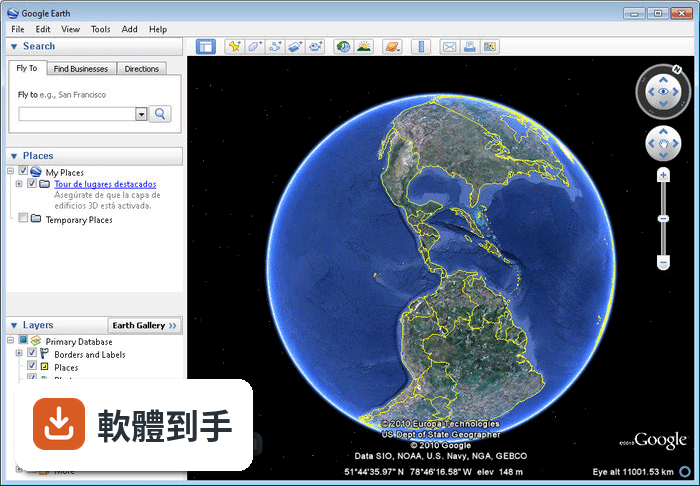
官方說明指出,這套軟體從2015年起就免費供個人使用。安裝後不需要付費就能瀏覽衛星影像、使用測量工具、匯入KML檔案。但要注意,部分進階功能是給付費訂閱者使用的,例如批次地理編碼、影片建立工具、進階圖層存取。一般個人查地點、看歷史影像、畫標記,免費版就夠用。
02它能看多舊的衛星影像?
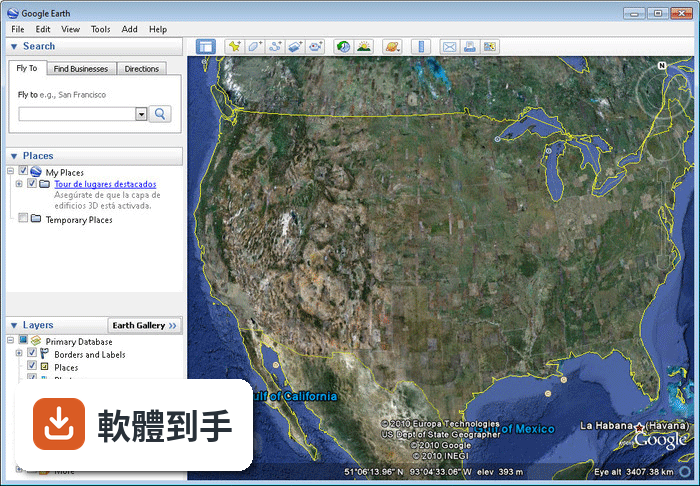
可以。工具列上有個時鐘圖示,點下去會出現時間軸,讓你拉動年份觀看同一個地點在不同時間的衛星或空拍影像。官方說明提到歷史影像涵蓋數十年的資料,很適合觀察地貌變化、都市發展或農地利用的演變。實際能往回拉多遠,會因地區而異,都市通常有較多歷史影像,偏遠地區可能只有近幾年的資料。
03我想把自己手邊的地理資料放進去,它支援哪些格式?
官方說明明確指出支援匯入KML和GeoJSON格式。KML是Google Earth的原生格式,很多地理資訊系統都能匯出;GeoJSON是另一種常見的地理資料格式。匯入後可以直接在軟體裡檢視、疊加在地圖上,也可以進一步做篩選和排序。如果你的資料是Shapefile或其他格式,需要先轉檔再匯入。
04測量距離和面積的工具好用嗎?
工具列上有尺規工具,可以測量距離、面積、高度。點選「Ruler」或「Path」工具後,在地圖上點擊起點和終點,就會顯示直線距離;要量面積就用多邊形工具沿著邊界點一圈,軟體會自動計算。這對估算土地大小、規劃路線、量測建築物佔地面積都實用。測量結果可以顯示不同單位,方便直接記錄。
05它能不能輸出高解析度的圖片?
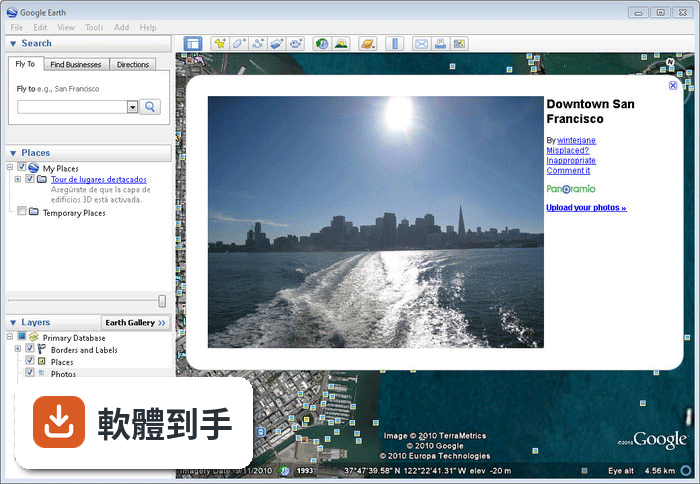
可以。官方說明提到可以列印高品質圖片,也能匯出不同格式的資料,用於簡報或報告。要輸出圖片時,可以先調整好視角、圖層和標記,再用列印或匯出功能。另外還有Movie Maker工具,可以把飛行路徑或導覽過程錄成影片,適合做簡報或教學素材。
06這套軟體適合什麼樣的人用?
適合需要頻繁查看地理資訊、做空間分析的人。例如做環境研究的人可以用歷史影像觀察地貌變化;土地測量或都市規劃相關工作的人可以用測量工具估算面積和距離;老師上地理課時可以用3D地形和導覽功能讓學生更有感。一般民眾想探索世界各地、看看自己家附近的衛星影像,也完全夠用。
07不會英文的人用起來會很吃力嗎?
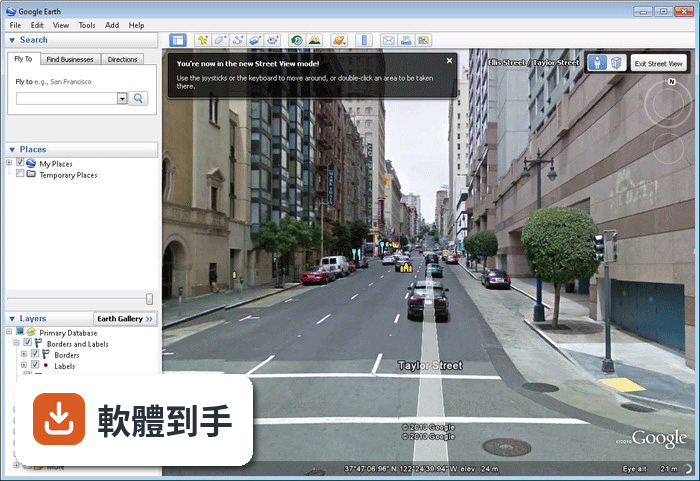
會需要一些基礎英文能力。這套軟體的介面語系是英文,選單、工具名稱、說明文件都是英文。如果對地圖軟體的操作邏輯不熟,一開始可能會找不到功能在哪裡。不過核心操作像是搜尋地址、縮放地圖、切換圖層,圖示和符號都算直觀,搭配線上教學影片或文章,學起來不會太困難。
08它跟其他免費地圖軟體比起來,有什麼明顯的弱點?
介面只有英文是第一個門檻。另外,它需要安裝在電腦上,不像網頁版地圖打開瀏覽器就能用。跟GeoServer這類工具相比,Google Earth Pro的定位比較偏向視覺化瀏覽和簡易分析,不是拿來架設地圖伺服器或做複雜的地理資料處理。如果你的需求是大量客製化地圖服務,它就不適合。
09我的電腦是舊筆電,跑得動嗎?
這套軟體支援Windows 7到Windows 11,但實際跑起來順不順,要看電腦的顯示卡和記憶體。3D地形、高解析度衛星影像、同時開多個圖層,都會增加硬體負擔。官方說明有提到持續在做效能和穩定性改善,但如果你電腦規格很低,建議先安裝免費版試跑看看,再決定是否當作主要工具。
10它是不是一直要更新?不更新會怎樣?
這套軟體更新算頻繁,近兩年都有釋出新版本。官方說明提到持續修正錯誤、改善效能,並加入新功能,例如AI輔助分析、新的資料圖層。不更新的話,舊版本還是能繼續用,但可能無法使用最新功能,也無法取得衛星影像的更新。如果你只是偶爾查地點,不更新影響不大;但若依賴最新圖資,建議保持更新。
下載與官方連結
GoogleEarthWin.exe · 連結指向軟體原廠
版本紀錄
- 2026-08-21 Google Earth Pro 7.3.7.1327
- 2026-04-09 Google Earth Pro 7.3.7.1155
- 2024-02-24 Google Earth Pro 7.3.6.9796
再看 5 筆
- 2023-01-04 Google Earth 7.3.6.9345
- 2022-11-08 Google Earth 7.3.6.9285
- 2022-11-01 Google Earth 7.3.6.9275
- 2022-05-17 Google Earth 7.3.4.8642
- 2022-03-29 Google Earth 7.3.4.8573
這一版改了什麼
What's new in this version:
Google Earth 7.3.0.3832
Issues fixed in this release of Google Earth Client:
- Terrain imagery tiles missing in some locations
- Tour audio recording and playback not working
- Tours with recorded audio not correctly saved
- Crash when loading large KML data files
- Drag-and-drop files into application window not working
- Can't open KMZ files from a path with ".kmz" in it
- Skyscrapers cut off when saving high-resolution images
- COM registration not performed by Windows installer
- Some images embedded in KML don't load
- Anisotropic filtering option has no effect
- Startup Tips sometimes incorrectly positioned
- Labels in Arabic were often cut off
Changes:
- Earth "Free" and Pro have now been combined into a single product, Earth Pro
- Windows: Windows 7 is earliest version supported
- Windows: new installs default to OpenGL mode
- Mac: Mac OS 10.8 is earliest version supported
- Mac: application is now 64-bit
- Mac: antialiasing option is now available
- High-resolution ("high-DPI", "Retina") display support
- New Repair Tool to reset cache data, settings, and fix application startup issues
- Updated Movie Maker tool with new video formats
- Improved image saving, printing and movie making performance
- Web Inspector tool available for KML balloons
- HTML5 videos such as YouTube embeds work in placemark balloons
- Updated and improved internal Web browser and security
Known Issues:
- "Share with Google+" feature not working
- SSL client certificates not currently supported
- Toolbar buttons, UI icons pixelated in high-DPI mode
- Windows: high-DPI support isn't enabled until pixel scale is 200% or higher (use googleearth2x.bat to force high-DPI mode)
Google Earth 7.1.8.3036
- Change log not available for this version
Google Earth 7.1.7.2606
- Earth Pro stops refreshing content after a few minutes
Google Earth 7.1.7.2600
- Removed menu items for Google Maps Engine and the Google Earth Community.
- New Google and Google Earth logos.
- Crashes from rearranging items in My Places.
- Earth Pro: Removed registration dialog as Pro no longer requires a license.
- Windows: “1603” installer error caused by attempts to re-install Earth 7.
- Linux: Font dialog and other crashes.
- Linux: Cache data inconsistency between 32 and 64-bit builds.
- Linux: RPM installer problems with permissions in directory “/usr/bin”.
- Mac & Linux: Updated driver support for 3Dconnexion controller devices.
Google Earth 7.1.5.1557
- Change log not available for this version
Google Earth 7.1.4.1529
- Change log not available for this version