
這是歷史版本頁面 — 看 Samurize 最新版本
舊電腦想美化桌面監控系統 Samurize 還能用嗎
 Samurize 1.64.3
資料更新 2007-04-04
閱讀約 5 分鐘
你有一台舊電腦,跑不太動現在的華麗桌面軟體,但又不甘心讓桌面只是一張靜止的圖片。你想在桌面上直接看到 CPU 使用率、網路流量、溫度這些資訊,順便放個時鐘、天氣,讓桌面看起來有點「活」的感覺。你試過一些工具,不是太吃資源,就是設定複雜到看不懂,最後只能放棄。
一般人的習慣是裝一套「桌面美化軟體」或「系統監控小工具」,但這兩類東西往往分開賣、分開裝,而且很多新工具為了追求效果,背景程式越掛越多,舊電腦根本吃不消。這類工具的切入點其實是:用輕量的方式,把系統資訊和視覺設計綁在一起,讓你在同一個地方完成監控和美化,而且不依賴太新的系統元件。
01Samurize 到底能拿來做什麼?
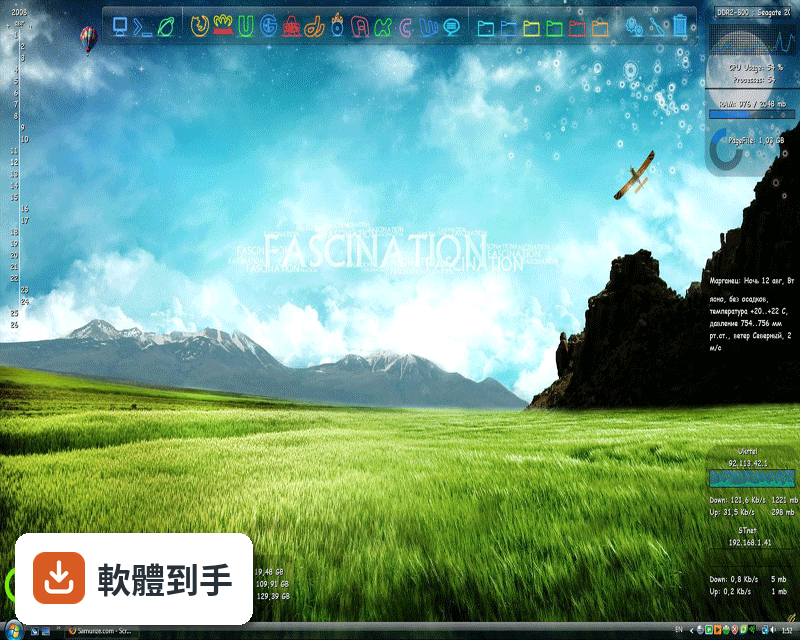
它是一套桌面增強工具,核心用途是把系統監控資訊顯示在桌面上,例如 CPU 使用率、磁碟用量、網路流量、溫度等。它也能顯示天氣、新聞標題這類外部資料。你可以直接載入別人做好的「config」設定檔,桌面上就會出現各種儀表板或小元件,不需要自己從零開始設計。
02它能不能讓我完全自訂桌面外觀?
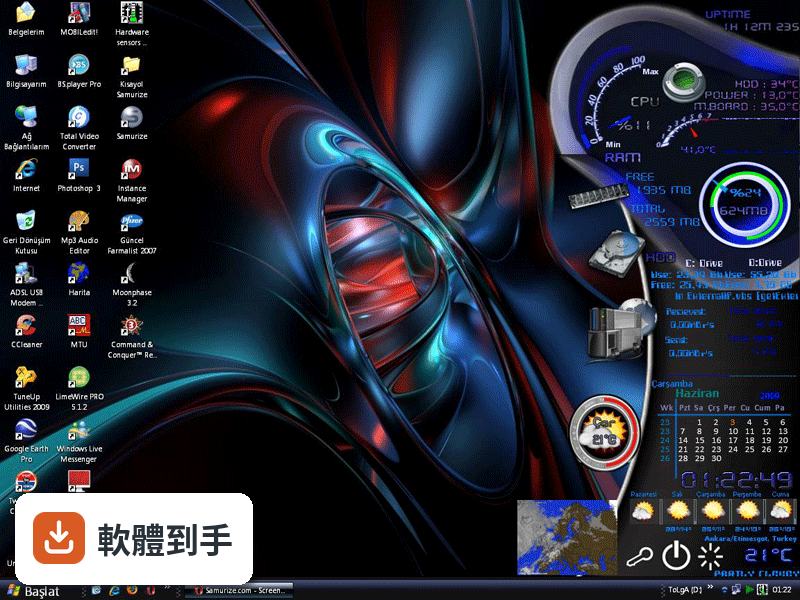
可以,而且這是它的主要賣點之一。它內建多種「meter」(計量器),搭配所見即所得的編輯器,你可以自己拉出想要的視覺元件,把監控數據用圖形、文字、進度條等方式呈現。官方說法是不需要寫程式就能做到高度自訂,但編輯器本身偏向有經驗的使用者,新手需要花時間摸索。
03它支援用腳本擴充功能嗎?
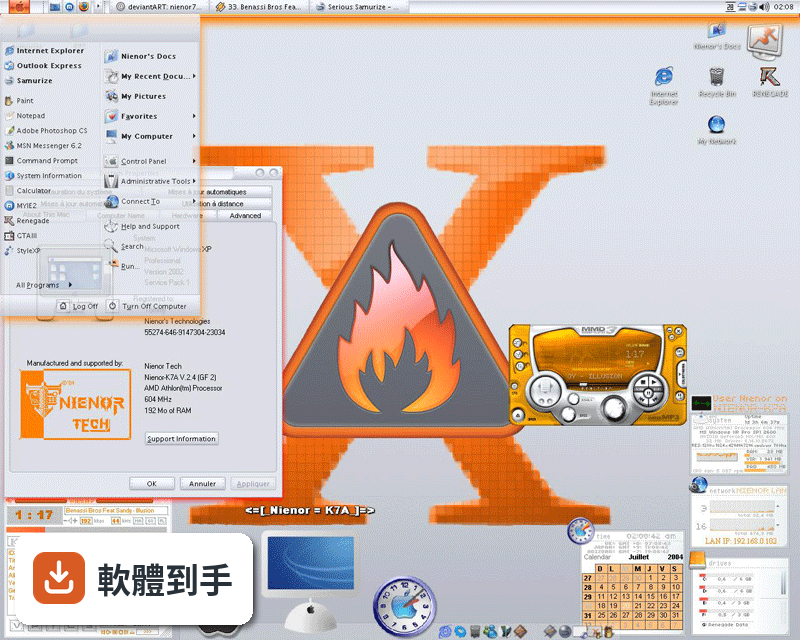
支援,而且擴充性很強。它可以使用 Perl、Python、Ruby、Jscript、VBscripts 寫的腳本,也能掛載 DLL 外掛,透過這些方式幾乎可以把任何你想顯示的資料放到桌面上。這表示如果你會寫腳本,功能上限很高;如果不會,就只能依賴別人寫好的設定檔和外掛。
04它能監控遠端電腦嗎?
可以。官方功能說明提到,它能監控自己的電腦,也能透過網路監控其他電腦。這對 IT 人員或需要管理多台機器的人來說是實用功能。不過具體的設定方式、需要什麼權限或網路環境,官方資料沒有細講,要用的話得自己試。
05它吃資源嗎?
官方宣稱它的記憶體和 CPU 使用率很低,而且不需要 .NET 或 Service Pack 就能執行,系統需求很低。這對舊電腦來說是優點。不過「低使用率」是官方說法,實際跑起來如何,會依你載入的設定檔複雜度、腳本數量而不同,建議自己裝來觀察。
06什麼樣的人適合用這套軟體?
根據官方描述,使用者涵蓋 IT 專業人員、超頻玩家、遊戲玩家和桌面改裝愛好者。共通點是他們都想在桌面上看到即時系統數據,而且願意花時間調整外觀。如果你符合「想監控系統又不想要太花俏的介面」,或是「想讓桌面看起來很專業」這類需求,可以試試看。
07完全不會寫程式的人能用嗎?
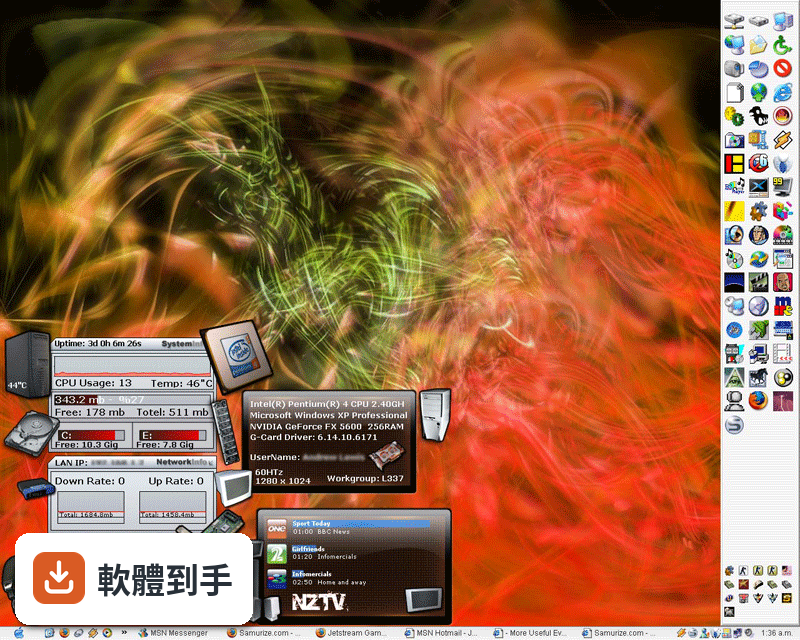
可以。官方明確說「不需要程式設計知識」就能做到高度自訂,因為主要使用方式是載入別人做好的設定檔。你只要找到喜歡的 config 放進去,桌面就會出現對應的元件。但如果你想自己設計獨特的視覺效果,就會碰到編輯器的學習曲線,這部分對新手不太友善。
08我的電腦是 Windows 10 或 11,能用嗎?
官方列出的支援系統只到 Windows 7(含 64 位元),沒有提到 Windows 10 或 11。這套軟體最後一次更新是在 2007 年左右,之後就沒有新版本。在舊系統上運作沒問題,但在新系統上能不能正常跑、會不會有相容性問題,官方沒有提供任何資訊,需要自行測試。
09它跟其他桌面工具比起來,有什麼要注意的?
它的評分人數只有 26 人,相較於同類工具如 Yahoo Widgets(87 人)、XMeters(49 人)都少很多,這代表使用者的樣本數有限,評價參考價值要打折。另外它已經長期沒有新版本,代表沒有修 bug 或加新功能。如果你在乎維護狀況,這點要列入考量。
10我該拿它跟哪套軟體比較?
官方列出的相近軟體有 Yahoo Widgets、XMeters 等,都是桌面小工具或監控類工具。Yahoo Widgets 評分人數較多,XMeters 也是類似用途。比較時可以看:介面語系(Samurize 官方資料是英文)、更新頻率、評分人數,以及你主要想監控哪些數據,再決定哪套符合需求。
下載與官方連結
samurize_1.64.3_2.exe
版本紀錄
- 2007-04-04 Samurize 1.64.3
- 2007-02-07 Samurize 1.64.3 Beta 5.14 MB
- 2006-12-21 Samurize 1.64.2 5.1 MB
再看 5 筆
- 2006-05-24 Samurize 1.64 5.1 MB
- 2005-10-13 Samurize 1.63.1 4.71 MB
- 2005-09-26 Samurize 1.63 4.73 MB
- 2005-05-19 Samurize 1.62 4.32 MB
- 2005-02-28 Samurize 1.61 6.89 MB
這一版改了什麼
What's new in this version:
Bugfixes:
- fixed a bug with Meter x/y width/height toggle arrows not updating the meters correctly.
- fixed a bug with Import Export form not loading language files
- fixed a bug with Rulers not updating when using the Mouse Scroll Wheel
- fixed a bug with icons not displaying correctly in the config editor
- fixed a bug with the input wizard displaying the wrong form
- fixed a bug with the reconnection logic on Remote Meters
- fixed a bug with Access violations on drag and drop in the Meter List
- fixed a bug that scroll wasnt working when drag and drop
- fixed numerous bugs in instance manager when starting clients and servers
- fixed a bug with the display box on the Console Meter
- fixed a bug with the displaying of the glass effect on the config editor and Instance Manager
plus currently removed all glass effect from the client
- fixed a couple of bugs with the console meter constaintly running process
- fixed a bug with WM_SAM_GET_SAMURIZE_DIRECTORY
- fixed a bug with totalNetCollector when an adapter is disabled and reenabled
- fixed an infinite loop within the Samurize Server
- fixed a problem with the Options dialog box in the Samurize Server
- fixed a bug with the Meter Maths loading new style meter names
Changes/Improvements:
- Vista Support
- ToolTips can now be used with mouse buttons (single and double click)
- updated DTD for all the new xml sections in every meter type.
- Additional input method using Scripts
- Console Meters can now run constantly running console programs and get the output
- Updated the Copy meter logic so the new meter names are not so long
- Instance Manager supports groups
- Instance Manager maintains the Z-Order of instances when loaded (if pin to desktop, dock or normal window behaviour is used)
- Improved the catching of Show Desktop for pin to Desktop and pin to Desktop compat modes.
- Improved the Perfmon gathering of data to reduce the number of queries.
- Added rename to the instance manager for groups and instances.
- Meter maths will return a NOT FOUND on string maths if the meter is not available.
- IMAP4 support for the mail meter
- Total Net Collector changes unit dynamically
New Features:
- Logging can be enabled for the clients and config editors