
這是歷史版本頁面 — 看 Serial to Ethernet Connector 最新版本
老設備只有串口怎麼遠端連?Serial to Ethernet Connector 能幫什麼忙
 Serial to Ethernet Connector 7.1.876
資料更新 2017-01-31
閱讀約 6 分鐘
你手上有一台儀器、一台工業設備或一台老機器,它只能用 RS-232 串口線連接電腦。設備放在工廠那頭、實驗室那頭,甚至另一個縣市,但你人不在那台電腦前面。你想從自己的電腦直接讀它的數據、下指令,卻發現它根本沒有網路接口,只能靠那條串口線。你卡在「設備就在那裡,但你碰不到」的狀況。
一般人第一個念頭是遠端桌面連到那台接設備的電腦,但這樣做很笨重:對方電腦不能關、畫面被占用、網路慢一點操作就卡。另一種做法是拉一條很長的串口線,但距離一遠訊號就衰減,根本不現實。這類工具的切入點,是把串口資料封裝成 TCP/IP 網路封包,讓遠端的 COM 口設備在網路上「現身」,你的電腦新增一個虛擬 COM 口,連上去之後,操作起來就像設備直接插在你這台電腦上一樣。
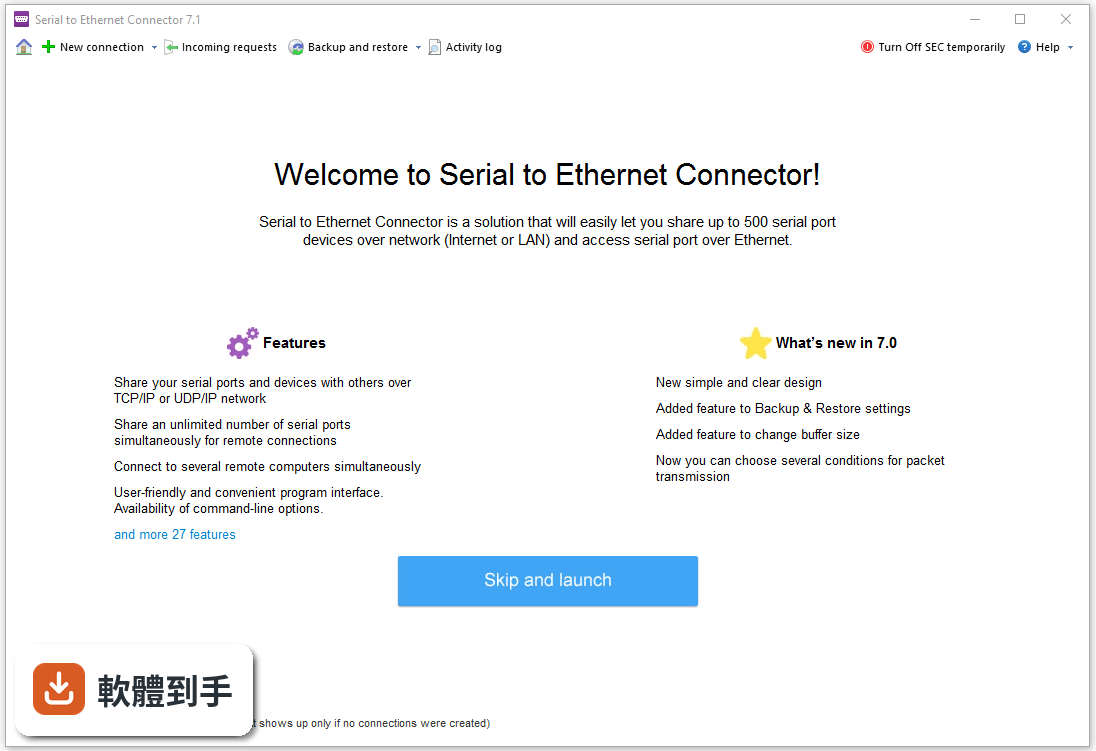
01Serial to Ethernet Connector 到底能解決什麼問題?
它的核心用途是讓你把某一台電腦上的實體串口設備,透過 TCP/IP 網路分享給其他電腦使用。另一台電腦裝了這套軟體後,會多出一個虛擬 COM 口,連到遠端那台機器,之後讀寫這個虛擬 COM 口,等於直接讀寫那台遠端設備。常見場景是工廠機台、POS 系統、條碼掃描器、工業儀表這類只有串口的老設備,要讓不同地點的電腦都能存取。
02它和直接開遠端桌面操作那台電腦有什麼不同?
遠端桌面占用對方電腦的畫面與操作權,而且網路延遲高一點,操作就會很卡。這套軟體的做法是讓串口資料直接走 TCP/IP,你的電腦多出一個虛擬 COM 口,應用程式讀寫這個 COM 口就像讀寫本機設備,不需要去操作那台實體電腦的桌面。對於需要讓多台電腦同時存取同一台串口設備的場合,這比遠端桌面實際得多。
03它支援哪些連線方式?
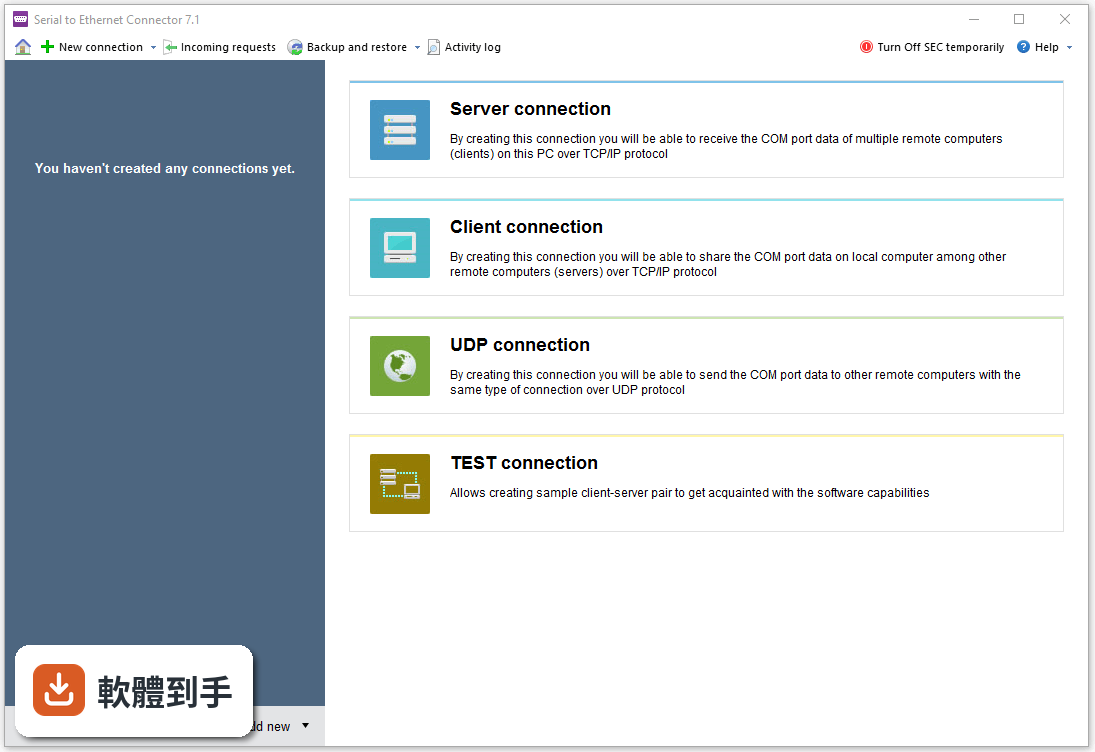
官方說明提到支援 TCP/IP 和 UDP/IP 兩種協定,也支援 Telnet 協定,並帶有 RFC 2217 擴充,這個擴充可以讓遠端控制 COM 口的狀態。也就是說,你可以選擇用哪一種網路協定來傳輸串口資料,依照你的設備和網路環境決定。如果你不確定哪種適合,需要先確認你那台設備或另一端程式支援哪種協定。
04它能同時分享多少個串口設備?
官方資料說可以分享最多 500 個串口設備,而且可以同時分享多個 COM 口給遠端連線,虛擬串口和連線數量沒有特別限制,只受系統資源影響。如果你只是要分享一兩台設備,這個數量綽綽有餘;就算規模大一點,短時間內也不太會撞到上限。
05資料傳輸安全性怎麼處理?
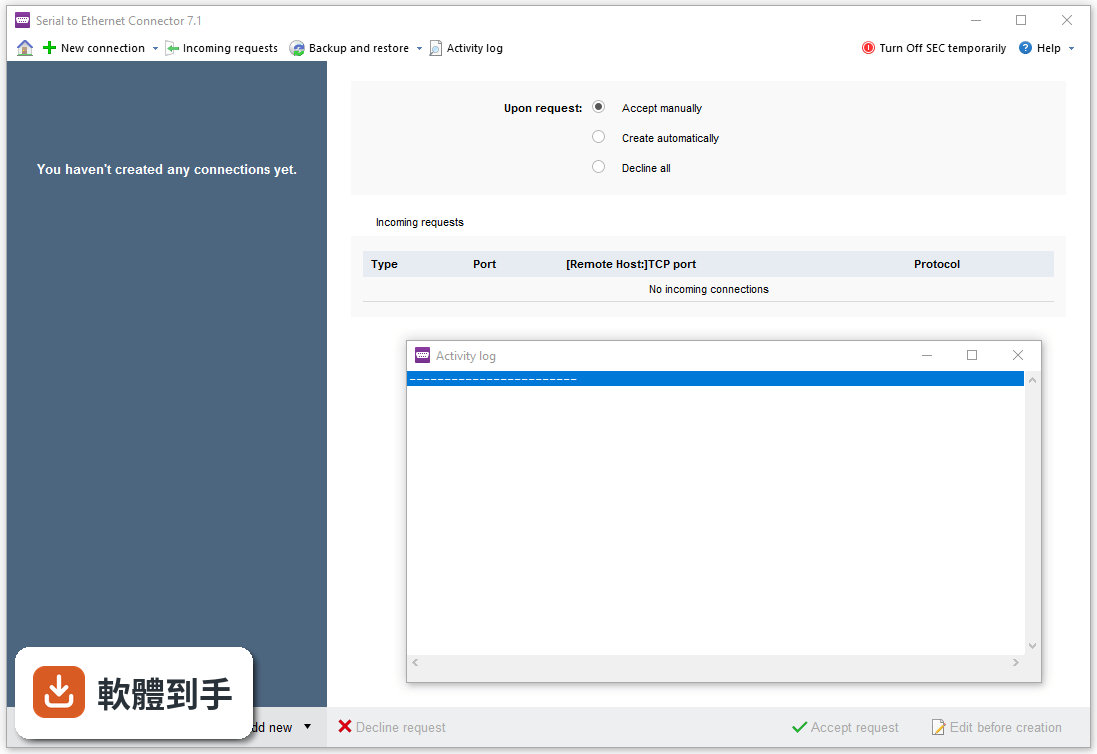
官方說明提到有授權系統和流量加密機制,可以在網路上保護你的資料。另外,它還提供「送出指令保持連線」的功能,用來確認連線沒有中斷,連線斷掉時也會在可設定的時間內自動重新連線。如果你傳的是工廠設備的數據,這些功能可以避免資料外洩或連線無聲無息中斷。
06我完全不懂網路設定,裝了就能用嗎?
它需要設定連線參數,像是 IP 位址、連接埠、序列埠參數(baud rate 等),官方也提到進階模式可以自訂更多連線設定。如果你對 COM 口和 TCP/IP 基本概念不熟,第一次設定會需要花時間摸索。另外,官方資料也提醒可能需要設定防火牆,否則連線會被擋住。介面只有英文,對不習慣英文介面的人來說,門檻會再高一點。
07這套軟體適合什麼樣的人用?
適合需要遠端存取工業設備、儀器、POS 系統、條碼機等串口設備的人,尤其是設備分散在不同地點、又要讓多台電腦同時存取的場合。官方資料也提到它常用於自動化、製造業和企業環境。如果你只是偶爾在家連一次,可能用不到它的完整功能,但如果你是每天都要操作遠端串口設備,它會比跑現場或遠端桌面省事。
08我只有一台電腦、一台串口設備,需要用到它嗎?
如果你的設備就插在你這台電腦上,沒有遠端存取的需求,那這套軟體對你來說沒有用。它的價值在於「分享」和「遠端」,讓不同電腦透過網路存取同一台串口設備。如果你只是要本機讀寫串口,直接用一般的終端機程式或自己寫程式讀 COM 口就好,不需要多一層網路轉換。
09我的設備是 USB 接口,不是 RS-232,能用嗎?
官方資料沒有提到支援 USB 轉串口以外的情境,它處理的是 COM 口的分享與重定向。如果你的設備是純 USB 接口、沒有提供 COM 口,那這套軟體幫不上忙。你需要先確認設備有沒有驅動程式會模擬出 COM 口,如果沒有,就要找其他專門處理 USB 設備分享的軟體。
10我用的不是 Windows,可以裝嗎?
不行。官方列出的支援系統只有 Windows XP 到 Windows 11,沒有 macOS 或 Linux 版本。如果你主要用 Mac 或 Linux,這套軟體無法安裝,需要找其他跨平台的方案,或者準備一台 Windows 電腦當作串口伺服器,再讓其他系統透過網路連過去。
11它和 PuTTY 或 Xshell 這類軟體有什麼不同?
PuTTY 和 Xshell 是終端機軟體,主要用來連 SSH、Telnet 等網路服務,它們本身不建立虛擬 COM 口,也不能把遠端串口設備變成你電腦上的 COM 口。這套軟體做的事情是「串口重定向」,讓應用程式以為設備就在本機。如果你只是要連到設備的 console 介面下指令,PuTTY 可能就夠了;但如果你要讓既有應用程式直接讀寫那個 COM 口,就需要這套軟體。
12這套軟體現在還有人在維護嗎?
官方版本紀錄顯示,最近一次更新在 2026 年 5 月,過去 12 個月內有更新過一次,過去 24 個月也是更新一次,代表它還在持續維護,不是放著不管的軟體。不過它的使用者評分人數很少,只有 15 人評分,分數 6.6 分,參考價值有限。如果你在意穩定性,可以自己下載試用版測一段時間再決定。
下載與官方連結
前往官方網站 下載 Serial to Ethernet Connector
serial_ethernet_connector.exe · 連結指向軟體原廠
版本紀錄
- 2026-05-14 Serial to Ethernet Connector 9.0.1288 5.3 MB
- 2023-04-20 Serial to Ethernet Connector 9.0.1253
- 2021-05-26 Serial to Ethernet Connector 8.0.1173
再看 2 筆
- 2020-06-01 Serial to Ethernet Connector 8.0.1113 4.6 MB
- 2017-01-31 Serial to Ethernet Connector 7.1.876
這一版改了什麼
What's new in this version:
Serial to Ethernet Connector 7.1.876
- Improved: the drivers have passed WHQL certification and are now digitally signed by Microsoft
- Fixed: a crash of the service on creating a client Telnet connection on a real COM port
- Fixed: when creating a connection, changing the port number did not change the connection name
- Fixed: when creating a connection, the “Create as virtual port” option ignored the port type
- Fixed: virtual ports might not work after the system was woken up from sleep mode or booted with Fast Startup
- Fixed: if the system went to sleep while data transfer was in progress, the communication was not resumed after waking up
- Fixed: enabling the “Break connection if no activity for” option could cause an error on the server side
Serial to Ethernet Connector 7.0.815
- Fixed: a crash of the GUI when creating a connection on Windows 10 build 1607
- Fixed: a crash of the service when creating identical Telnet connections via mirroring
- Fixed: after editing the connection settings, the changes were occasionally not saved
- Fixed: for client connections on Windows 10, adding a large number of remote hosts could result in high CPU load
- Fixed: a crash of the GUI when rapidly toggling the “Turn On/Off SEC” button
- Fixed: when a connection was lost, its status in the connection tree might not be updated
- Fixed: reading of the connection list could sometimes fail with an error (OEM version)
- Fixed: a memory leak in the OEM usage samples
Serial to Ethernet Connector 7.0.609
- Added: a redesigned interface
- Added: the ability to export/import the connections configuration (from the GUI as well as the command line)
- Added: the ability to set the size of the buffer or disable buffering altogether
- Improved: performance when creating multiple virtual COM ports at a time
- Improved: conditional data sending: you can now specify multiple conditions; the “Send data when received char with code” condition now accepts characters with ASCII codes above 127
- Improved: on removing a connection, the virtual COM port is now deleted even when opened
- Fixed: an issue where the GUI failed to connect to the service after reopening
- Fixed: incorrect behavior of strict baud rate emulation
- Fixed: some activation issues
- Fixed: a crash of the service on attempt to create a virtual COM port with a long name
- Fixed: a condition where a client connection set to communicate with a large number of servers could disappear after a reboot
- Fixed: a crash of the GUI on attempt to send a mirror request
- Fixed: a condition where a server would sometimes start listening for connections when not supposed to (i.e. when configured to start listening only when the COM port is opened, and the port was closed)
- Fixed: the service could become unresponsive on startup on some older processors
- Fixed: with delayed sending enabled, the data could get split across multiple network packets
- Fixed: the “Break connection if no activity” option was not functional
- Fixed: a break signal from a device was not transmitted when using the Telnet protocol
- Fixed: a few minor bugs related to flow control negotiation