
這是歷史版本頁面 — 看 Yahoo Messenger 最新版本
雅虎即時通還能聊天嗎?Yahoo Messenger 現況一次看
 Yahoo Messenger 11.5.0.152
資料更新 2011-11-30
閱讀約 6 分鐘
打開電腦,想跟老朋友丟個訊息,卻發現通訊錄裡的名字一個個都灰掉了。以前那個登入就會「登登登」響、視窗跳出來問你今天過得怎麼樣的雅虎即時通,現在好像怎麼敲都沒人回。你懷念那個簡單的年代,也想確認這套軟體到底還能不能用、值不值得為了懷舊把它裝回來。
現在大家習慣用手機上的通訊軟體,但有些人就是對舊介面有情結,或者手邊還有一台舊電腦,只想拿來純打字聊天。問題是,這些老牌即時通訊軟體多半已經停止維護,官方伺服器也早就關閉,硬裝只會卡在登入畫面。這類工具的切入點,其實是「能不能連上線」,而不是「功能多不多」——先搞清楚它還活不活著,再談其他。
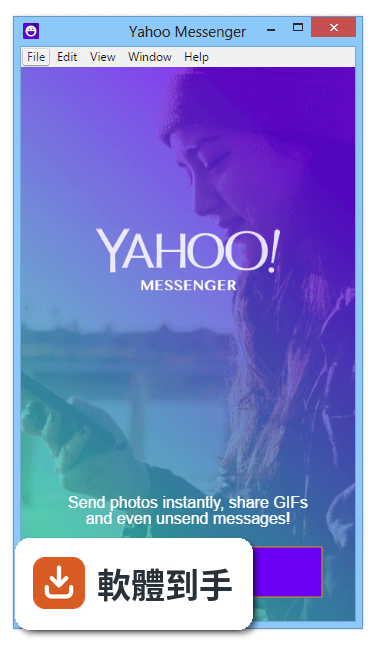
01Yahoo Messenger 現在還能登入使用嗎?
根據官方說明,Yahoo Messenger 已經停止開發,官方也明確指出「可能無法正常運作」。實際上,雅虎在多年前就已關閉了這套軟體的伺服器,所以就算安裝了舊版程式,登入時通常會卡在驗證步驟,無法連上好友名單。想用它來聊天,現階段幾乎是不可行的。
02這套軟體以前主要能做哪些事?
從官方功能說明來看,它提供即時文字訊息、朋友上線通知、Yahoo Mail 新信提醒、Yahoo 行事曆事件通知,還能儲存和列印對話紀錄。介面上有分頁,可以快速看股票、新聞和運動比數。另外也有防火牆支援和待機模式,在網路中斷時會縮小程式,等連線恢復再繼續運作。
03它能不能傳照片或檔案給朋友?
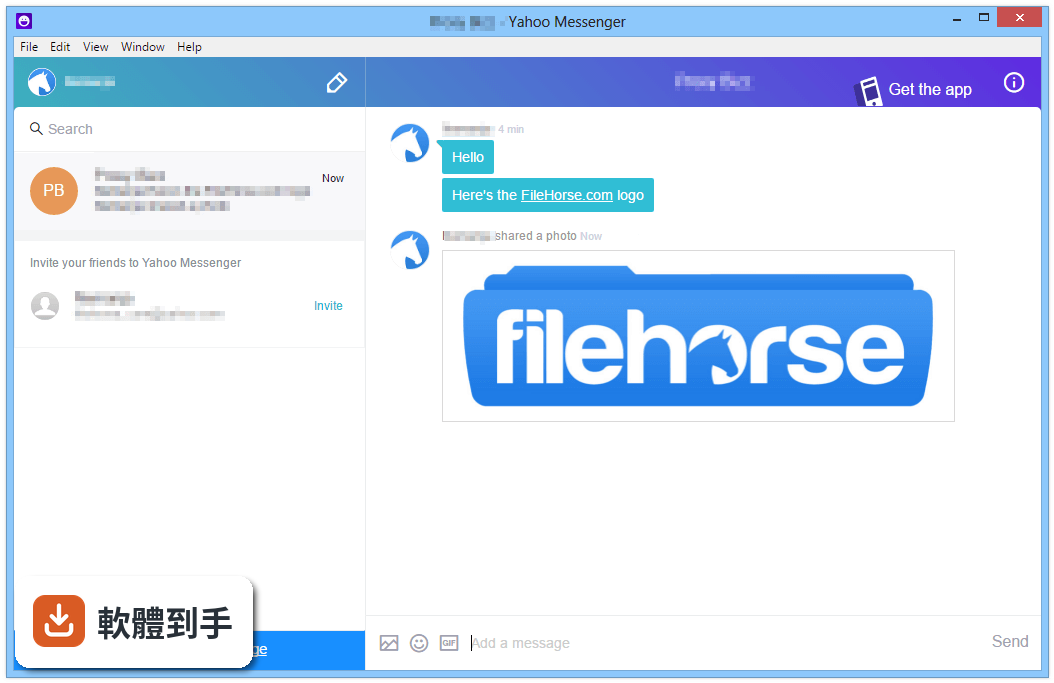
官方資料顯示,新版 Yahoo Messenger 有「多媒體分享」功能,可以傳照片、影片和檔案,但這是指後來重新設計的版本。你手上的舊版(例如 2017 年以前收錄的版本)是否支援這些功能,官方說明沒有明確列出,需要自行安裝測試才能確認。不過前提還是要先解決登入問題。
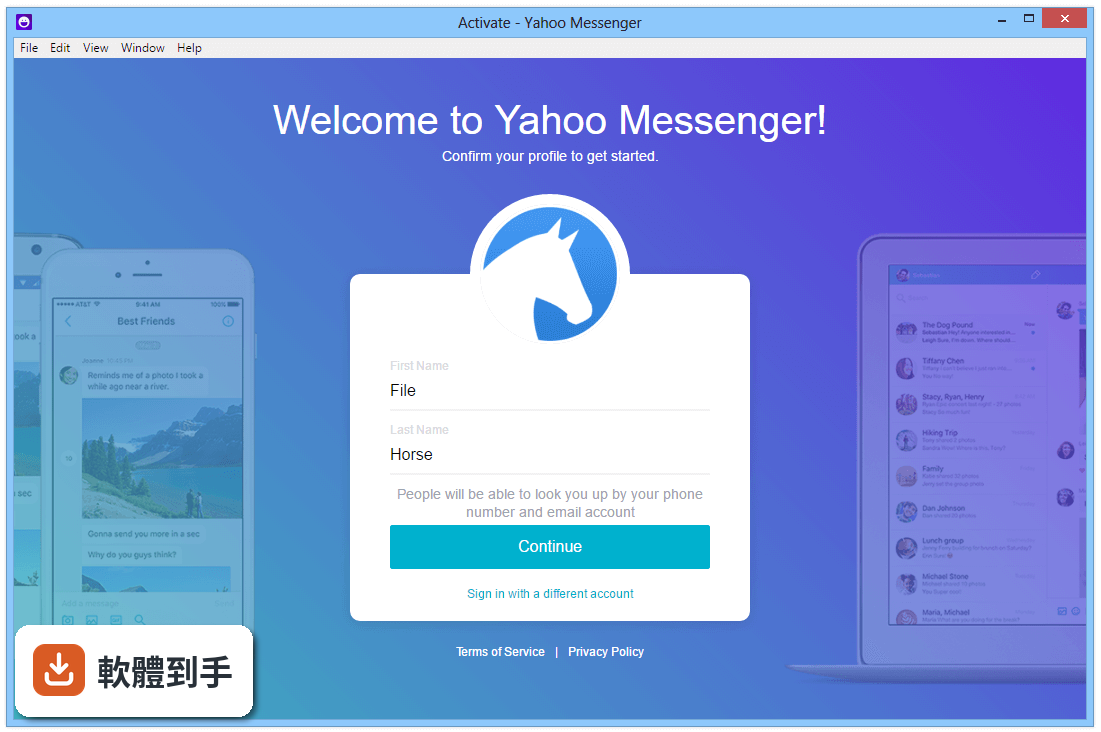
04這套軟體有群組聊天和語音通話嗎?
官方功能列表中有提到「群組聊天」和「免費語音與視訊通話」,但這些描述同樣是針對新版應用程式。舊版 Yahoo Messenger 在當年確實有群組聊天和語音功能,但伺服器關閉後這些功能都無法使用。若你只是想要群組聊天,建議直接改用其他現役通訊軟體。
05它的介面是中文的嗎?
不是。這套軟體的介面語系只有英文,沒有繁體中文。對不習慣英文介面的人來說,操作上會多一層障礙。雖然按鈕位置不難猜,但選單、設定和通知訊息都是英文,使用前要有心理準備。
06這套軟體適合什麼樣的人使用?
適合兩種人:一種是對 Yahoo Messenger 有強烈懷舊情結、想裝來看看介面長什麼樣的人;另一種是手邊有舊電腦、想找一個輕量即時通訊程式來「回味」的人。但如果你是真的想跟朋友穩定聊天,它並不適合,因為伺服器已經關閉,連線都成問題。
07我只有一台 Windows 10 電腦,能跑得動嗎?
官方支援系統列出 Windows XP 到 Windows 10,所以理論上可以安裝。但要注意,官方也說「舊版 Yahoo Messenger 已不再支援」,而且產品本身已停止開發。就算安裝成功,登入伺服器這關也過不了,所以能不能跑得動其實不是重點。
08這套軟體和 Facebook Messenger 比起來,哪個比較多人用?
以評分人數來看,Facebook Messenger 有 1781 人評分,Yahoo Messenger 只有 194 人,差距將近十倍。這反映出現役軟體的使用者基數遠大於已停產的軟體。如果你需要的是「找得到人聊天」,Facebook Messenger 是更實際的選擇。
09它是不是已經被官方放棄了?
是的。官方說明直接寫著「This product is not being developed anymore」,而且版本紀錄顯示近 24 個月更新次數為 0,最近一次更新停在 2017 年。官方甚至建議使用者改用 Telegram 或 Signal,等於正式宣告這套軟體已經走入歷史。
10我下載了舊版安裝檔,但安裝後一直卡在登入畫面,怎麼辦?
這正是伺服器關閉的典型症狀。官方說明指出舊版已不再支援,建議升級到新版,但新版也已經停止開發。目前沒有任何官方管道可以讓舊版正常登入,你只能放棄使用,或者改用其他現役通訊軟體。安裝檔留著當紀念可以,但別期待它能連上線。
11它有手機版或網頁版嗎?
官方說明提到新版 Yahoo Messenger 有 Android、iPhone、桌面版和網頁版,但這些都是「新版」的描述,而且新版同樣已停止開發。你手上這套收錄的 60 個版本都是 2005 到 2017 年間的舊版,不包含那些行動裝置版本。想找手機版,官方管道已經沒有了。
12如果我只是想跟朋友純文字聊天,有什麼更簡單的選擇?
官方自己建議的替代方案是 Telegram 和 Signal,兩者都是免費、跨平台、有中文介面,而且還在持續更新。Facebook Messenger 也是現役選項,評分人數多、功能完整。如果你只是要「打字聊天」,這些都比 Yahoo Messenger 實際得多,至少不會卡在登入畫面。
下載與官方連結
ymsgr1150_0152_us.exe · 18.33 MB · 連結指向軟體原廠
版本紀錄
- 2017-04-02 Yahoo! Messenger 0.8.288
- 2016-07-28 Yahoo! Messenger 0.8.231 44 MB
- 2012-05-31 Yahoo! Messenger 11.5.0.228 18.48 MB
再看 5 筆
- 2012-02-25 Yahoo! Messenger 11.5.0.192 18.48 MB
- 2012-01-12 Yahoo! Messenger 11.5.0.155 18.33 MB
- 2011-11-30 Yahoo! Messenger 11.5.0.152 18.33 MB
- 2011-08-26 Yahoo! Messenger 11.0.0.2014 18.05 MB
- 2011-06-29 Yahoo! Messenger 11.0.0.2009 18.05 MB
這一版改了什麼
What's new in this version:
- Tabbed IMs – One of the most highly sought after features! We heard you loud and clear that being able to effectively organize and manage your conversations is important. No more clutter or juggling – with tabbed IMs, you get to chat with all your friends from one easy and convenient window..
- Improved Spam Management – We hate spam as much as you do, and our battle against it is an ongoing one. If you have been receiving invitations from random strangers, you can now ignore multiple add requests with a single click.
- New Social Games – Level up on how you are keeping in touch with your friends and family. With over 70 exciting games such as Backyard Monsters, Township and ourWorld, Yahoo! Messenger lets you chat and play games with friends at the same time! Get your friends involved by sharing your game activities and play-status so that friends can join your game and you can join theirs.
- Easy Access to Recent Contacts – You may have over a hundred Messenger friends, but most of us chat with only a handful – and usually the same handful – on a regular basis. Your recent contacts now appear at the top of your contact list, so it’s quick and easy to reach out to your regular IM friends.
- Smart Archiving – Looking up an old IM conversation has never been easier. Your chat history is now categorized by friends, with your most recent conversations showing up first. What’s more, your IM conversations can be retrieved from any PC or web browser where you have signed in to Yahoo! Messenger.
- Snap and Share – Add more color to your chat conversations! In addition to photos, you can now take a quick snap shot of your computer screen and easily share it with your friends.
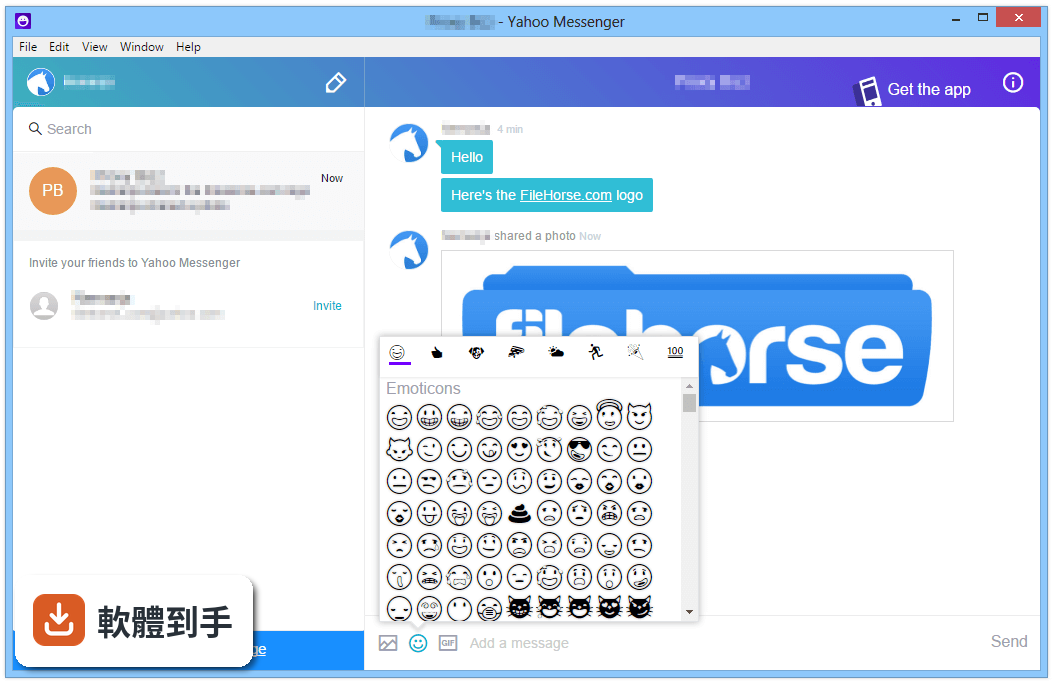
- Quick Access to All Emoticons – Yahoo! Messenger has always had some hidden emoticons that weren’t available on the emoticon menu, which meant you had to memorize their shortcuts. Now you no longer have to rack your brain to remember the shortcut for the monkey emoticon (it’s, for those keeping score). The emoticon menu gives you quick access to all the emoticons, and even remembers the ones you use most frequently!
- Now in Romanian too – Finally, we value all our users around the world and try as much as we can to deliver a truly local experience. With this new release, millions of users in Romania will now be able to use Yahoo! Messenger in Romanian by selecting it from the language box on the sign-in page!