
這是歷史版本頁面 — 看 Acronis True Image 最新版本
系統掛了想整機還原,Acronis True Image 能怎麼做
 Acronis True Image 2020 24.3.1 Build 20600
資料更新 2019-08-21
閱讀約 6 分鐘
電腦用久了,最怕的就是某天開機突然跳藍畫面、硬碟發出異音,或是中了勒索病毒整台電腦的檔案被鎖住。當下你只想把系統恢復到還能用的狀態,但手邊沒有安裝光碟、沒有備份檔,只能送修或重灌,重灌完還要花一整天裝軟體、調設定、搬檔案,想到就頭痛。這種時候,你會需要一套能在事前把整個系統「拍下來」的工具,讓你在災難發生後,把電腦還原成之前那個能正常運作的樣子。
一般人平常的習慣,是把文件、照片複製到外接硬碟或雲端硬碟,但這樣做只能救回「檔案」,救不回「系統」。作業系統、安裝過的軟體、驅動程式、桌面設定、登入狀態,這些東西是沒辦法靠複製貼上還原的。系統備份工具的切入點,是直接對整顆硬碟或特定分割區做「映像檔」,把整個磁區的內容打包成一個檔案。日後要還原時,再把這個映像檔倒回去,讓電腦回到備份當下的狀態,省去重灌和重新設定的時間。
01Acronis True Image 到底能備份什麼東西?
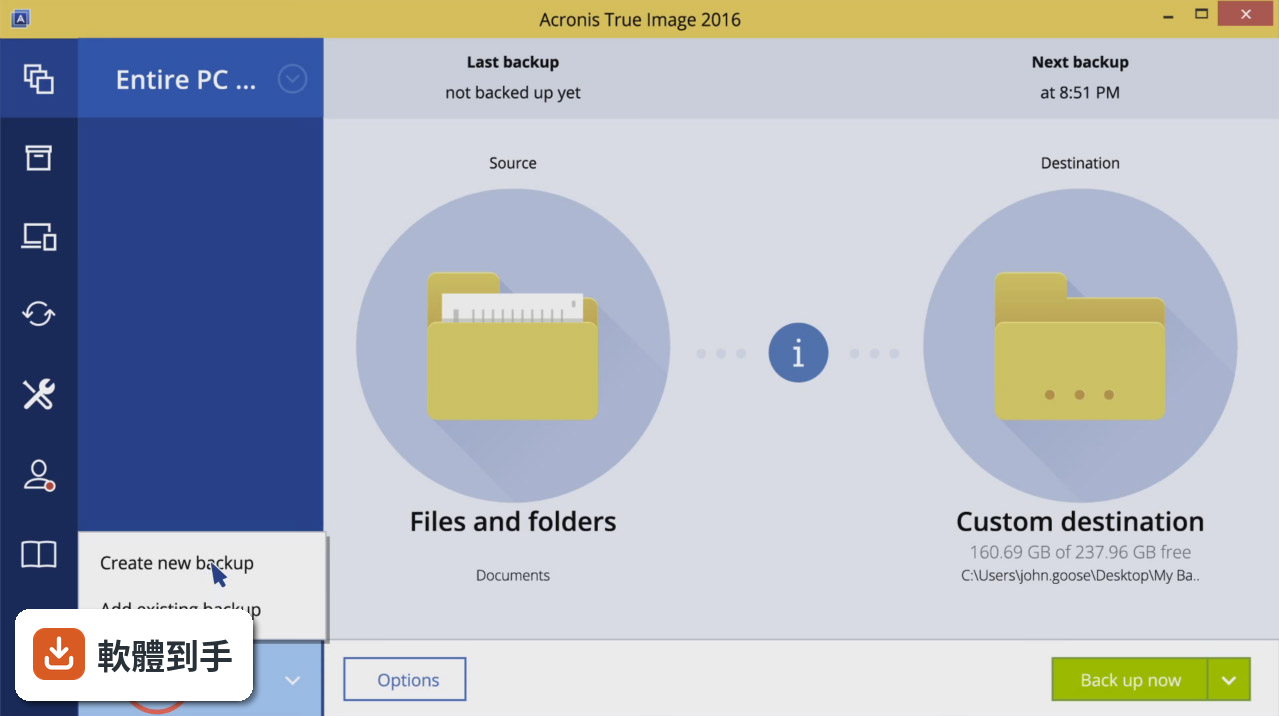
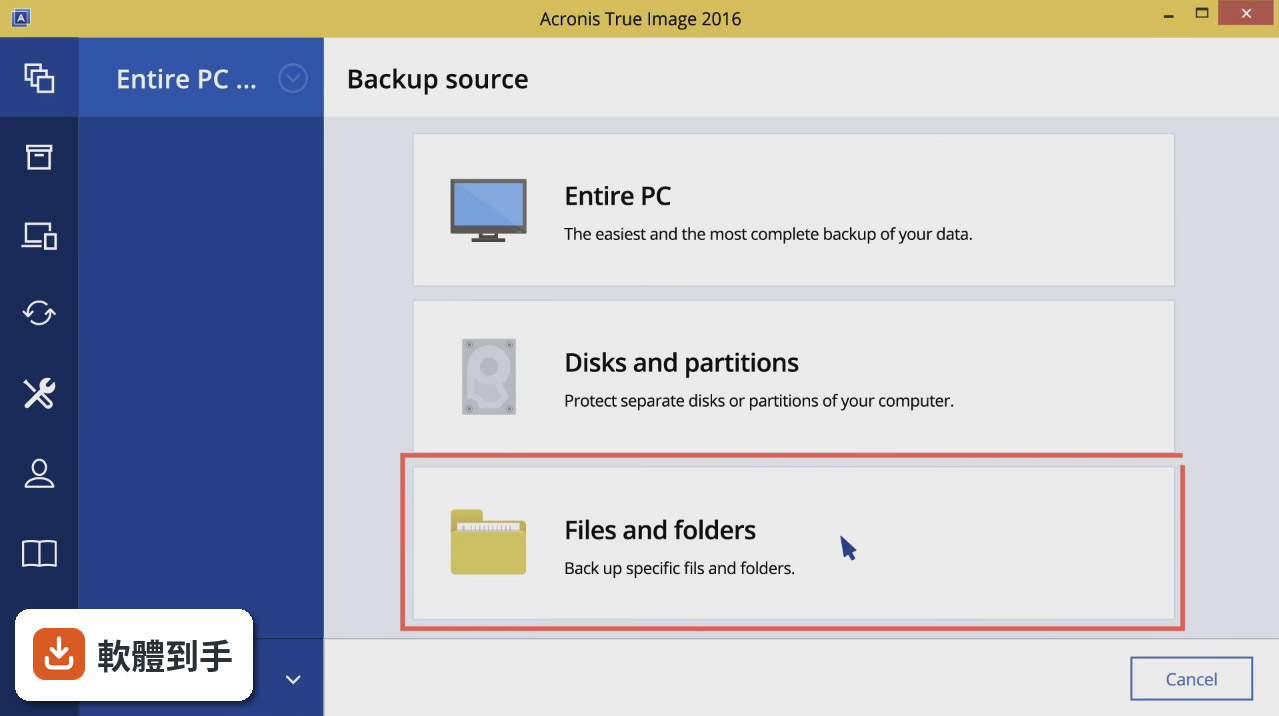
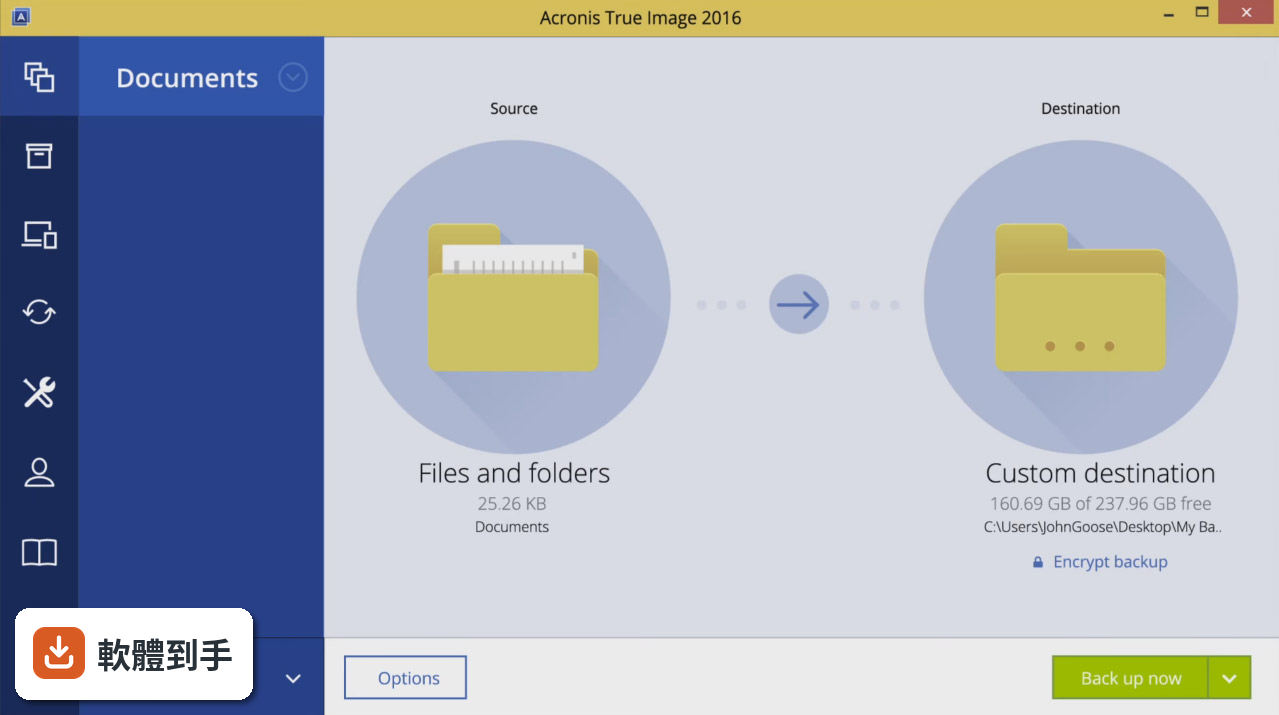
它能對整顆硬碟或特定分割區建立完整的磁碟映像,包含作業系統、應用程式、設定、個人檔案全部打包在內。也可以只挑選單獨的資料夾或檔案來備份,不需要每次都做整顆硬碟。備份目的地可以選本機外接硬碟,也可以選雲端空間,端看你的需求。
02電腦已經開不了機了,這套軟體還有辦法還原嗎?
可以。它提供建立可開機救援媒體的功能,你可以事先把救援光碟或 USB 隨身碟做好。電腦無法啟動時,用這個媒體開機,就能進入還原介面,把先前做好的映像檔倒回硬碟。要注意的是,救援媒體必須在系統還正常時就先準備好,事發當下才不會沒有工具可用。
03換了新硬碟或新電腦,能把舊系統直接搬過去嗎?
可以,它支援異機還原,也就是把備份檔還原到與原本不同的硬體上。這在更換主機板、升級硬碟時很實用。不過,硬體差異過大時,還原後可能需要重新安裝驅動程式,這點要先有心理準備。另外,官方說明提到可以還原到相同或不同的硬體,但實際成功率會因硬體差異而異。
04除了備份和還原,它還有其他功能嗎?
官方說明提到,它具備防範惡意軟體和勒索病毒的能力,可以保護系統不被這類威脅破壞。另外也有區塊鏈驗證技術,用來確認備份檔的完整性,確保還原時檔案沒有被竄改。還有磁碟克隆功能,可以把整個系統複製到另一顆硬碟,用於磁碟遷移或系統複製。
05備份出來的映像檔,可以只還原裡面的某幾個檔案嗎?
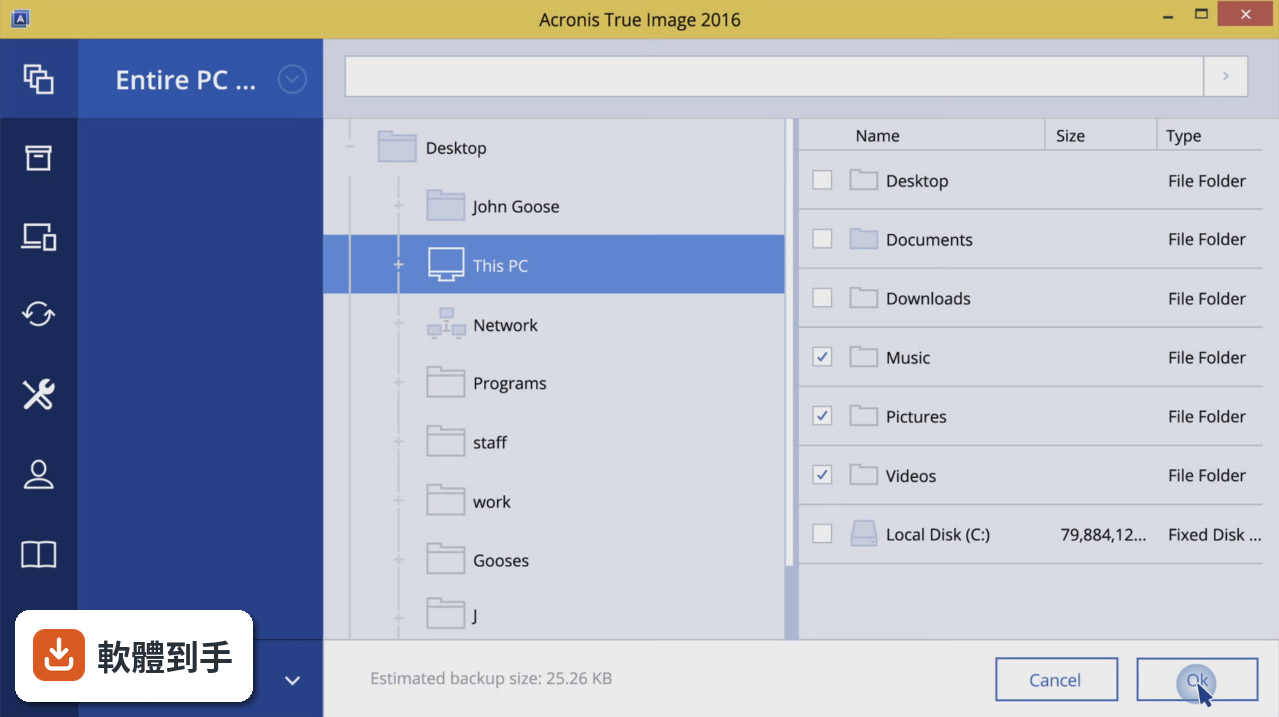
可以。不需要把整個映像檔倒回硬碟,你可以掛載映像檔,從中挑選需要的檔案或資料夾單獨還原。這在不小心刪掉某個重要文件、但不想動到整個系統時很方便,不用為了救一個檔案而把整台電腦還原到舊狀態。
06這套軟體適合什麼樣的人用?
適合會自己處理電腦問題、不想每次系統出狀況就重灌的人。特別是工作仰賴電腦、桌面環境和軟體設定很複雜的使用者,事先做一次完整備份,日後出問題可以快速回到熟悉的狀態。另外,準備要更換硬碟或升級電腦的人,也會需要它的克隆和異機還原功能。
07我只是一般使用者,平常只會上網和文書處理,需要用到這套嗎?
如果你的電腦壞了,送修或重灌對你來說不是太大的成本,那這套軟體對你的價值就有限。它的主要優勢在於省下重灌後重新安裝軟體、調整設定的時間。對輕度使用者來說,把重要文件定期複製到雲端或外接硬碟,可能就足夠應付大部分狀況。
08這套軟體的介面只有英文,對英文不好的人有影響嗎?
有影響。它的介面語系只有 English,沒有繁體中文。備份和還原的操作流程雖然不算複雜,但設定選項不少,如果對英文不熟悉,可能會在設定備份排程、選擇映像檔格式、調整壓縮等級這些環節卡住。建議先確認自己能否理解基本的英文介面操作,再決定是否購買。
09它的更新頻率如何?會不會買了之後就沒在維護?
根據收錄的版本紀錄,它從 2009 年到 2026 年間持續有版本釋出,近 12 個月內有 1 次更新,近 24 個月也是 1 次。代表這套軟體仍有在維護,但更新節奏不算頻繁。如果你在意的是新系統或新硬體的支援,建議在購買前確認目前版本是否支援你正在使用的作業系統版本。
10有其他更多人用的備份軟體可以比較嗎?
有。Macrium Reflect 在收錄資料中有 260 人評分,是這幾套裡評分人數最多的,代表使用者的樣本數較多,可以參考的經驗也比較豐富。Acronis True Image 本身有 144 人評分,分數為 7.78/10。其他如 AOMEI OneKey Recovery、O&O DiskImage 也有收錄,但評分人數較少,參考價值相對有限。
11這套軟體有免費版本嗎?
官方功能說明中沒有提到免費版本的存在,只提到舊版本(2022 和 2021 年版)在市場上仍找得到。如果你在找免費的系統備份方案,可能需要考慮其他軟體,或先確認 Acronis 官方是否有提供試用版。這部分需要自行到官方網站查證,這裡沒有相關資訊。
12它跟一般檔案同步工具(比如雲端硬碟)有什麼不同?
雲端硬碟同步的是「檔案」,它備份的是「整個系統」。雲端硬碟可以讓你在手機、另一台電腦上存取文件,但沒有辦法把作業系統、驅動程式、軟體設定還原到另一台機器上。Acronis True Image 的定位是災難復原,讓你在硬碟損壞、系統中毒、電腦被偷之後,能完整還原到備份時的狀態。
下載與官方連結
AcronisTrueImage2020.exe · 596 MB · 連結指向軟體原廠
版本紀錄
- 2026-04-16 Acronis True Image 2026
- 2021-03-15 Acronis True Image 2021 25.7 Build 39184
- 2020-12-23 Acronis True Image 2021 25.6.1 Build 35860
再看 5 筆
- 2020-11-24 Acronis True Image 2021 25.6.1 Build 34340 793 MB
- 2020-10-08 Acronis True Image 2021 25.5.1 Build 32010 793 MB
- 2020-08-28 Acronis True Image 2021 25.4.1 Build 30480 777 MB
- 2020-08-21 Acronis True Image 2021 25.4.1 Build 30290 777 MB
- 2019-09-24 Acronis True Image 2020 24.4.1 Build 21400 597 MB
這一版改了什麼
What's new in this version:
Acronis True Image 2020 24.3.1 Build 20600
New:
- Effective cyber protection needs to evolve based on how we use and access data, and what the latest cyberthreats are. That’s why Acronis True Image 2020 includes 100+ enhancements, including these great new features
Dual Protection:
- Experts agree that the 3-2-1 backup strategy is the most effective approach to data protection. Now Acronis makes the process easy and efficient by replicating local backups in the cloud automatically so you always have an off-site copy available for recovery. Once you’ve successfully completed the first backup, the backup and replication occur simultaneously
Tray Notification Center:
- Safeguarding data requires you stay informed about your system, your files, and your protection. With Acronis True Image 2020, you can get messages pushed to your desktop tray that allow you to easily monitor the status of your backups, receive timely tips on how to enhance your protection, and quickly respond to any issues
Other New Features:
Back Up on Selected Wi-Fi:
- Where you back up should be your choice. Now you can easily avoid the metered connections and unsecure public networks that put your data at risk by selecting the Wi-Fi networks you use to back up your data – keeping your uploads secure
Custom Power Management:
- Backups are great, but creating them uses electricity. Manage your backups so they don’t drain the battery, ensuring your laptop will run when you need it. You can set a minimum power level for backups, or completely block backups on battery power
Power Nap Backups:
- How efficient would it be if you could get tasks done while you were asleep? Mac users come close now that they can choose to back up their machine’s data when it enters Power Nap mode. Not only will your Mac’s data be updated during its Power Nap, your backups will capture those changes too
Enhancement Highlights:
Cloud Restores:
- Restoring from the cloud should be just as easy and efficient as backing up. Now it is. We’ve enhanced the underlying backup technology to deliver a better overall performance of our already fast cloud restores, resulting in an even faster, more reliable and more stable cloud restore experience
Enriched Anti-Ransomware:
- As cyberthreats continue to evolve, we constantly enhance Acronis Active Protection to stay ahead of them. Our new machine learning models make it more effective, and the latest version now stops illicit service termination attacks. You will be informed of the reason a particular process is being monitored or blocked as malicious
Enhanced Backup Technology:
- To retain control over their data, users need easy, efficient access to their backed up content. Our new backup format delivers a better overall performance, enabling faster browsing of cloud backups, improved backup / recovery speeds and data deduplication
Mac Restores:
- Restore your data to a new Mac machine more easily, even if it is spread across APFS volumes on your current system. It’s a much more efficient way to migrate your APFS volumes