
這是歷史版本頁面 — 看 QupZilla Browser 最新版本
QupZilla改名Falkon後,Windows版還值得用嗎
 QupZilla Browser 2.2.3
資料更新 2017-12-20
閱讀約 6 分鐘
電腦裡裝的瀏覽器開幾個分頁就開始喘,記憶體吃光光,風扇轉得比吹風機還大聲。你想找個輕量一點的替代品,不要一堆用不到的功能,只要能順順開網頁、看文章、偶爾擋個廣告就好。上網搜了一圈,看到QupZilla這個名字,號稱輕巧快速,但下載前又猶豫了——這軟體還有人在維護嗎?裝了會不會沒多久就變孤兒?
一般人遇到這種狀況,第一個念頭是回去用Chrome或Firefox,把沒用的擴充功能刪一刪、關掉硬體加速,但往往撐不了多久又開始卡。另一條路是找號稱「輕量」的瀏覽器,結果裝了一堆對岸全家桶,或是免費版綁廣告綁到懷疑人生。這類工具真正的切入點,是提供一個沒有多餘包袱的瀏覽核心——該有的書籤、分頁、歷史都有,但不會動不動就背景跑一堆東西,同時把廣告阻擋直接內建,省去另外裝擴充套件的麻煩。
01QupZilla和Falkon是什麼關係?我下載哪個才對?
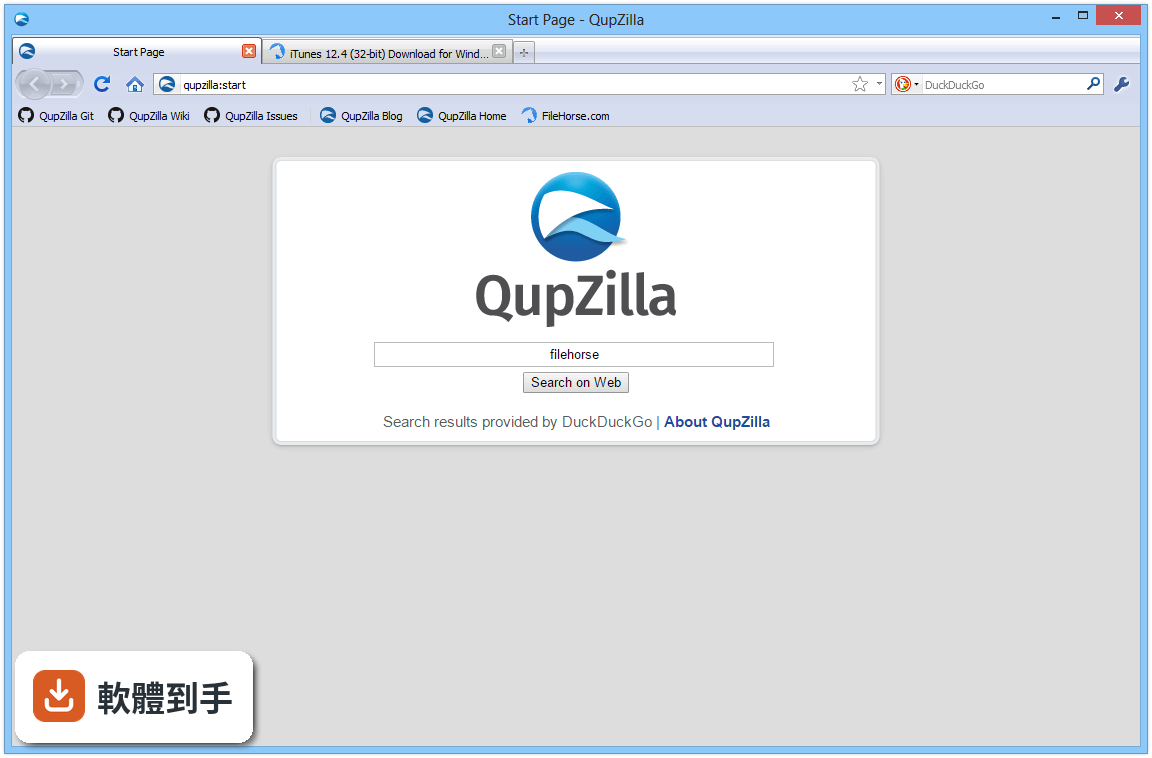
QupZilla後來改名為Falkon,兩者是同一個瀏覽器。官方說明指出,Falkon是KDE計畫底下的瀏覽器,使用QtWebEngine引擎。如果你在網路上找到舊的QupZilla下載點,建議直接找Falkon的最新版本,因為那是目前持續維護的名稱。
02這套軟體的廣告阻擋功能怎麼用?要另外設定嗎?
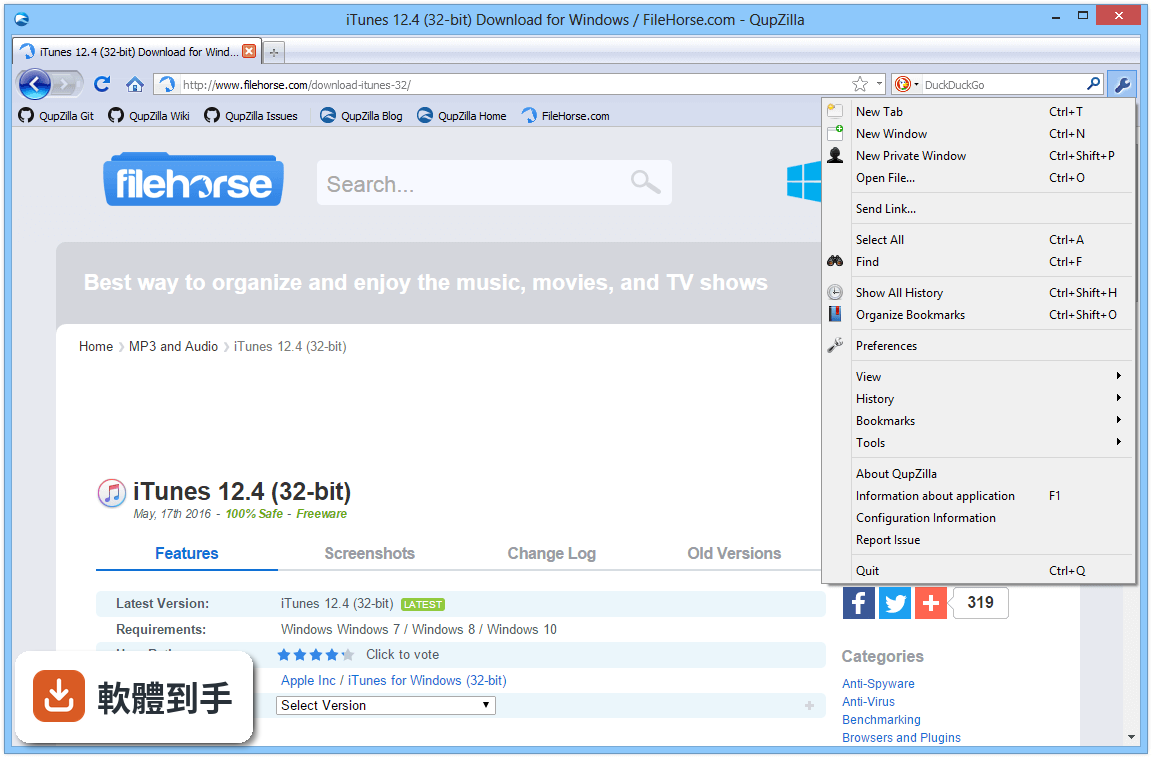
它內建AdBlock外掛,預設就是開啟的。官方說明提到,你只需要更新EasyList過濾規則,或自己加入自訂規則,就能開始無廣告瀏覽。不需要另外安裝任何東西,這點比Chrome或Firefox方便——那些瀏覽器預設沒有擋廣告,得自己去擴充套件商店找。
03書籤、歷史紀錄和RSS可以放在同一個地方管理嗎?
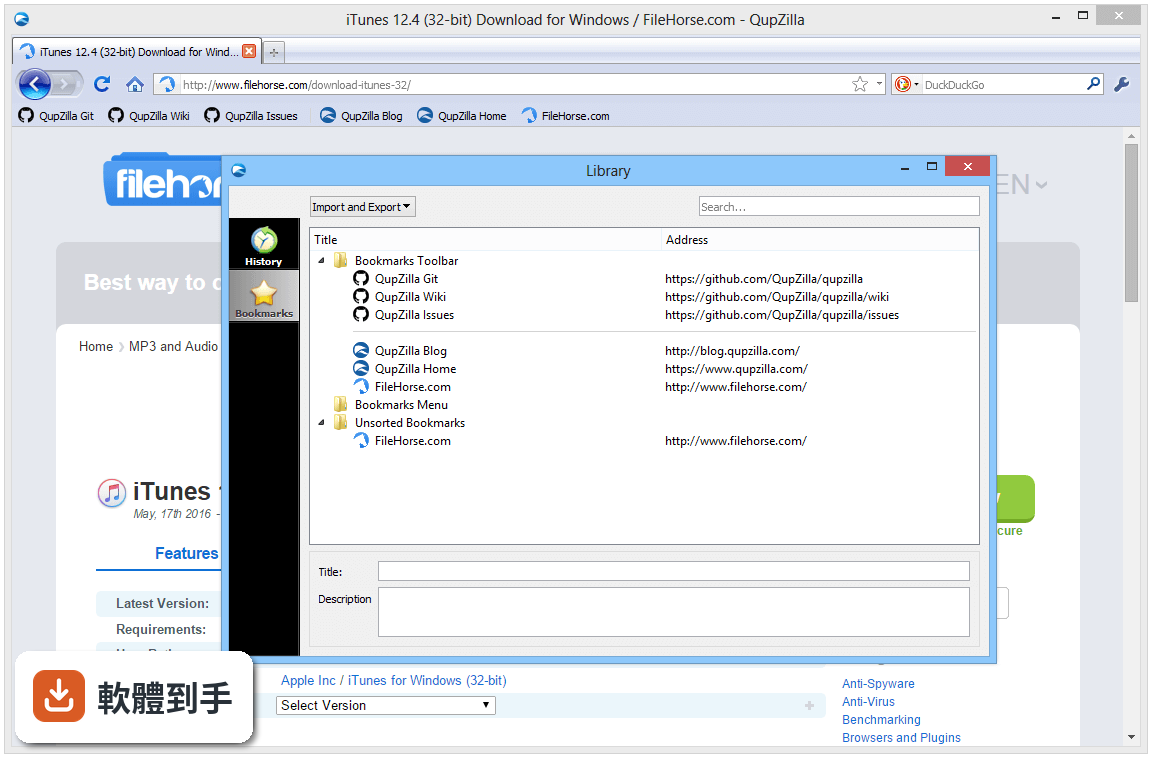
可以。它把書籤、歷史紀錄和RSS閱讀器整合在一個視窗裡,不用像其他瀏覽器那樣開好幾個面板或分頁。官方說明強調這是「Unified Library」設計,而且可以從其他瀏覽器匯入書籤,換過來的時候不用重新整理一堆網址。
04快速撥號是什麼功能?對日常使用有幫助嗎?
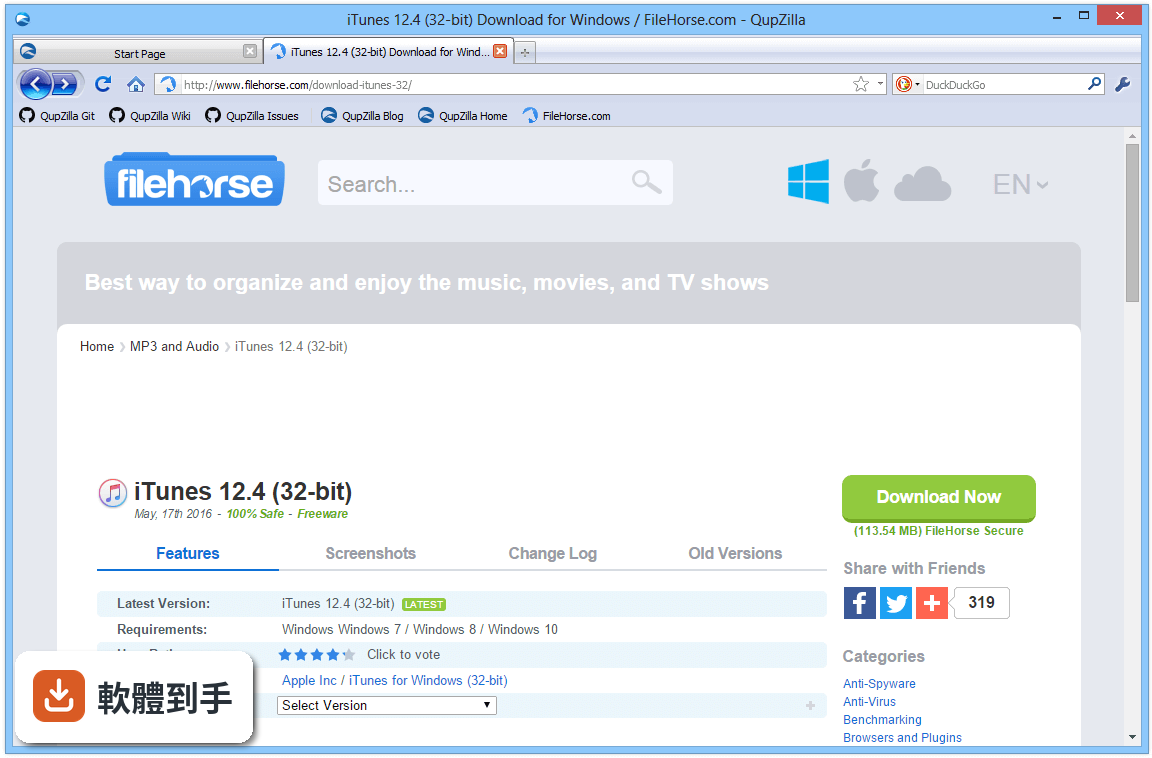
快速撥號就是開新分頁時,會顯示你常逛網站的縮圖,點一下就能進去。官方說明指出它支援拖曳和頁面縮圖載入。對每天固定會開好幾個網站的人來說,這功能可以省掉打網址或翻書籤的時間,算是實用的便利功能。
05它的介面可以換主題或改外觀嗎?
可以。官方說明提到它使用原生介面風格,在Linux桌面環境下會跟系統主題一致,也能切換成其他主題。Windows版同樣支援自訂主題,如果你覺得預設外觀太單調,可以到設定裡換。不過要注意,主題數量跟Chrome或Firefox的線上商店比起來少很多。
06這套軟體適合什麼樣的人用?
適合電腦效能有限、只想要基本瀏覽功能的人。官方說明指出它主打輕量、快速,而且內建廣告阻擋,不需要裝一堆擴充套件。如果你平常就是開幾個分頁看文章、收信、逛社群網站,不太需要複雜的開發者工具或雲端同步,那它夠用了。
07Linux使用者會比Windows使用者更適合嗎?
根據官方說明,Falkon的開發主力放在Linux,Windows版本雖然有在維護,但更新速度比較慢,定位也比較小眾。如果你主要用Linux,它跟KDE桌面環境整合得很好,用起來會比較順。Windows使用者則要接受它更新較慢、擴充套件較少的事實。
08什麼情況不該選這套軟體?
如果你需要大量的擴充套件,或依賴某些Chrome或Firefox才有的外掛,那它不適合你——官方說明明確提到它的擴充套件庫比主流瀏覽器少很多。另外,如果你追求最快的更新速度或最新的網頁技術支援,它的開發節奏相對緩慢,可能跟不上你的需求。
09它只有英文介面嗎?中文使用者會不會很難上手?
官方資料顯示介面語系只有英文,沒有中文。對不習慣英文介面的人來說,選單和設定項目可能需要花點時間摸索。不過瀏覽器的基本操作都差不多,網址列、分頁、書籤這些位置跟其他瀏覽器類似,英文程度一般的使用者應該還能應付。
10這套軟體和Opera比起來如何?我該選哪個?
官方說明在介紹頁面直接放了一個Opera的下載連結,並稱Opera是「更快、更安全、更聰明」的替代方案。這暗示官方自己也認為Falkon在Windows上不是主流選擇。如果你想要一個有持續大規模開發、擴充套件多、更新頻繁的瀏覽器,Opera或Chrome會是更穩妥的選擇。
11它支援跨裝置同步嗎?手機和電腦的書籤能互通嗎?
官方說明提到它支援同步書籤、歷史紀錄和設定到多個裝置。但要注意,這是指Falkon本身在不同平台之間的同步,不是跟Chrome或Firefox的帳號系統互通。如果你手機用的是其他瀏覽器,那書籤同步這條路可能走不通,需要另外想辦法。
12這套軟體的安全性如何?開源代表比較安全嗎?
它是開源軟體,官方說明指出任何人都能檢視原始碼、參與開發。這代表程式碼是公開的,理論上比較容易被找出漏洞。但開源不等於絕對安全,它的更新頻率較慢,遇到新出現的網路威脅時,修補速度可能比不上Chrome或Edge這些有大團隊維護的瀏覽器。
下載與官方連結
qupzilla223.exe · 連結指向軟體原廠
版本紀錄
- 2026-03-03 Falkon 3.1.0 (64-bit) 62.8 MB
- 2019-03-20 Falkon 3.1.0 (32-bit) 54.8 MB
- 2018-05-09 Falkon 3.0.1 (32-bit) 51 MB
再看 5 筆
- 2018-05-09 Falkon 3.0.1 (64-bit) 58.5 MB
- 2018-05-04 Falkon 3.0.0 (32-bit) 51 MB
- 2018-05-04 Falkon 3.0.0 (64-bit) 58.5 MB
- 2018-03-14 QupZilla Browser 2.2.6 (64-bit) 78.54 MB
- 2018-03-14 QupZilla Browser 2.2.6 71.7 MB
這一版改了什麼
What's new in this version:
QupZilla Browser 2.2.3
- fix crashes with Qt 5.10
- fix default proxy configuration type in preferences
QupZilla Browser 2.2.2
- Updated available user agent strings
- Added support for "font" option in AdBlock
- Fibuild with Qt 5.10
- Fibuild on macOS < 10.12
- Fishowing irrelevant domain completions in locationbar
- Fishowing site icons on some systems
- Ficlearing visited links when clearing history
- Fiusing system network proxy configuration
- Fisaving window geometry when closing app with Ctrl+Q shortcut
- Fivarious issues with web page not being focused after restoring session
- FiAutoScroll plugin not being able to scroll to all directions in some cases
- Windows: fipossible isssue with uninstaller removing more files than it should
QupZilla Browser 2.2.1
- fix build with Qt 5.10
- fix crash in loading popup completions with Qt 5.10
- fix clearing local storage on close when enabled
- fix sometimes failing to restore tab on switch
- fix document quality when printing to PDF
- fix various issues with completion popup opening at wrong position
QupZilla Browser 2.2.0
- Added back print element background option
- Added back print preview dialog
- Added session manager
- Tab icon is now hidden when page has no icon
- Improved locationbar completer with search suggestions
- Improved handling of downloading dependencies in GreaseMonkey scripts
- Various improvements in TabManager extension
- Linux: PulseAudio streams now have QupZilla app name and icon
QupZilla Browser 2.1.2
- updated translations
- disable native scrollbars by default due to performance issues
- fix middle click on links sometimes not opening new tab
- fix scrolling to anchors when opening tab in background
- fix possible crash in AdBlock when editing subscribptions
- fix clicking on go icon in locationbar
- fix possible crash with native scrollbars
QupZilla Browser 2.1.1
- updated translations
- fix loading previews in SpeedDial
- fix showing duplicated languages in spellcheck settings
- fix sometimes pages being scrolled by itself when using native scrollbars
- fix disabling GreaseMonkey scripts
- fix highlight text color in item views
QupZilla Browser 2.1.0
- bring back spellcheck
- bring back support for printing
- bring back save page action + support multiple formats
- bring back option to delete cookies on close
- bring back per-domain user agent settings
- show audio playing indicator in tab with possibility to mute
- show background activity indicator in pinned tabs
- add option to show navigation bar when opening new tab in fullscreen
- add option to show bookmarks toolbar when typing in location bar
- add option to use native scrollbars
- add option to delete cache on close
- each tab has now its own search toolbar
- lot of HighDPI fixes
- fix setting maximum size of cache
- fix scrolling with high resolution mouse/touchpad
- fix rules for disabling blocking on pages in AdBlock
- fix deleting cookies
- fix slow search in icons database
- fix restoring zoom level of tabs
- fix crash when opening web inspector
- fix crash of the application when render process crashes
- fix tabbar being invisible sometimes after leaving fullscreen
- fix sometimes not showing list of windows and tabs in recovery page
- show download progress in taskbar
QupZilla Browser 2.0.2
- update default user-agent strings
- add short command line variant for all options
- show navigation bar when adding new tab in fullscreen
- supermenu button is no longer hidden in fullscreen
- fix overwriting speed dial title when loading fails
- fix positions of speed dials in rtl
- fix context menu actions when site specifies base href
- fix issue with tabbar sometimes being invisible when leaving fullscreen
- Windows: fix background radient in browsing library
QupZilla Browser 2.0.1
- don't force enabling HighDPI scaling by default
- fix crash when unloading AutoScroll plugin
- fix showing Inspect Element action when web inspector is disabled
- fix showing context menu when page zoom is not 100%
- fix destroying WebPage when opened as popup
- fix setting default font families
- fix saving last download path in download manager
- fix using external download manager
- fix cancelling http and proxy authentication dialogs
QupZilla Browser 2.0.0
- switch to QtWebEngine - much better compatibility and stability
- some features from older versions are missing (will come back later)